Old Photo Restoration
Free AI Old Photo Restoration
AI old photo restoration that brings faded, scratched, and low-resolution photos back to life. Upload one and download a clean, sharp result in seconds.
- No watermark
- 200 free credits, no card
- No app to install
- Deleted in 24h
 Before
 After
AfterDrag & drop your image here
or click to browse. Supports JPG, PNG, WebP (max 20 MB)
JPG · PNG · WebP up to 20 MB · Auto-deleted within 24 hours
What AI Old Photo Restoration Does
Cleans up damage
Removes grain, compression artifacts, and haze from scanned or low-quality photos.
Rebuilds real detail
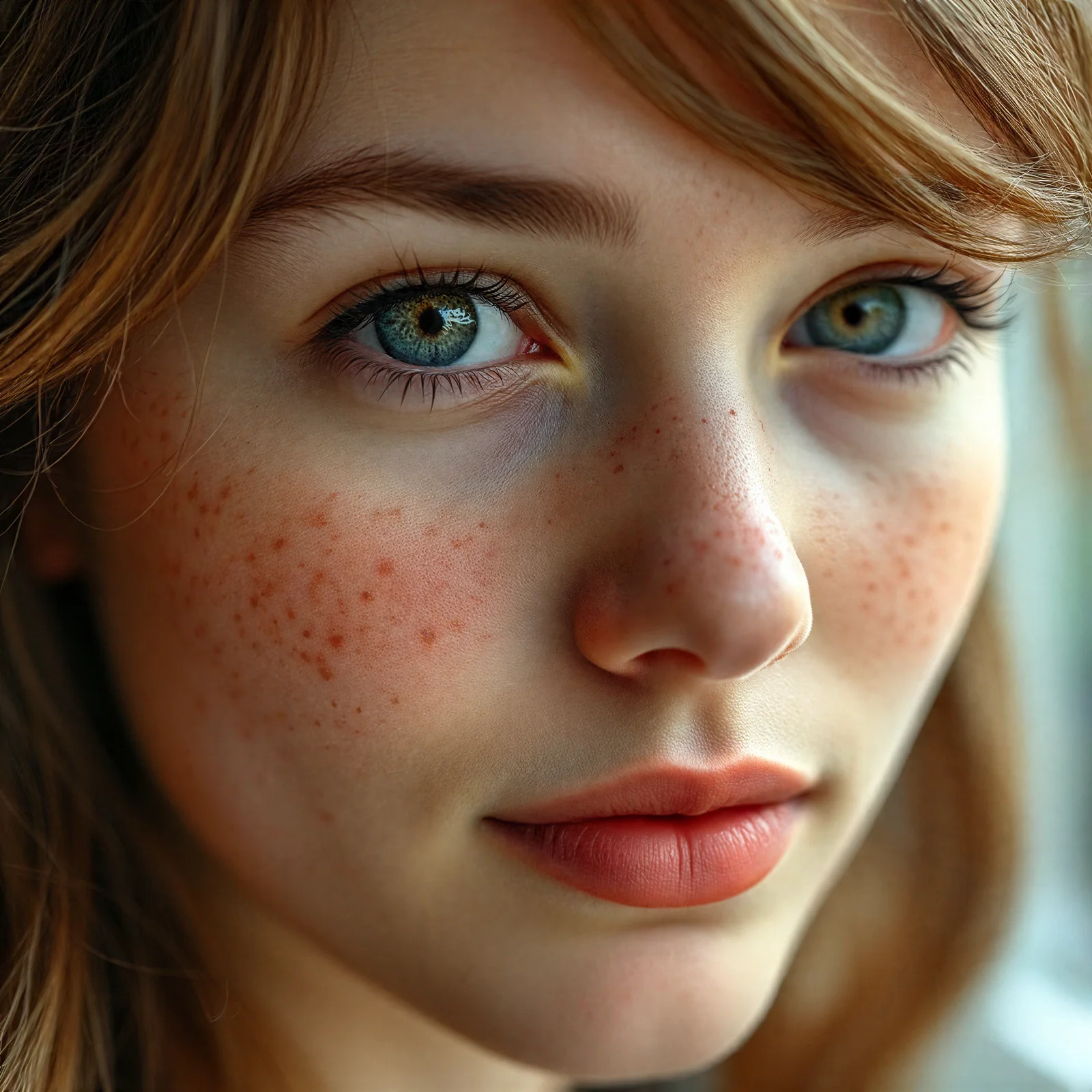
Reconstructs skin texture, hair, and eyes while keeping the person's actual face.
Print- and share-ready
Delivers a clean full-resolution PNG you can archive, print, or post — no watermark.
How it works
Upload the old photo
Drag and drop a scan or photo of the print (JPG, PNG, or WebP up to 20 MB).
Restore with AI
The AI denoises, sharpens, and rebuilds lost detail in a few seconds.
Download the result
Save the restored photo as a full-resolution PNG.
Works well on: scanned prints, low-resolution or heavily compressed photos, faded family pictures, and soft or slightly blurry portraits.
Keep in mind: it enhances what's there — content that was never captured (a hidden face, fully lost text) can't be invented, and severe physical damage may only partly recover.
What Is AI Old Photo Restoration?
AI old photo restoration reconstructs the detail an old or damaged photo has lost — noise, blur, compression artifacts, and fading — instead of just resizing it. A neural network trained on millions of image pairs predicts what the original detail looked like (skin texture, hair, eyes, edges) and rebuilds it, while keeping the person's real face rather than inventing a new one. The result is a clean, sharp photo that still looks like the original, not an over-smoothed repaint. It's the natural companion to super resolution: restoration cleans and rebuilds, upscaling then enlarges.
How to Restore an Old Photo Online
It all works in your browser — nothing to install, and it's the same on a phone, tablet, or computer. Scan or photograph the old print, drop the JPG, PNG, or WebP (up to 20 MB) into the tool above, and click Restore. In a few seconds you get a denoised, sharpened, detail-rebuilt version to download as PNG. Every new account starts with 200 free credits, and uploads are deleted automatically within 24 hours.
What It Fixes — and What It Can't
Restoration works best on old scans, low-resolution files, and heavily compressed photos: it removes grain and JPEG blocks, sharpens soft faces, and recovers texture. Slight motion blur improves too. What it cannot do is invent content that was never captured — a face turned away from the camera, or text that was fully lost, won't come back. Expect a faithful clean-up and enhancement, not a repaint.
Getting the Best Restoration Results
Old photo restoration can only rebuild from what the file actually contains, so the input matters. Make the cleanest scan you can: wipe dust off the glass or the print, scan at a high resolution (600 DPI or more for small prints), and keep the photo flat so nothing is warped or shadowed. If you only have a phone, shoot the print in even, indirect light with no glare and fill the frame. Feed the tool the largest, sharpest copy you have — a bigger, cleaner source gives the AI more real detail to work from, and a noticeably better restoration.
Restoration vs. Upscaling — Which One?
Restoration and upscaling solve different problems and often pair up. Old photo restoration cleans and rebuilds: it removes noise, grain, scratches, and compression damage, and reconstructs soft or missing detail while keeping the original look. Upscaling then enlarges the cleaned-up image, adding resolution for a large print or a high-DPI screen. If your photo is damaged or low quality, restore it first; if it's already clean but simply too small, go straight to the upscaler. Running restoration and then upscaling gives the sharpest large result from an old scan.
FAQ
Is the old photo restoration tool free?
Yes. Every new account starts with 200 free credits — plenty to restore a batch of photos — and there's no software to download.
Do I need to download an app to restore photos?
No. It works in your web browser on phones, tablets, and computers — nothing to install.
Will it keep the person's real face?
Yes. The model is tuned for faithful restoration: it rebuilds detail while preserving the original identity, rather than beautifying or replacing the face.
Can it fix scratches and noise on scanned photos?
Yes. It removes grain, compression artifacts, and minor damage, and rebuilds soft or blurry areas — best results come from the cleanest scan you can make.
Do restored photos have a watermark?
No. Downloads are full-resolution PNG files with no watermark on every plan, including free accounts.