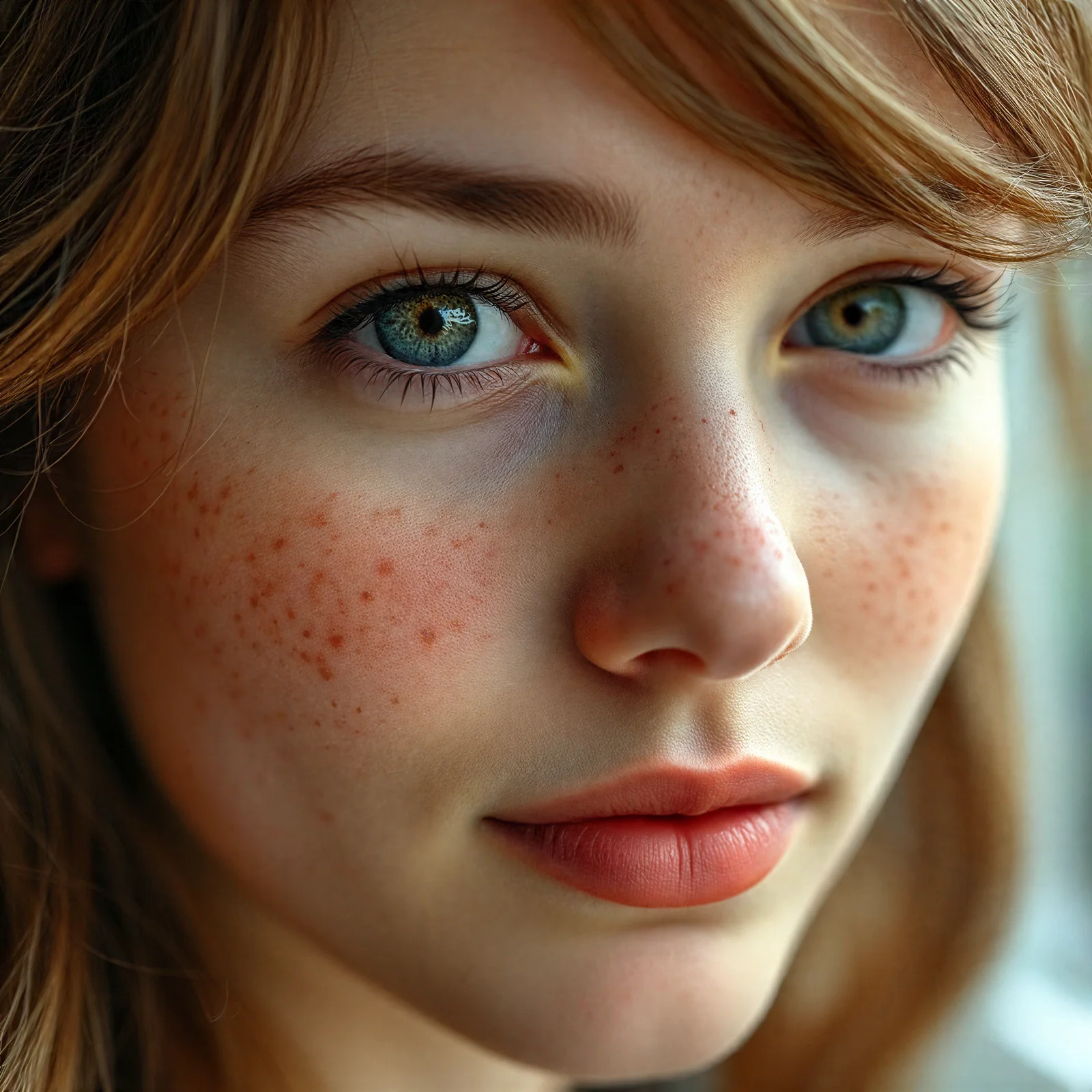
Photo Retouching
Free AI Photo Retouching
AI photo retouching that smooths skin, clears up blemishes, and sharpens faces automatically. Upload a portrait and download a polished, full-resolution result in seconds.
- No watermark
- 200 free credits, no card
- No app to install
- Deleted in 24h
 Before
 After
AfterDrag & drop your image here
or click to browse. Supports JPG, PNG, WebP (max 20 MB)
JPG · PNG · WebP up to 20 MB · Auto-deleted within 24 hours
What AI Photo Retouching Does
Smooths and evens skin
Softens blemishes, spots, and uneven texture for a clean, polished portrait.
Sharpens key features
Brings out the eyes and facial detail while keeping the face recognizable.
Ready to post
Downloads as a full-resolution PNG with no watermark, on any plan.
How it works
Upload a portrait
Drag and drop a photo of a face (JPG, PNG, or WebP up to 20 MB).
Retouch with AI
The AI smooths skin, reduces blemishes, and sharpens features in seconds.
Download the result
Save the retouched portrait as a full-resolution PNG.
Works well on: selfies and portraits, headshots, and social or profile photos where you want cleaner skin and crisper features.
Keep in mind: retouching leans toward a flattering, smoother look, so fine skin texture is softened — use restoration instead when you want a strictly faithful result.
What Is AI Photo Retouching?
AI photo retouching enhances a portrait automatically — smoothing skin, softening blemishes, and sharpening the eyes and facial features — without the manual brushwork of a photo editor. A neural network trained on millions of faces reconstructs clean facial detail and evens out skin tone while keeping the person recognizable. It's the beauty-oriented cousin of restoration: where old-photo restoration stays strictly faithful to the original, photo retouching leans toward a polished, flattering result. Upload a selfie or portrait and get a camera-ready version in one click — no Photoshop, no subscription, and no watermark on the download.
What AI Photo Retouching Can Fix
Photo retouching works best on the small imperfections that pull attention away from a face. It evens out blotchy or uneven skin tone, softens acne, spots, and razor bumps, and reduces shine and redness. It also lifts dullness — brightening tired-looking eyes and adding a little clarity to lashes and hair — and can rescue a slightly soft-focus portrait by sharpening the key features. What it won't do is redraw the photo: the goal is a cleaner, more polished version of the same person, not a different face. For heavier damage like scratches, dust, or fading on an old scan, use restoration instead.
How to Retouch a Photo Online
It all works in your browser — nothing to install, and it's the same on a phone, tablet, or computer. Drop a JPG, PNG, or WebP portrait (up to 20 MB) into the tool above and click Retouch. In a few seconds you get a version with smoother skin, reduced blemishes, and crisper features to download as a full-resolution PNG. Every new account starts with 200 free credits, and uploads are deleted automatically within 24 hours.
Tips for Natural-Looking Retouching
For results that still look like you, start with the sharpest, best-lit photo you have — retouching refines detail, it can't invent what the camera never captured. Front-facing portraits with even lighting retouch most convincingly, while harsh shadows and heavy makeup are harder for the AI to read. If a result looks too smooth, the original was probably low resolution, so try a larger copy of the same shot. And pick the right tool for the job: photo retouching polishes good portraits, upscaling adds resolution, and restoration repairs old or damaged photos.
Retouching vs. Restoration — Which One?
Use retouching when the photo is fine but you want a more polished, flattering portrait: smoother skin, fewer blemishes, brighter eyes. Use old-photo restoration when the photo is old, scanned, noisy, or damaged and you want a faithful clean-up that preserves the original look. Both run in one click; retouching enhances, restoration repairs.
FAQ
Is the photo retouching tool free?
Yes. Every new account starts with 200 free credits — plenty to retouch a batch of photos — and there's no software to download.
Will the person still look like themselves?
Yes. The AI enhances and smooths while keeping the face recognizable, rather than replacing it — though retouching does lean toward a more flattering, polished look.
What's the difference between retouching and restoration?
Retouching polishes a good photo (smoother skin, clearer features); restoration repairs an old or damaged one faithfully. Pick retouching for portraits, restoration for old scans.
Do retouched photos have a watermark?
No. Downloads are full-resolution PNG files with no watermark on every plan, including free accounts.