AI Photo Tools
Free browser tools to upscale, enhance, restore, remove or change backgrounds, and convert JPG, PNG & WebP — no app to install.
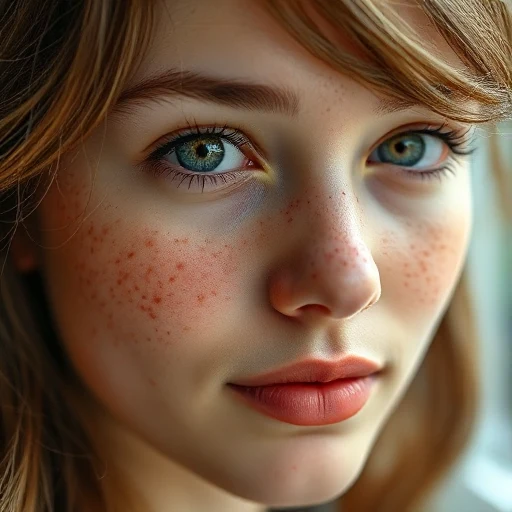 Before
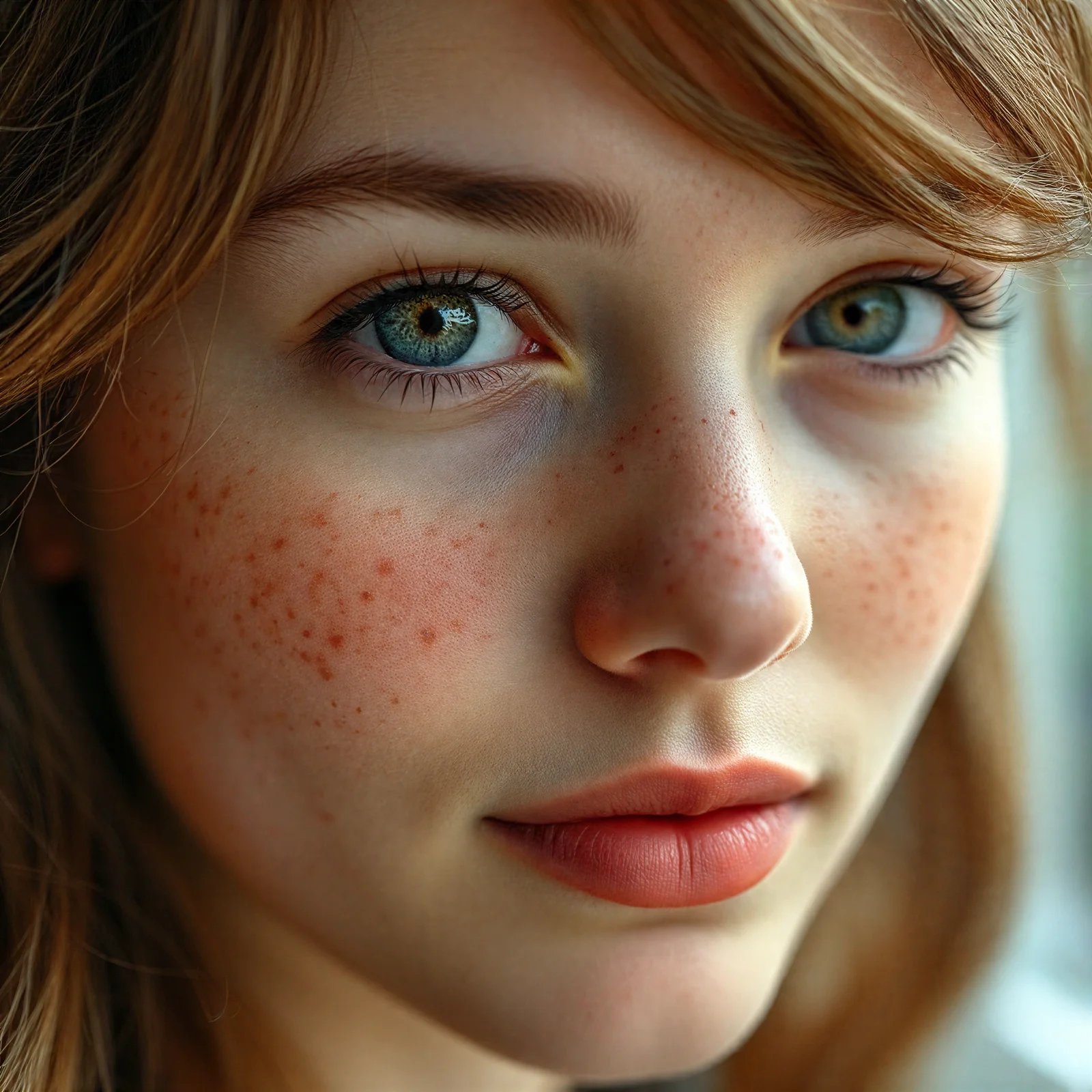 After
AI Super Resolution
Enlarge images 2x–16x up to 8K while keeping them sharp.
Open Before
 After
Photo Enhancer
One-click online photo quality and AI resolution enhancer that turns blurry, noisy, or low-pixel pictures into crisp HD and 4K-ready images in seconds — right in your browser.
Open Before
 After
Old Photo Restoration
AI old photo restoration that brings faded, scratched, and low-resolution photos back to life. Upload one and download a clean, sharp result in seconds.
Open Before
 After
Photo Retouching
AI photo retouching that smooths skin, clears up blemishes, and sharpens faces automatically. Upload a portrait and download a polished, full-resolution result in seconds.
Open Before
 After
Increase Photo Resolution
Convert pixelated thumbnails, crops, and web graphics into crisp 1080p HD, 4K UHD, and 300 DPI print-ready PNGs — choose 2× or 4× AI super-resolution (up to 25 MP) right in your browser.
Open Before
 After
AI Image Upscaler
Free image upscaler that enlarges product photos, cropped portraits, and AI art 2× or 4× without losing quality — export crisp 4K UHD and 300 DPI lossless PNGs (25 MP max) right in your browser.
Open Before
 After
AI Image Brightener
One-click online image brightener that lifts dark shadows, relights backlit faces, and balances dim indoor or night exposure while suppressing shadow ISO noise — exporting lossless PNGs in your browser.
Open Before
 After
AI Denoise
One-click online AI denoise tool that strips high-ISO luminance grit, magenta-green chroma blotches, JPEG blocks, and 35mm film grain at native 1× pixel dimensions — exporting lossless PNG files in your browser.
Open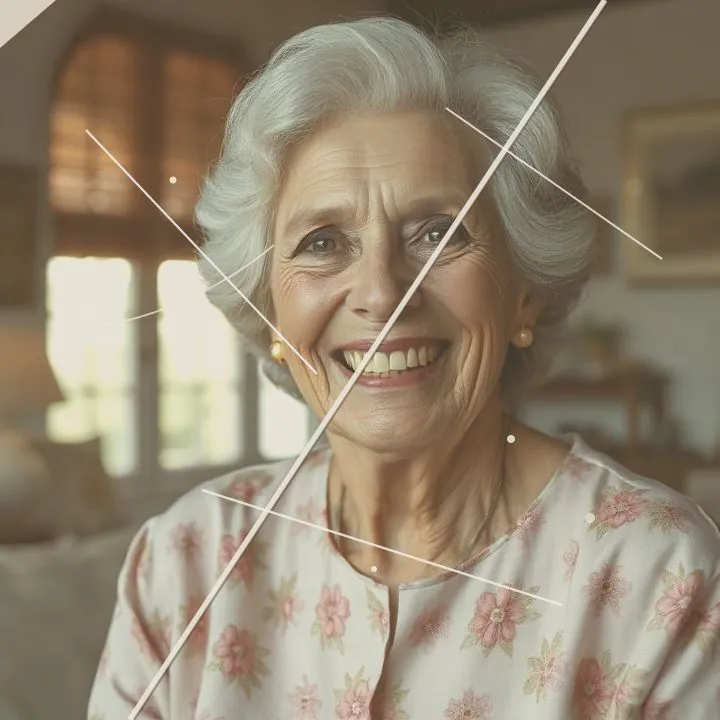 Before
 After
Damaged Photo Repair
Browser-based damaged photo repair using neural inpainting to fix torn prints, scratches, fold creases, water stains, and faded images in lossless PNG.
Open Before
 After
AI Face Fixer
One-click browser AI face fixer that rescues blurry low-quality selfies, clarifies eyes, lashes, and natural skin pores without waxy smoothing, and exports adaptive 2× lossless PNG portraits ready for Facebook and profile avatars.
Open Before
 After
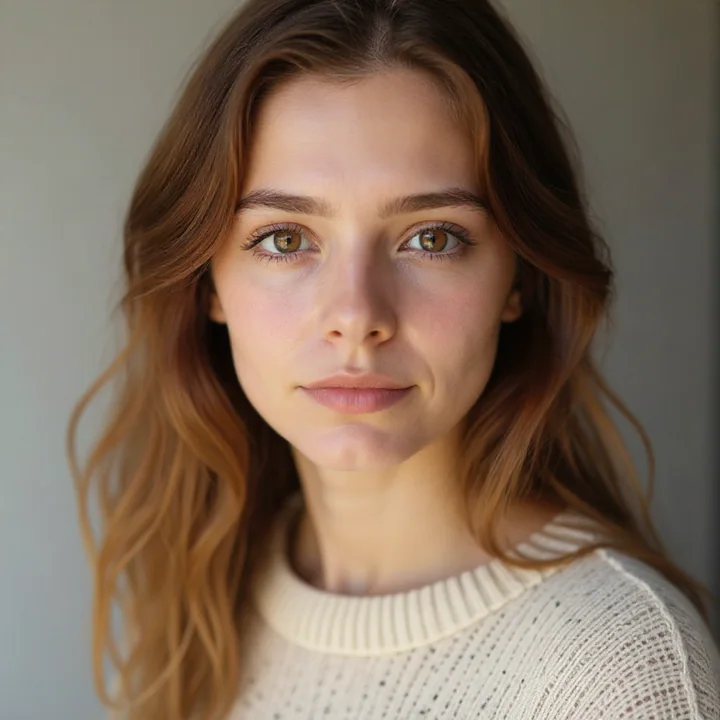
Image Enhancement Program
Skip bulky desktop installers with a zero-install browser image enhancement program for Windows, macOS, and mobile delivering adaptive 1×–2× neural clarity up to 16 MP, HDR tone balance, and lossless PNG export.
Open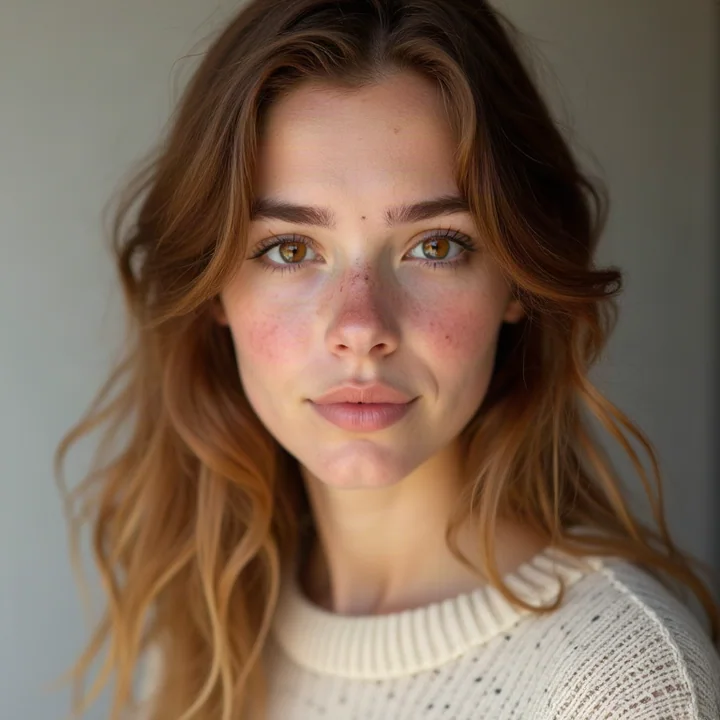 Before
 After
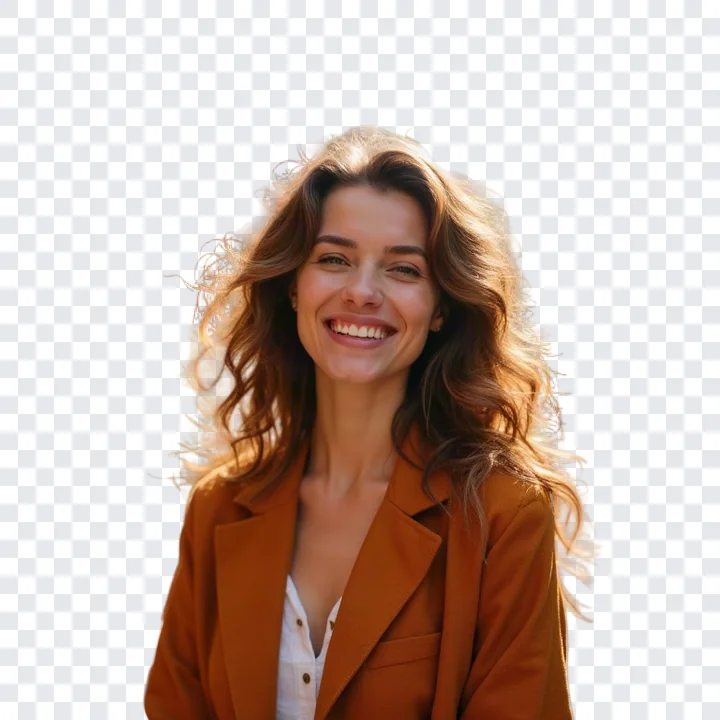
Airbrush AI
One-click browser Airbrush AI and airbrush photo enhancer that clears blemishes, cheek redness, oily shine, and tired under-eye shadows in seconds — keeping natural skin pores and crisp eyes intact.
Open Before
 After
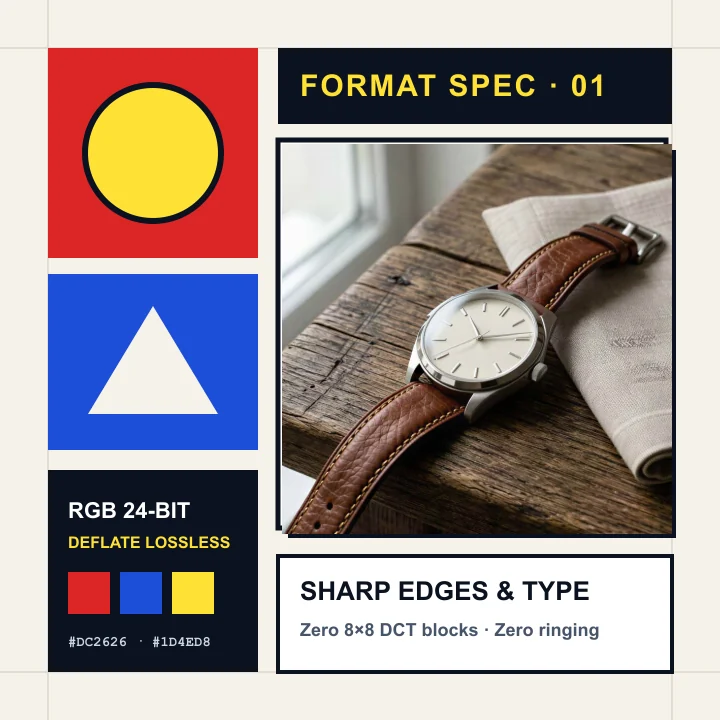
Remove Background
One-click AI tool to remove background from photos, portraits, pets, and product shots in about 4 seconds — exporting clean, full-resolution transparent PNGs with refined hair and edge detail right in your browser.
Open Before
 After
JPG to PNG
Turn single or batch .jpg and .jpeg images into lossless PNG files right in your browser. Zero credits, zero watermark, and your photos never leave your device.
Open Before
 After
Change Background of Photo
One-click AI tool to change background of photo files in about 10 seconds — pick from six studio presets or describe a custom scene while preserving facial identity, crisp hair strands, and matched lighting.
Open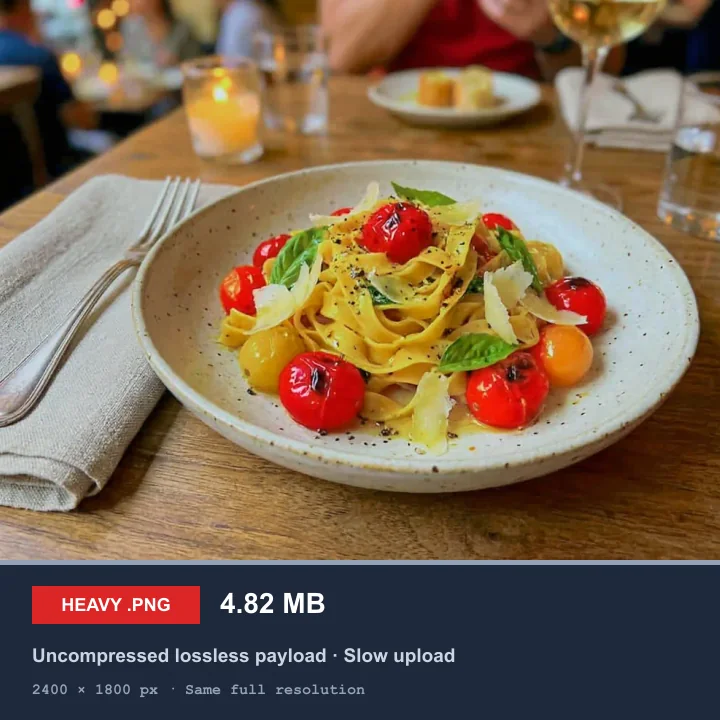 Before
 After
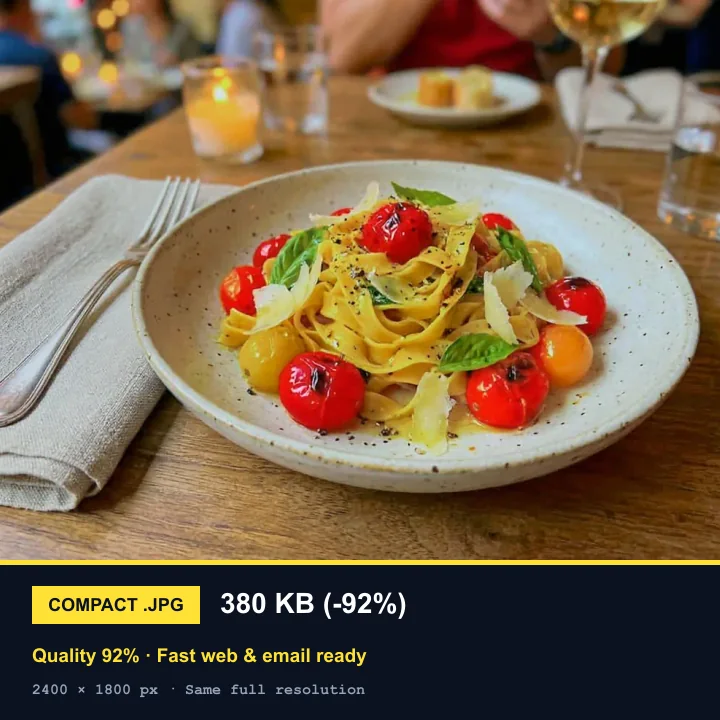
PNG to JPG
Shrink heavy .png screenshots and photos into fast, universal .jpg files right in your browser. Choose JPEG quality, set a clean fill color for transparency, and batch up to 30 images privately.
Open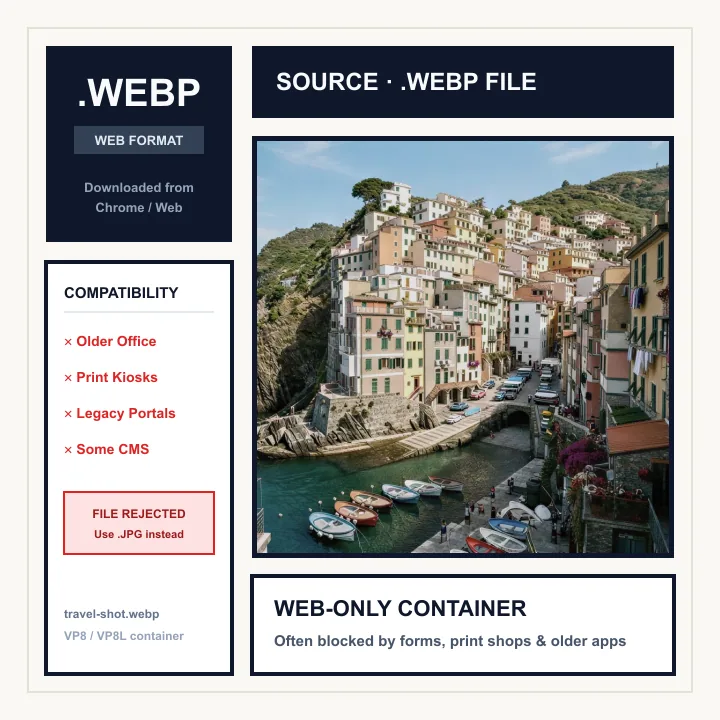 Before
 After
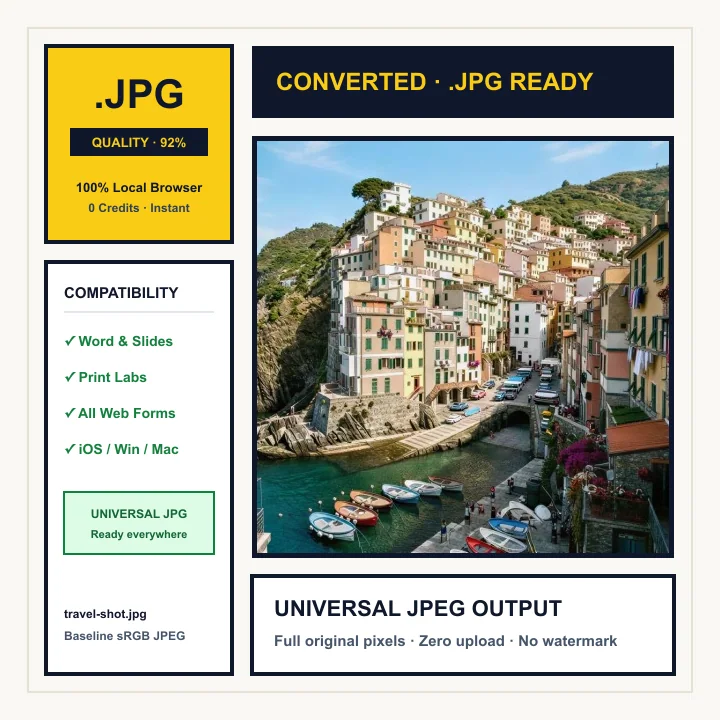
WebP to JPG
Turn WebP into JPG files right in your browser — single photos or up to 30 images in one batch. Adjust JPEG quality and matte fill with zero credits or watermarks.
Open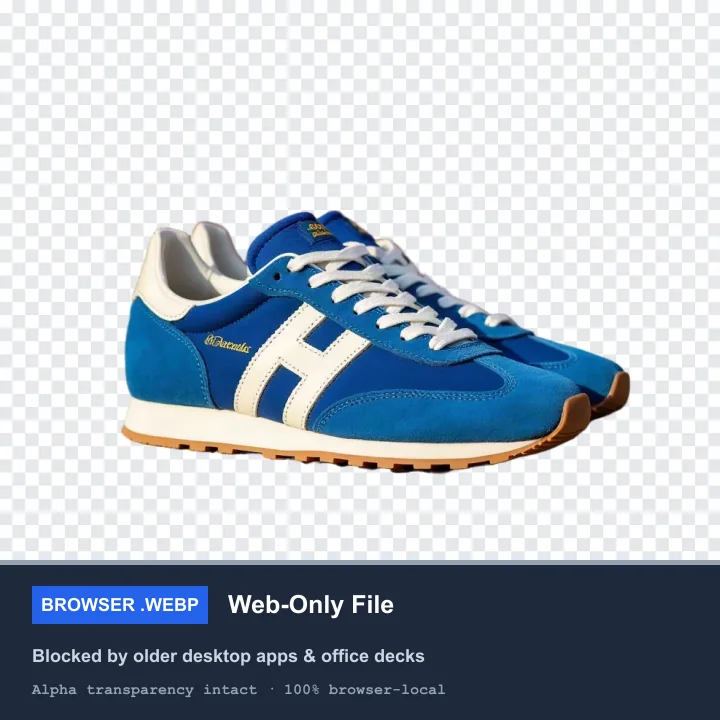 Before
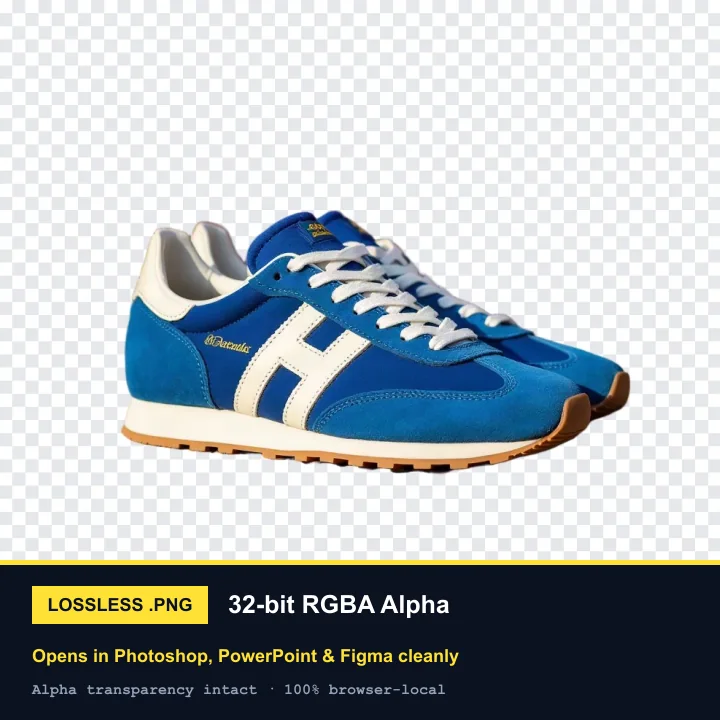 After
WebP PNG
Convert WebP files into universal lossless PNGs — or switch modes to compress PNG into compact WebP — right in your browser. Full alpha transparency preserved, zero credits, and your images never leave your device.
Open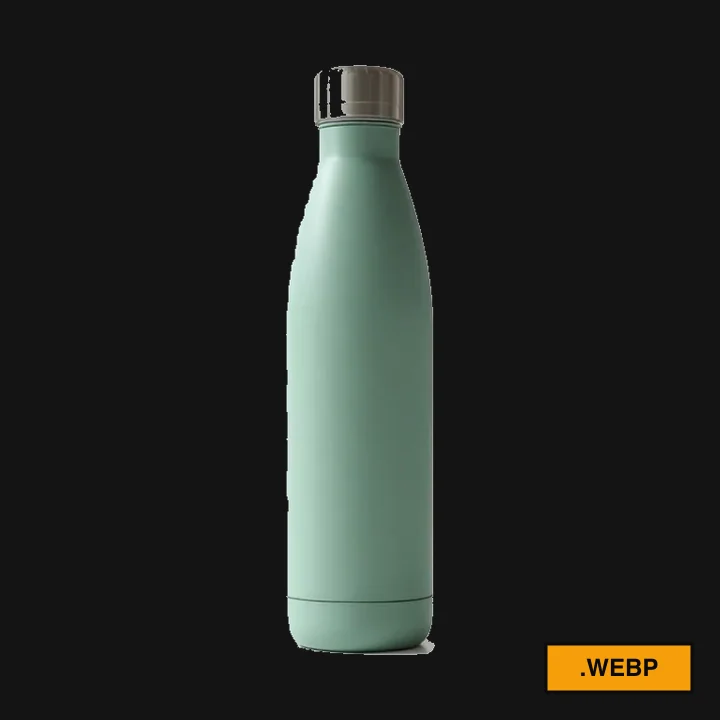 Before
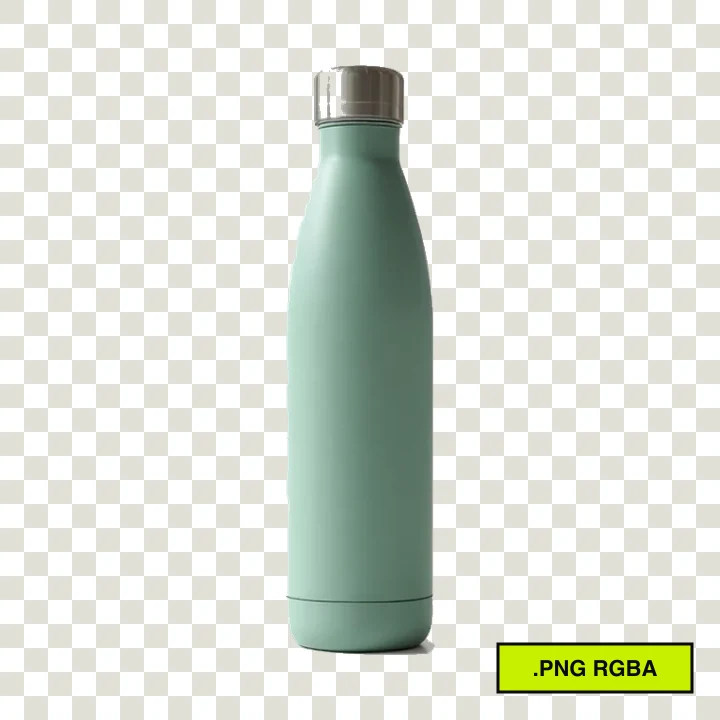 After
WebP to PNG
Convert WebP to PNG locally in your browser with full 32-bit RGBA transparency preserved. Process single graphics or bulk batches of up to 30 files at 0 credits — zero server uploads and zero watermarks.
Open