Increase Photo Resolution
Increase Photo Resolution Online Free
Convert pixelated thumbnails, crops, and web graphics into crisp 1080p HD, 4K UHD, and 300 DPI print-ready PNGs — choose 2× or 4× AI super-resolution (up to 25 MP) right in your browser.
- Full-res PNG output
- 48 free credits, no card
- No app to install
- Deleted after 30 days
 Before
 After
Drag & drop your image here
or click to browse. Supports JPG, PNG, WebP (max 20 MB)
JPG · PNG · WebP up to 20 MB · Deleted after 30 days
See How AI Converts Low-Res Pictures into High-Resolution Images
Slide any example below to inspect real 4× neural outputs across wedding portraits, 300 DPI botanical prints, twilight skylines, and packaging typography.
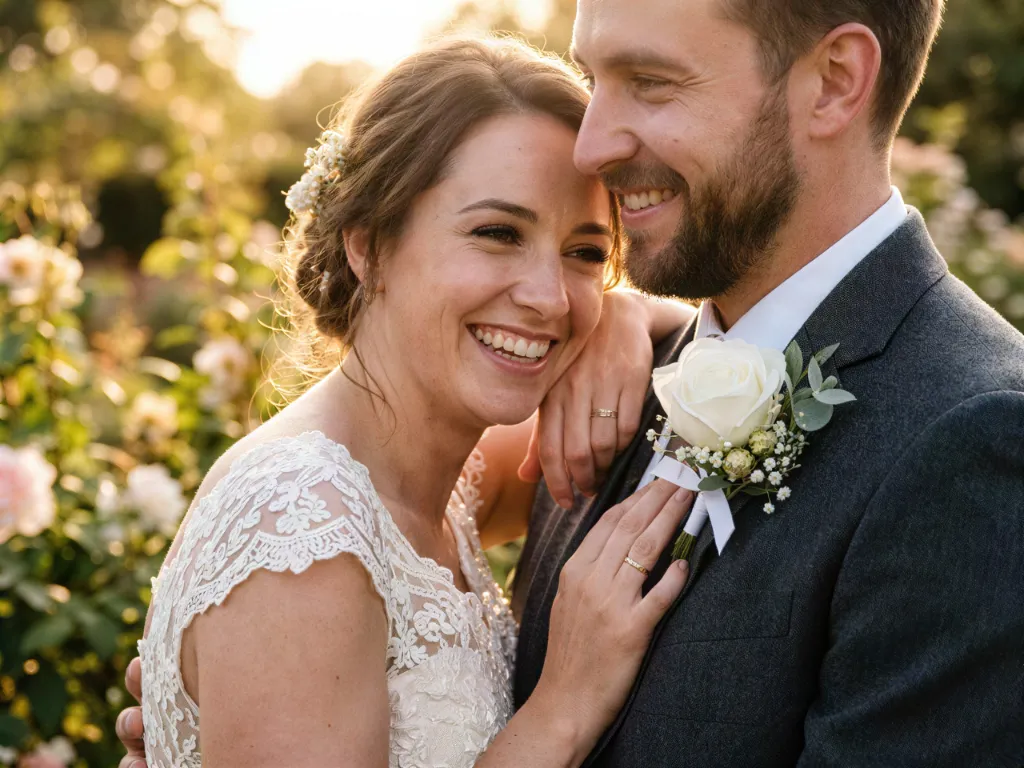
Turn small 320×240 crops and chat downloads into sharp high-res portraits
Tight group crops lose pixel density fast. Multiplying width and height by 4× boosts total pixel count 16× while keeping facial features natural.
- Rebuilds delicate Chantilly bridal lace, rose boutonniere petals, and wool lapel weave
- Restores sharp eyelashes, catchlights, and skin texture without plastic airbrushing
- Eliminates stair-step pixel edges along rings, hairlines, and sunlit bokeh highlights
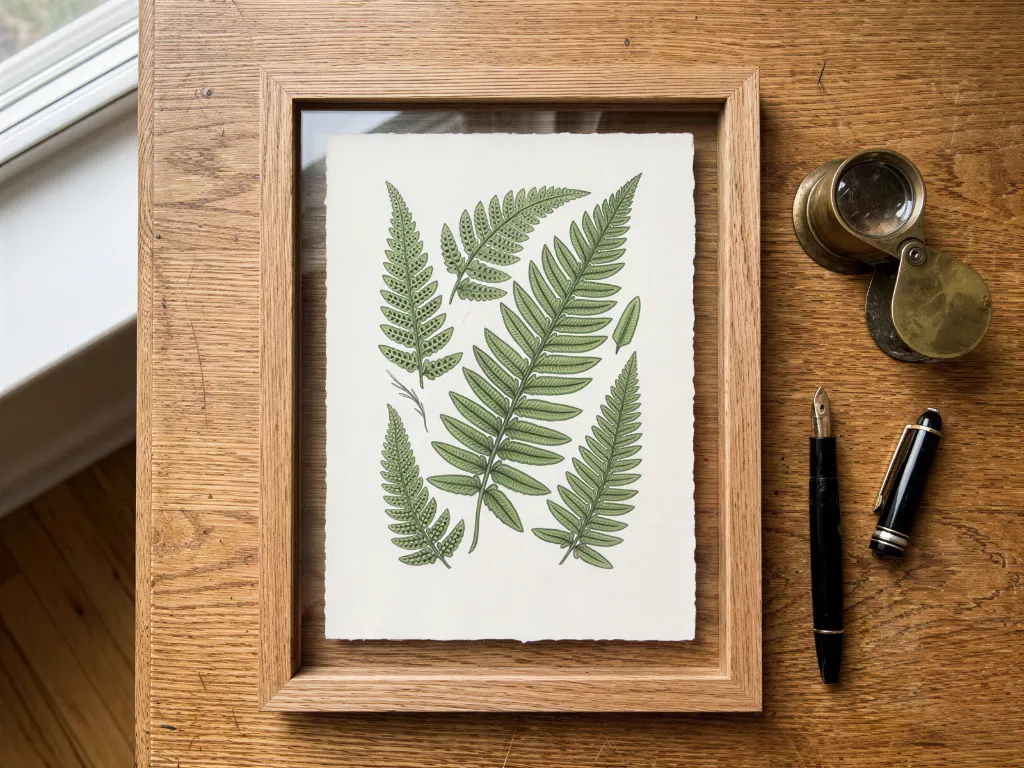
Boost picture resolution for 8×10, A4, and 300 DPI gallery framing
Printing web graphics directly at 300 DPI produces fuzzy ink dots. Upscaling 4× prepares a clean multi-megapixel file for your print lab.
- Sharpens fine botanical ink stippling, frond veins, and cotton-rag deckle paper edges
- Recovers oak desk grain, brushed brass printer's loupe reflections, and fountain-pen nib detail
- Exports lossless PNG files with the pixel density needed for crisp 300 DPI reproduction
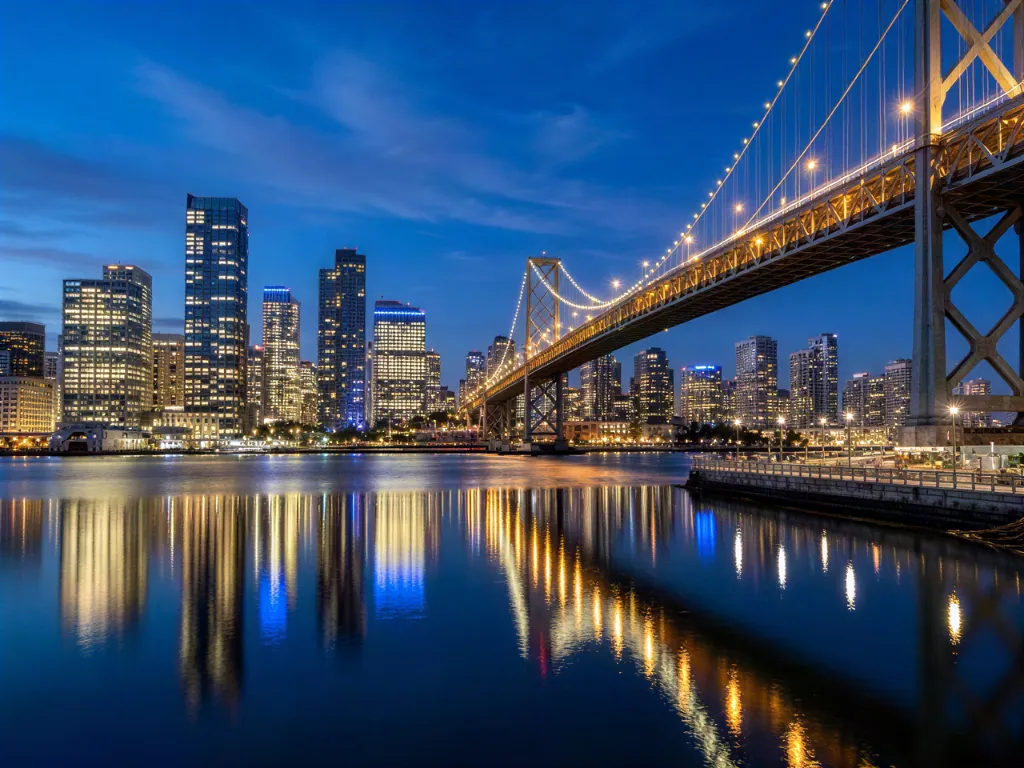
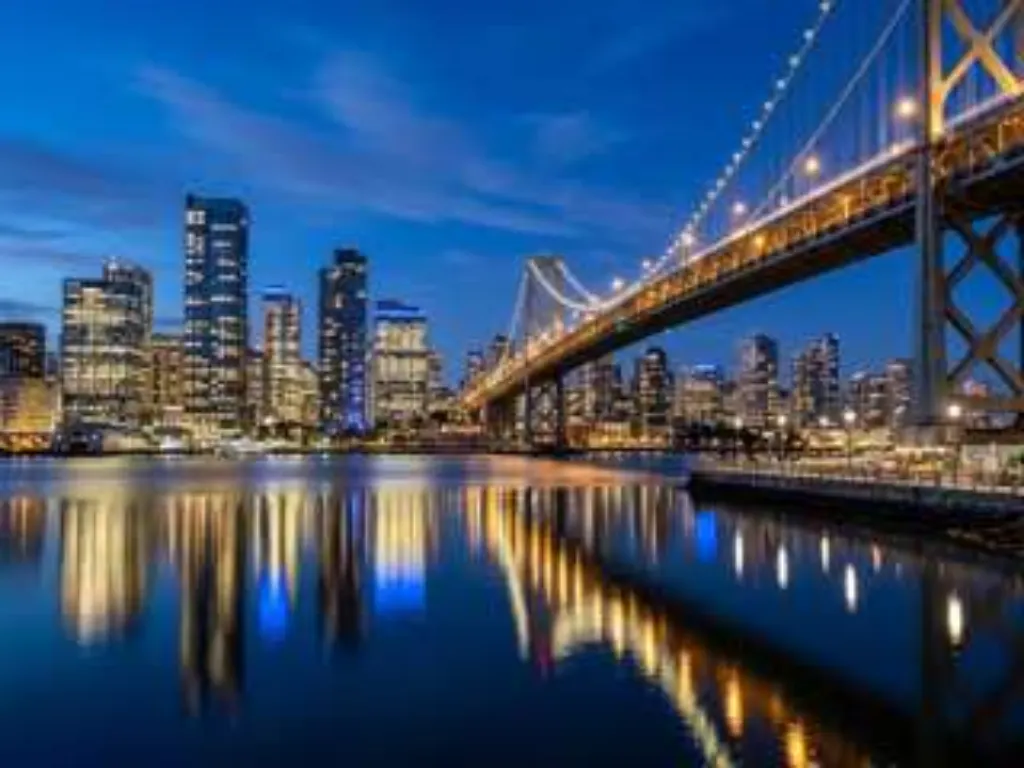
Upgrade legacy 480p and 720p camera captures for modern HD and 4K displays
Older digital snapshots look soft on high-density monitors. Scaling 2× or 4× reconstructs clean architectural geometry without sharpening halos.
- Resolves individual illuminated skyscraper window grids cleanly against twilight skies
- Crisps suspension-bridge cables, steel trusses, and waterfront promenade streetlamps
- Preserves smooth evening sky gradients and harbor reflections free of JPEG banding


Depixelate product photos and brand logos before placing them in Canva
Supplier thumbnails turn jagged on store banners and print flyers. One browser pass exports a crisp, artifact-free high-res PNG.
- Sharpens serif HARBOR ROASTERS and COLD BREW packaging typography with clean letterforms
- Clears JPEG mosquito ringing around copper-foil compass emblems and botanical line art
- Reconstructs kraft pouch fiber, amber glass highlights, and travertine stone pores
Why Use AI Super-Resolution Instead of Basic Resizing?
2× & 4× true pixel synthesis
Choose 2× (4× total pixels) or 4× ★ (16× total pixels, up to 25 MP) to increase photo resolution without bicubic blur.
Strips blocky JPEG pixelation
Clears 8×8 compression macroblocks and jagged stair-stepping before synthesizing crisp high-resolution detail.
1080p, 4K & 300 DPI lossless PNG
Exports uncompressed PNG files ready for 1080p Full HD, 2K, 4K UHD monitors, Canva layouts, and 300 DPI print shops.
How it works
Upload your source image
Drop a JPG, PNG, or WebP up to 20 MB — portraits, web thumbnails, AI art, or e-commerce product shots.
Select 2× or 4× scale
Pick 2× for fast HD doubling or 4× ★ for maximum megapixel conversion up to 25 MP, with live output dimensions.
Compare & download PNG
Slide between Original and High-Res at pixel level, then save your lossless high-resolution PNG.
Best inputs and limitations
Works well on: small web graphics (320×240, 640×480, 480p, 720p), tightly cropped portraits, compressed chat downloads, 1024×1024 AI art (ChatGPT, Gemini, Midjourney), 16:9 YouTube thumbnails, 4:5 social posts, and files needing higher pixel counts for 8×10, A4, or business card printing.
Keep in mind: neural super-resolution predicts fine detail from visible pixel structure — severe camera-shake streaks or illegible 3-pixel micro-type cannot be invented, physical tears or dust on vintage scans belong in Old Photo Restoration, and if you searched for an image pixelator to censor faces with 8-bit blocks, this tool does the opposite.
How to Increase Photo Resolution Without Losing Quality
Stretching pixel dimensions in a standard editor only spreads existing squares through bilinear or bicubic interpolation, leaving soft eyelashes and stair-stepped edges. Increasing resolution cleanly requires predicting genuine high-frequency detail rather than stretching the same grid.
Trained on millions of paired photographs, our super-resolution model analyzes surrounding gradients, edges, and textures to synthesize new pixels. Selecting 4× multiplies both width and height by four — turning a 0.5 MP (800×600) snapshot into an 8 MP (3200×2400) high-resolution image with 16× the total pixel count and sharp lettering.
Fixing Pixelated Pictures: AI Depixelation vs. Mosaic Pixelators
Snapshots usually turn blocky for three reasons: saving a tiny 320×240 or 640×480 preview instead of the original file, re-saving across messaging apps until 8×8 JPEG macroblocks appear, or cropping a small face out of a wide group photo.
Before scaling by 2× or 4×, the neural network neutralizes compression seams and edge ringing so diagonal lines and skin tones rebuild smoothly. Quick search clarification: an "image pixelator" applies a retro mosaic censor filter, whereas this tool reverses pixelation to restore clarity.
Megapixel Calculator, 1080p/4K Standards & 300 DPI Print Math
Before converting image resolution for displays or paper, quick pixel math tells you whether 2× or 4× fits best. Megapixels equal (width × height) ÷ 1,000,000: standard 1080p Full HD is 1920×1080 px (2.07 MP), 2K QHD / 1440p is 2560×1440 (3.69 MP), 4K UHD is 3840×2160 (8.29 MP), and 8K UHD is 7680×4320 (33.18 MP).
For 300 DPI printing, divide pixel dimensions by 300 to find maximum crisp inches: a 4×6 in print needs 1200×1800 px (2.16 MP), an 8×10 portrait needs 2400×3000 px (7.20 MP), A4 (8.27×11.69 in) requires 2480×3508 px (8.70 MP), and a 3.5×2 in business card needs 1050×600 px (1125×675 px with bleed). Within our 25 MP ceiling, 4× covers 4K and A4 easily; for 8K (33.2 MP) or 8×–16× gallery prints, use our flagship upscaler.
Workflows for Canva, ChatGPT & Gemini AI Art, and Social Media
You can check current pixel dimensions on Mac (Finder → Cmd+I → More Info), Windows (right-click → Properties → Details), or iPhone/Android Photos (swipe up), or drop any file into the uploader above to preview exact input and 2×/4× output sizes.
Creators routinely upscale 1024×1024 AI art from ChatGPT, Google Gemini, or Midjourney by 4× to reach 4096×4096 (16.78 MP — crisp at 13.7×13.7 in at 300 DPI). Likewise, making a photo higher resolution before importing logos or product shots into Canva, Photoshop, 16:9 YouTube thumbnails (1280×720 → 2560×1440), or 4:5 portrait posts (1080×1350 → 2160×2700) keeps exported PDFs and listings sharp.
Browser Workflow, 48 Free Credits & 30-Day Auto-Delete
Everything runs directly in Chrome, Safari, Edge, and Firefox across iPhone, Android, Mac, and Windows — no desktop installer or local GPU driver required.
Every new account includes 48 free signup credits (valid for 7 days, no credit card required). Processing is metered at 12 credits per input megapixel (minimum 12 credits per image) — enough for up to four real 2× or 4× watermarked previews on images up to 1 MP, or 1–3 previews on 1–4 MP files. Upgrading with a 500-credit pack ($6.99 USD during our Holiday Sale, regularly $9.99, through December 30) or Pro (from $9.95/mo billed annually at $119.40 first year, or $19.99/mo monthly) unlocks watermark-free lossless PNG downloads across every tool, and uploads are kept privately for up to 30 days for support, then deleted automatically.
1080p, 4K, Megapixel & 300 DPI Print Resolution Chart
Match your source file with this pixel, megapixel, and 300 DPI print chart before selecting 2× or 4×:
| Target Standard | Pixels & Megapixels | Max 300 DPI Print Size | Recommended AI Workflow |
|---|---|---|---|
| 1080p Full HD & YouTube Thumbnail (16:9) | 1920 × 1080 px (2.07 MP) | 6.4 × 3.6 in (16.3 × 9.1 cm) | 2× from 960×540 qHD or 4× from 480×270 web video frame |
| 2K QHD (1440p) & 4:5 Social Portrait | 2560 × 1440 px (3.69 MP) / 2160 × 2700 px (5.83 MP) | 8.5 × 4.8 in / 7.2 × 9.0 in | 2× from 1280×720 HD thumbnail or 1080×1350 social post |
| 4K UHD Display & Zoom Catalog | 3840 × 2160 px (8.29 MP) | 12.8 × 7.2 in (32.5 × 18.3 cm) | 2× from 1920×1080 Full HD or 4× from 960×540 snapshot |
| 8×10 in & A4 Archival Print | 2400 × 3000 px (7.20 MP) / 2480 × 3508 px (8.70 MP) | 8 × 10 in / A4 (210 × 297 mm) | 4× from 600×750 portrait crop or 2× from 1240×1754 scan |
| AI Art (ChatGPT / Gemini) & 8K Wall Print | 4096 × 4096 px (16.78 MP) / 7680 × 4320 px (33.18 MP) | 13.7 × 13.7 in (4× here) / 25.6 × 14.4 in (8K) | 4× here from 1024×1024 AI art (≤25 MP); 8×–16× Upscaler for 8K |
Simple, Transparent Pricing
Choose the plan that fits your needs. New users get 48 free credits on signup.
Black Friday SaleEnds December 30. Discounts apply automatically at checkout.
Pro
Everything, one simple plan
$119.40 for the first year, then $199/year
- Up to 16x upscale
- Instant processing
- Ultra HD output
- Credits never expire
- Priority support
- Commercial license
Credit pack
Top up anytime — credits never expire
- No subscription needed
- Credits never expire
- Works on any account
Frequently Asked Questions
How do I increase photo resolution without losing quality?
Upload your JPG, PNG, or WebP file above, choose 2× or 4× ★, and click Increase Resolution. Unlike basic resizers that stretch pixels and blur edges, our super-resolution AI synthesizes crisp textures, edges, and lettering up to 25 MP.
What is 1080p, 2K, 4K, and 8K in pixels and megapixels?
Standard 1080p Full HD is 1920×1080 pixels (2.07 MP); 2K QHD (1440p) is 2560×1440 pixels (3.69 MP); 4K UHD is 3840×2160 pixels (8.29 MP); and 8K UHD is 7680×4320 pixels (33.18 MP). Use 2× or 4× on this page to reach 1080p, 2K, or 4K UHD.
How many pixels do I need for 8×10, A4, and business card printing?
At 300 DPI, multiply inches by 300: a 4×6 print needs 1200×1800 px, an 8×10 print needs 2400×3000 px (7.2 MP), an A4 sheet (8.27×11.69 in) needs 2480×3508 px (8.7 MP), and a 3.5×2 in business card needs 1050×600 px (1125×675 px with bleed). Use 2× or 4× above whenever your file falls short.
How do I find current pixel dimensions on iPhone, Android, Mac, or Windows?
On Mac, select the file in Finder and press Cmd+I (More Info → Dimensions). On Windows, right-click → Properties → Details. On iPhone or Android, swipe up on the photo in your gallery, or drop any file into the uploader above to preview input and output dimensions.
Can I upscale AI-generated art (ChatGPT, Gemini) or Canva assets?
Yes. Most AI generators export 1024×1024 files (~1.05 MP), which look soft on posters. Running 4× converts them into crisp 4096×4096 (16.78 MP) PNGs, and upscaling logos or product shots before Canva layout keeps exported PDFs sharp.
Is it free to increase photo resolution on this page?
Yes. Every new account receives 48 free credits on signup (no credit card required) to generate real watermarked previews on your own images. To download clean, watermark-free full-resolution PNGs, pick up a one-time 500-credit pack for $6.99 USD during our Holiday Sale (30% off $9.99 through December 30, never expires) or upgrade to Pro from $9.95/mo billed annually ($119.40 first year, 40% off $199/yr) or $19.99/mo monthly.
What DPI should I scan printed photos at, and what format downloads?
Scan standard 4×6 family prints at 600 DPI (~2400×3600 px) or wallet snapshots at 1200 DPI. If you only have an older 150–300 DPI scan, upscale it 2× or 4× here — every output downloads as a lossless PNG so zero new JPEG artifacts are added.