WebP to JPG
Free WebP to JPG Converter Online
Turn WebP into JPG files right in your browser — single photos or up to 30 images in one batch. Adjust JPEG quality and matte fill with zero credits or watermarks.
- 100% free, 0 credits
- Batch up to 30 in browser
- Universal JPG, no watermark
- Files stay on your device
Drop WebP files here
or click to browse — paste with Ctrl+V · batch convert up to 30 files at once
Supports .webp (plus .png, .avif, .gif) · 100% local in your browser · 0 credits
Choose WebP FilesReplaces alpha transparency cleanly (no black boxes)
100% private — converted locally in your browser. Files never leave your device.
Why teams switch WebP to JPEG before sharing or printing
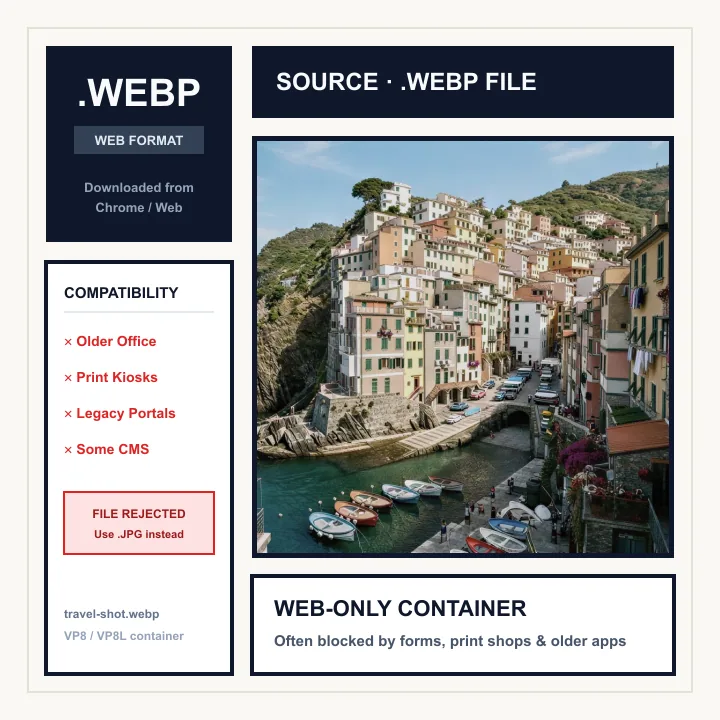
Modern sites serve .webp images to trim page weight, yet everyday office suites, print kiosks, and upload forms still demand standard baseline JPEG files.
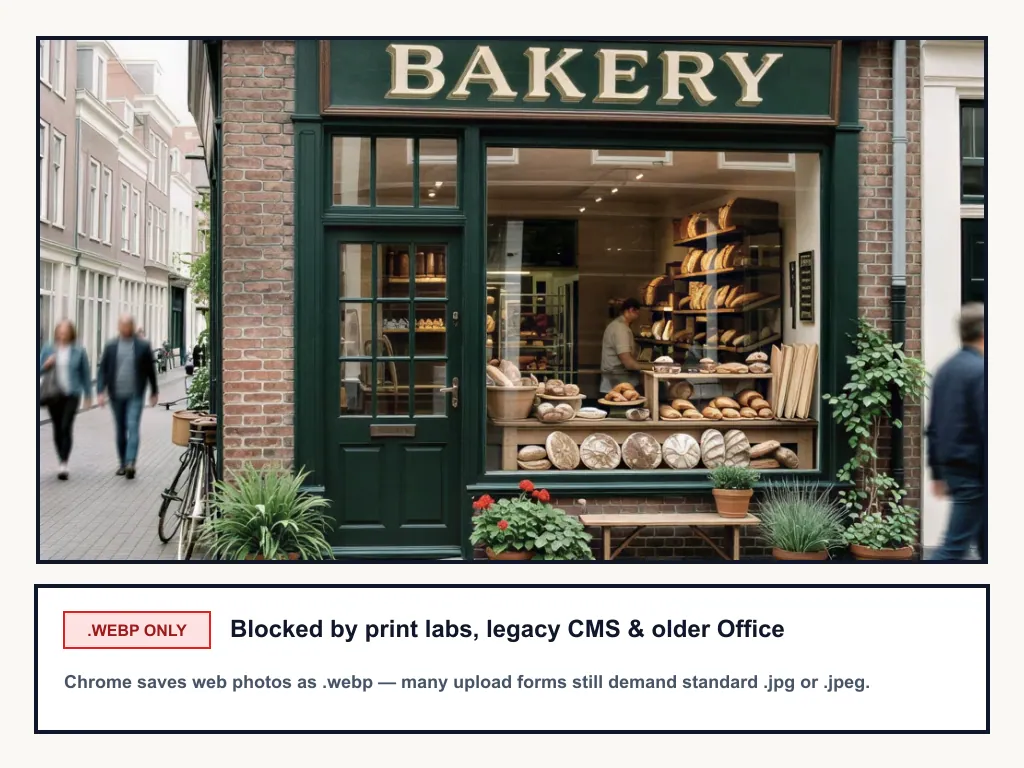
Fix rejected uploads across Office, print labs, and legacy portals
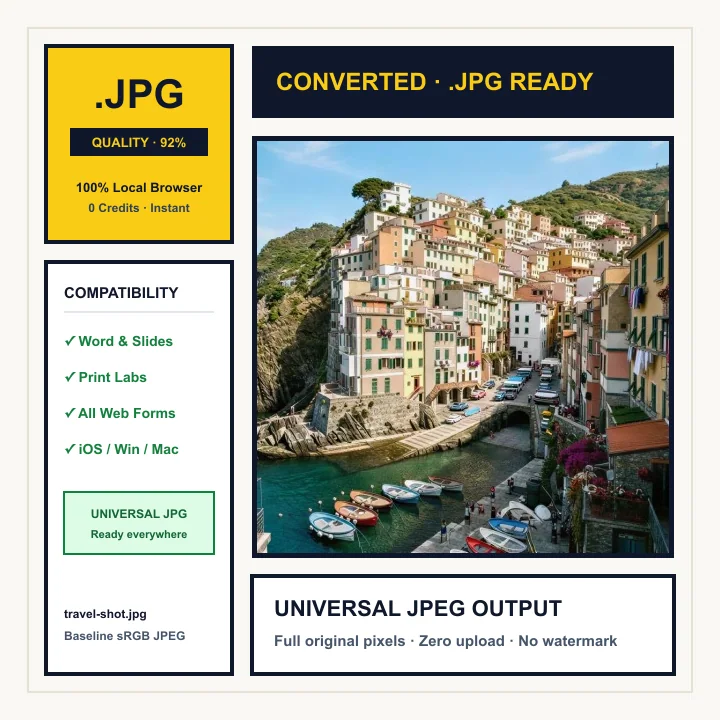
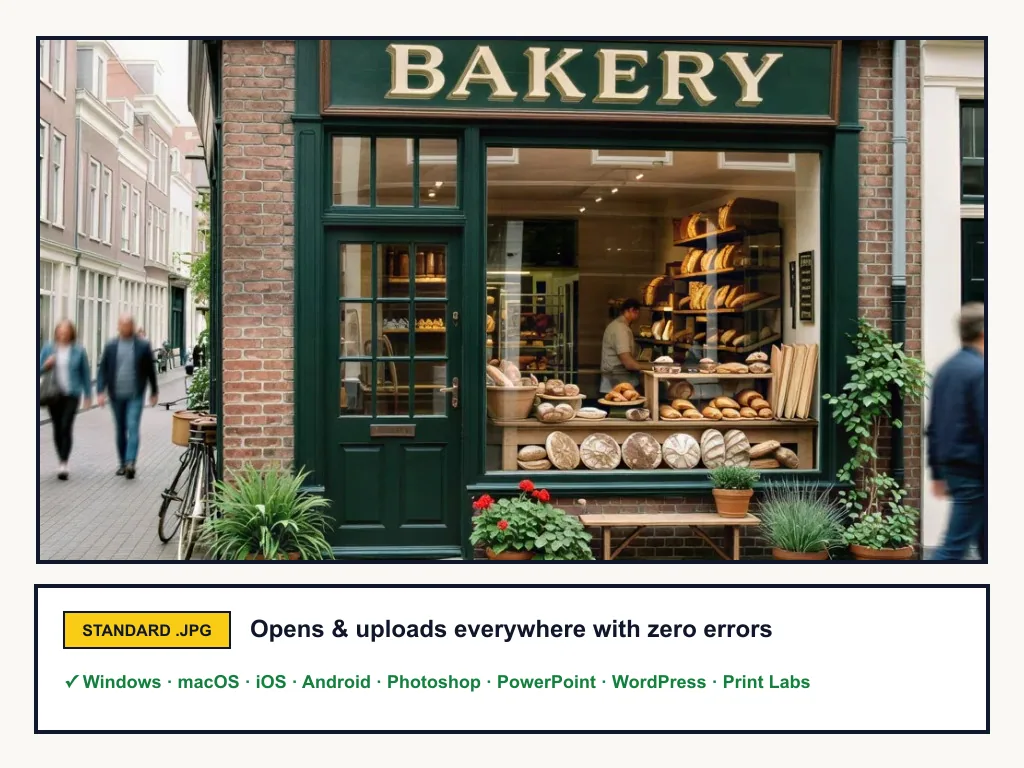
Chrome, Edge, and Safari save many web photos as .webp, which breaks older PowerPoint decks, government portals, and photo printers. One click lets you turn WebP into JPG for universal support.
- Exports standard baseline .jpg for Windows, macOS, iOS, and Android
- Opens cleanly in PowerPoint, Word, email clients, and retail print kiosks
- Keeps exact original pixel dimensions with zero forced cropping
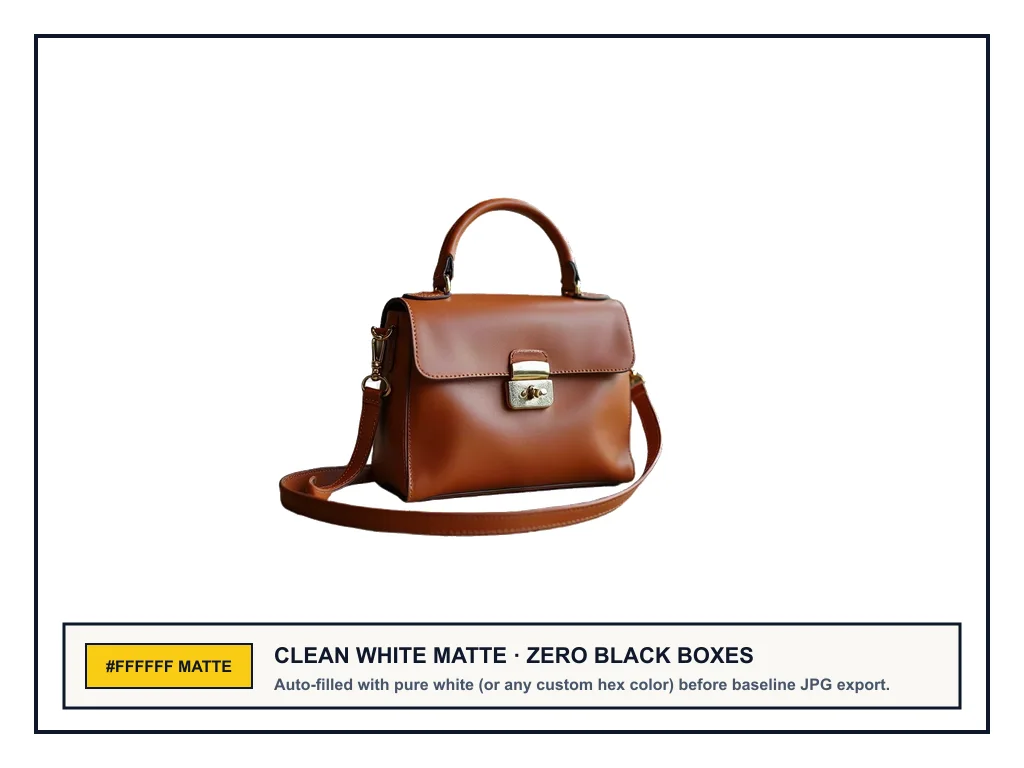
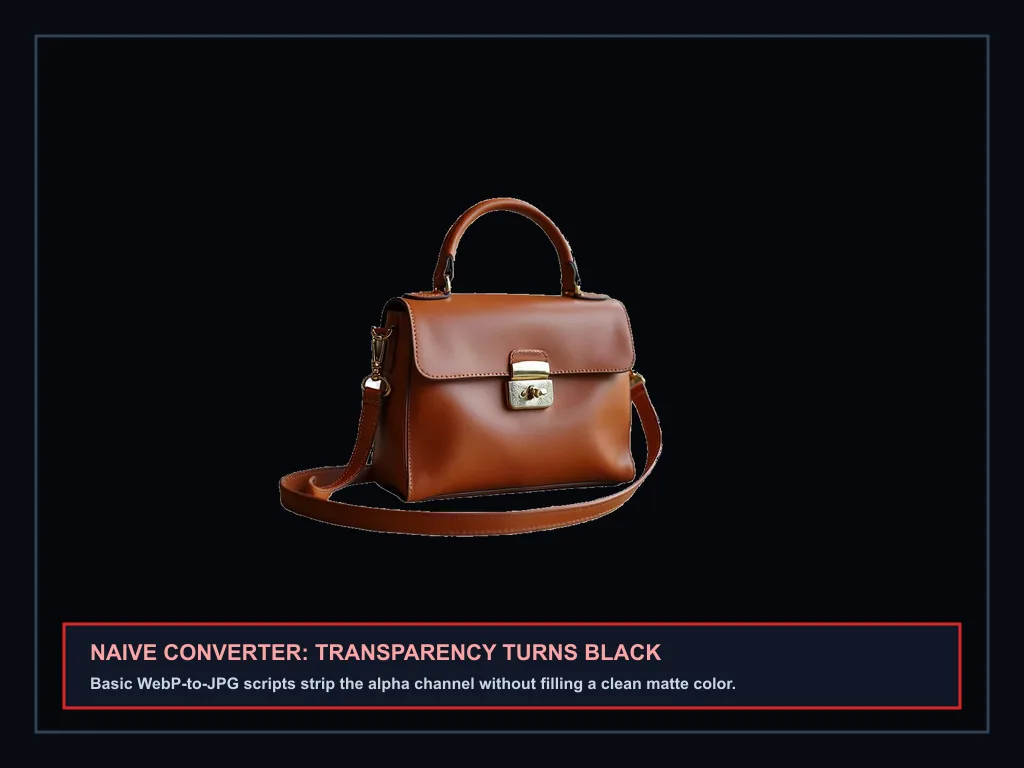
Replace black transparency errors with clean white backdrops
Because JPEG has no alpha channel, naive converters flatten transparent WebP cutouts onto ugly black boxes. Our matte picker composites alpha edges onto pure white or any custom hex swatch.
- Defaults to Pure White (#FFFFFF) suited for marketplace product listings
- Pick preset swatches or enter any hex color to re-encode instantly
- Need to keep real transparency? Route to our lossless PNG workflow
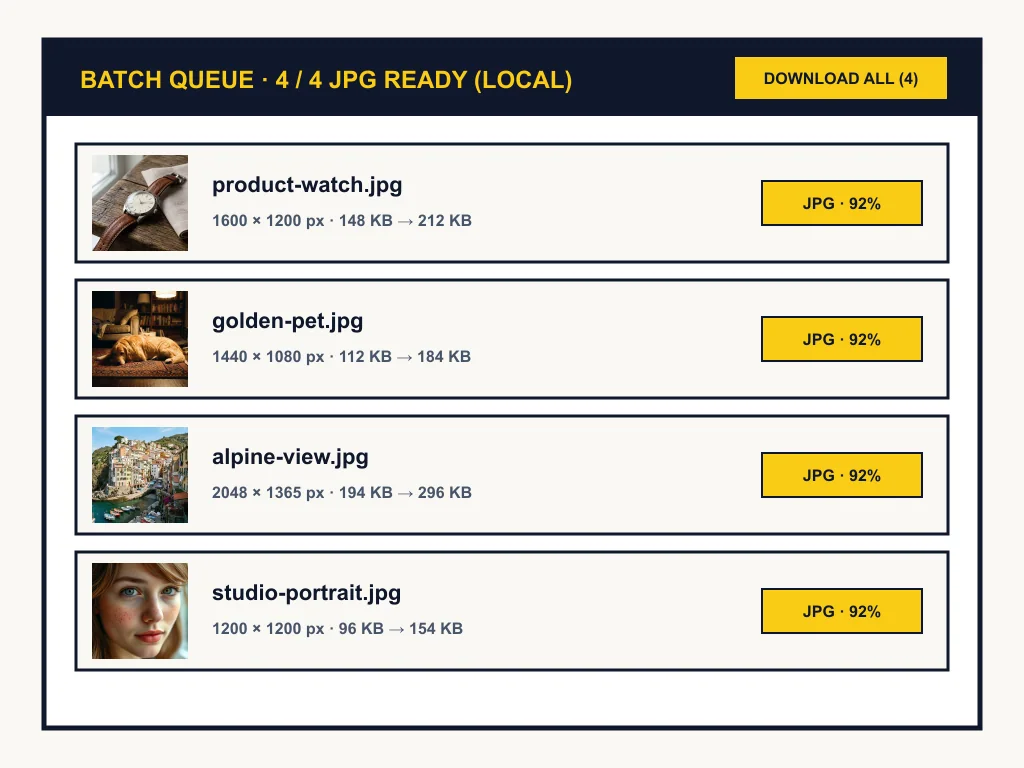
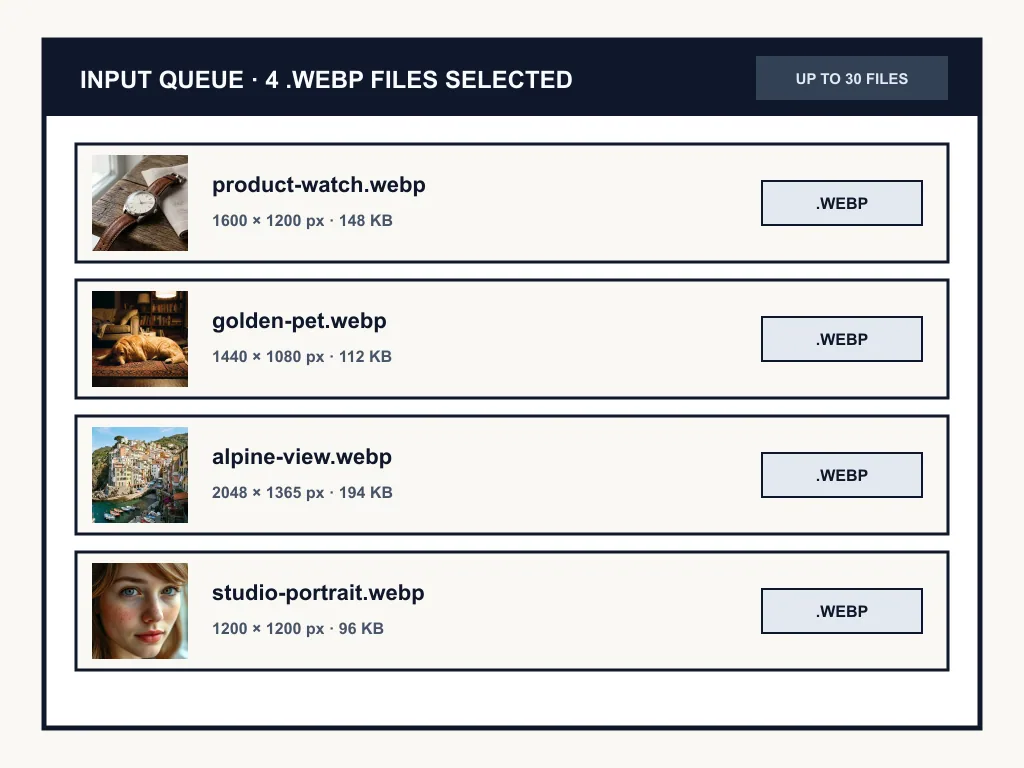
Process up to 30 downloaded catalog images in one local pass
Converting product shots one file at a time wastes hours. Drop, browse, or paste up to 30 .webp assets together and export every JPEG locally without server wait queues.
- Supports drag-and-drop, file picker, and Ctrl+V clipboard pasting
- Shows dimensions alongside before-and-after file sizes per image
- Save single files or click Download All for rapid batch export


Balance visual sharpness and compact upload file size
Over-compressed JPEGs crumble into blocky halos around fur and text. Pick 92% Best for crisp prints, 85% Balanced for slides, or adjust the 60%–100% slider with instant re-encoding.
- One-tap 92% Best, 85% Balanced, and 75% Compact quality presets
- Live 60%–100% slider re-encodes every queued file immediately
- Inspect output kilobytes so strict portal size caps never fail
Why use our free WebP to JPG converter?
100% Private On-Device Canvas
Every file decodes and re-encodes inside local HTML5 Canvas memory. Receipts, portraits, and client proofs never upload to any server.
Live Quality & Matte Controls
Adjust JPEG quality from 60% to 100% and fill transparent WebP pixels with Pure White (#FFFFFF) or custom hex colors before saving.
Zero Credits, Zero Watermark
Format switching costs 0 credits with no account, watermark, or daily cap. Paid GPU credits apply only if you run optional cloud AI tools.
How it works
Drop, pick, or paste .webp files
Drag one photo or up to 30 .webp files into the dropzone above, browse from your device, or press Ctrl+V to paste from your clipboard.
Tune JPEG quality and matte color
Keep 92% Best quality and Pure White (#FFFFFF) matte fill, or pick 85% Balanced, 75% Compact, a 60%–100% slider value, and any swatch to re-encode immediately.
Download one or all .jpg images
Check dimensions and output kilobytes per item, save individual JPEGs, or click Download All to export the entire batch.
Best inputs and limitations
Ideal when you need to change WebP to JPG for PowerPoint slides, Word reports, print kiosks, government upload forms, older CMS dashboards, white-matte marketplace listings, or 30-file local batches.
Keep in mind: JPEG is a still format without alpha transparency. Animated .webp files export their first static frame, and format conversion keeps exact pixel dimensions without inventing lost sharpness. Use AI Image Upscaler or AI Photo Enhancer for small or blurry downloads, or JPG to PNG / AI Background Remover to keep transparency.
How to Convert WebP to JPG Without Losing Sharpness
Learning how to convert WebP to JPG cleanly starts with how both formats store pixels. Websites deliver .webp images via VP8 lossy or VP8L lossless encoding to cut payload size by 25%–35%, speeding up browsing while creating files older apps reject.
When you drop images above, your browser decodes the exact pixel grid onto an HTML5 canvas and encodes a standard baseline JPEG locally. Nothing is resized or cropped, so a 2400 × 1600 photo stays 2400 × 1600 pixels.
- Choose the right quality target: 92% Best preserves fine hair and edges with near-invisible re-encoding loss; 85% Balanced trims email weight; 75% Compact fits tight portal limits.
- Instant local batch queue: Whether you save WebP to JPG from one browser download or batch convert WebP to JPG across 30 product shots, files finish locally in seconds.
- Zero installs: Works on Chrome, Safari, Edge, and Firefox across desktop and mobile via drag-and-drop or Ctrl+V paste.
Why Browsers Save WebP and When to Switch WebP to JPEG
Many users wonder why saving an ordinary web photo produces an unfamiliar .webp file. Modern CDNs automatically negotiate WebP with Chrome, Edge, and Safari to shrink bandwidth and improve page speed — the compatibility issue only appears after download.
Older PowerPoint and Word releases, retail photo print kiosks, government and visa portals, and legacy CMS uploaders still reject .webp outright. Fast browser-local WebP to JPG conversion resolves those errors in under a second.
- Office decks & documents: Baseline JPEGs embed cleanly in PowerPoint, Word, Keynote, and PDFs without broken thumbnails.
- Print labs & official portals: Photo kiosks and government forms expect standard RGB .jpg files within strict byte limits.
- Universal sharing: A fast WebP to JPEG converter ensures clients and older phones open attachments without extra viewers.
Keep original .webp files only when publishing directly to modern websites where smaller payloads speed up loading.
Transparent WebP Matte Fill vs. Keeping Alpha Transparency
Unlike WebP or PNG, JPEG has no alpha transparency channel — every pixel must be opaque. That limit is why naive converters produce ugly black boxes when you change WebP to JPG from a transparent cutout: empty alpha pixels default to RGB (0, 0, 0).
Our tool paints a clean matte layer beneath the decoded WebP before encoding:
- Pure White (#FFFFFF) default: Transparent product cutouts, stickers, and logos land on studio white ready for marketplaces and slides.
- Custom swatches & hex input: Match brand cream, soft gray, or dark-mode backdrops and re-encode queued files immediately.
- Need transparency preserved? Switch to lossless PNG with our JPG to PNG Converter, or generate true alpha cutouts from solid photos using AI Background Remover.
Animated .webp files follow the same still-image rule: dropping an animation cleanly exports its crisp first frame as a static .jpg file.
Fix Blurry WebP Downloads, Enlarge Resolution, or Swap Scenes
Format conversion solves compatibility, yet it cannot invent sharpness already discarded by a small web thumbnail. If a downloaded .webp measures 400 × 300 pixels or shows heavy VP8 smoothing, the converted .jpg keeps those exact pixels — no larger and no sharper.
When you need real visual upgrades after switching formats, route your file to a dedicated AI tool:
- Enlarge tiny files for 4K or 300 DPI print: Use AI Image Upscaler to scale dimensions 2× or 4× cleanly.
- Fix soft focus and compression noise: Run downloads through AI Photo Enhancer to restore crisp texture.
- Swap cluttered backdrops for real scenes: Open Change Background of Photo to place subjects in studio, office, or custom settings.
- Flagship 8×–16× detail up to 34 MP: Visit our homepage AI Super Resolution engine for maximum archival clarity.
100% Private Local Tool vs. Extensions & Optional AI Upgrades
Many people search for a WebP to JPG Chrome extension or desktop freeware to avoid uploading private photos to unknown servers. Yet browser extensions often request broad permission to read every webpage you open, while freeware installers add bloat and manual updates.
Bookmarking this page gives you zero permissions, zero installation, and 100% local HTML5 Canvas processing so files never leave your device. Single or 30-image batch conversions cost 0 credits with no sign-in and no watermark.
SuperResolution credits only apply if you optionally chain cloud GPU tools afterward — like 4K upscaling, AI enhancement, or background removal. a 500-credit pack ($6.99 USD during our Holiday Sale, regularly $9.99, through December 30) or Pro (from $9.95/mo billed annually at $119.40 first year, or $19.99/mo monthly)
WebP vs. JPG vs. AI Tools: Choosing the Right Export Path
Pick the exact tool for your goal — from 0-credit local format conversion to alpha cutouts, scene swaps, and high-DPI upscaling.
| Goal | Recommended Tool | What Changes | Best Next Step |
|---|---|---|---|
| Open .webp anywhere as universal .jpg | WebP to JPG (this page) | Re-encodes full-res pixels locally with 60%–100% quality & matte fill (0 credits) | Insert into PowerPoint, Word, print kiosks, or legacy portals |
| Convert a folder of .webp downloads | Bulk WebP to JPEG queue | Processes up to 30 local files via drop or Ctrl+V with 1-click Download All | Export uniform catalog JPEGs with live size checks |
| Keep lossless pixels or transparency | JPG to PNG / AI Background Remover | Saves lossless PNG or erases solid backdrops into alpha cutouts | Layer clean logos and product cutouts on banners |
| Replace a dull backdrop with a scene | Change Background of Photo | Swaps the environment to studio white, office, or custom scenery | Publish polished portraits or store hero photos |
| Fix blurry files or enlarge up to 16× | AI Image Upscaler / AI Super Resolution | Reconstructs detail and scales tiny downloads to 4K, 300 DPI, or 34 MP | Print crisp posters, banners, and high-DPI assets |
Frequently Asked Questions
Is this WebP to JPG converter really free with no watermark?
Yes. Format conversion runs 100% locally in your browser with 0 credits, no sign-in, no watermark, and no daily limit. Credits apply only if you choose optional cloud AI tools like upscaling or background removal afterward. Yes. Every new account receives 100 free credits on signup (no credit card required) to generate real watermarked previews on your own images. To download clean, watermark-free full-resolution PNGs, pick up a one-time 500-credit pack for $6.99 USD during our Holiday Sale (30% off $9.99 through December 30, never expires) or upgrade to Pro from $9.95/mo billed annually ($119.40 first year, 40% off $199/yr) or $19.99/mo monthly.
Why did my transparent WebP turn black elsewhere, and how do you fix it?
JPEG has no alpha channel, so naive tools render transparent pixels as solid black (#000000). Our converter fills transparent areas with Pure White (#FFFFFF) by default — or any custom swatch or hex color you choose. To keep real transparency, export to PNG instead.
Which JPEG quality preset should I pick (92%, 85%, or 75%)?
Pick 92% Best for printing, client handoffs, and fine textures; 85% Balanced for slides and email attachments; or 75% Compact (or any 60%–100% slider step) when strict portals cap upload kilobytes.
Can I batch convert WebP to JPG files all at once?
Yes. Drop, pick, or Ctrl+V paste up to 30 .webp files into the local queue together. Adjusting quality or matte fill re-encodes every item immediately, and you can save single JPEGs or click Download All.
Are my .webp images uploaded to your servers?
No. Every WebP to JPG conversion runs strictly inside your browser's local HTML5 Canvas memory. Your files never leave your device, keeping private documents and client proofs completely confidential.
Is there any difference between .jpg and .jpeg after WebP to JPEG export?
None at all. Both .jpg and .jpeg identify the exact same baseline JPEG format — .jpg simply came from older three-letter file extension rules. Our standard .jpg files open reliably everywhere.
What happens if I drop an animated .webp file?
Because baseline JPEG is a still-image format, dropping an animated .webp cleanly captures and exports its first static frame as a crisp .jpg at original dimensions.
Can I convert WebP to JPG on iPhone, Android, Mac, or Windows?
Yes. Processing runs inside modern mobile and desktop browsers (Safari, Chrome, Edge, and Firefox), so you can switch .webp downloads into standard JPEGs on iOS, Android, macOS, Windows, or Linux with zero apps or extensions.