Remove Background
Remove Background Free Online
One-click AI tool to remove background from photos, portraits, pets, and product shots in about 4 seconds — exporting clean, full-resolution transparent PNGs with refined hair and edge detail right in your browser.
- Full-res PNG output
- 100 free credits, no card
- No app to install
- Deleted after 30 days

Drag & drop your image here
or click to browse. Supports JPG, PNG, WebP (max 20 MB)
JPG · PNG · WebP up to 20 MB · Deleted after 30 days
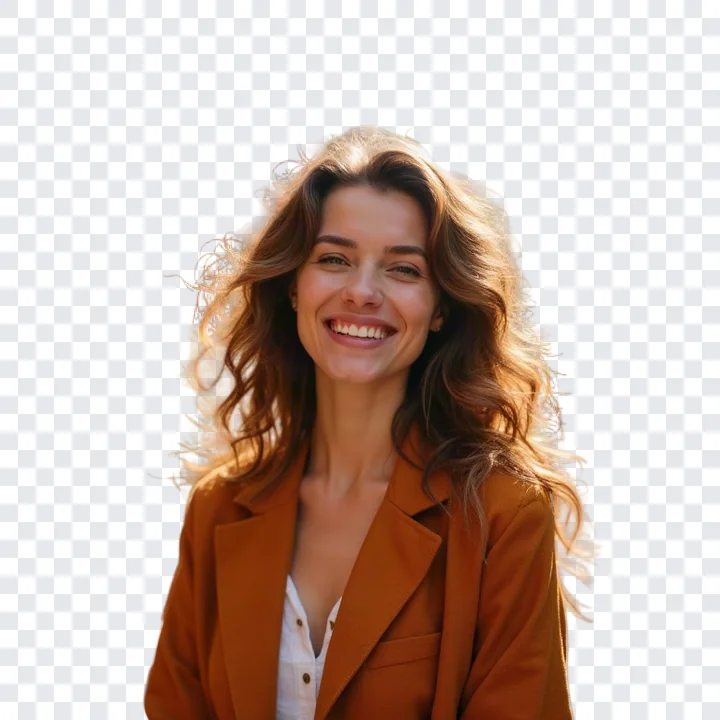
See how accurately we remove background edges on hair, fur, and products
Drag each interactive slider to compare cluttered originals against live BiRefNet v2 cutouts. Every result preserves delicate strands, clean straps, and halo-free transparency.
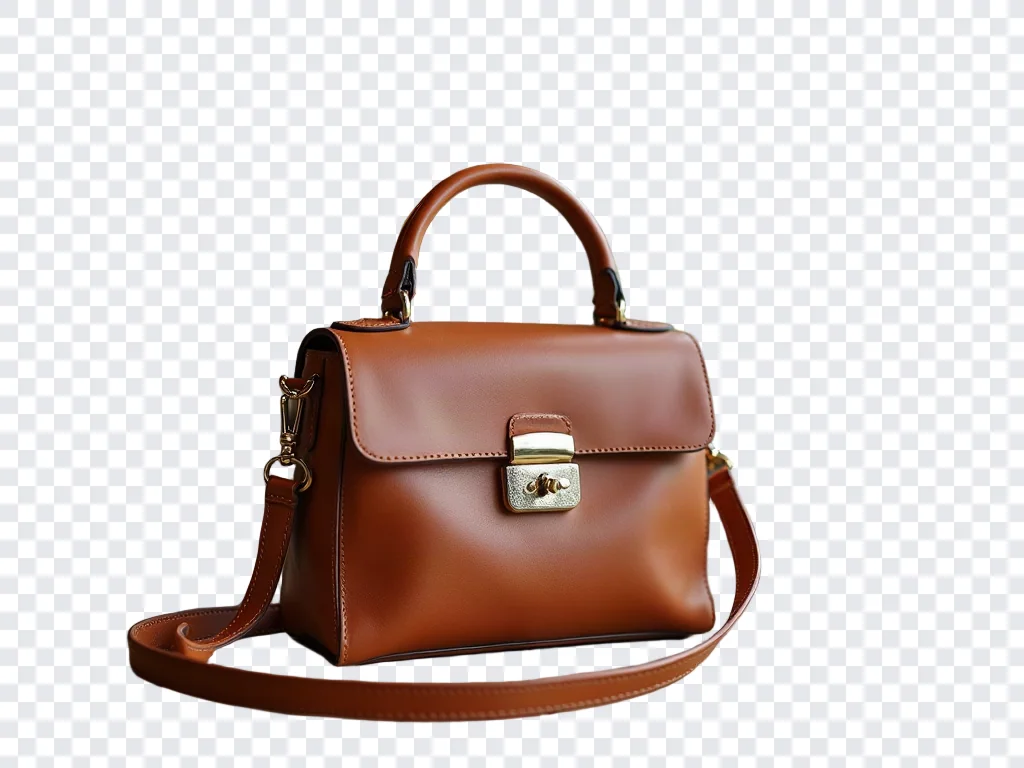
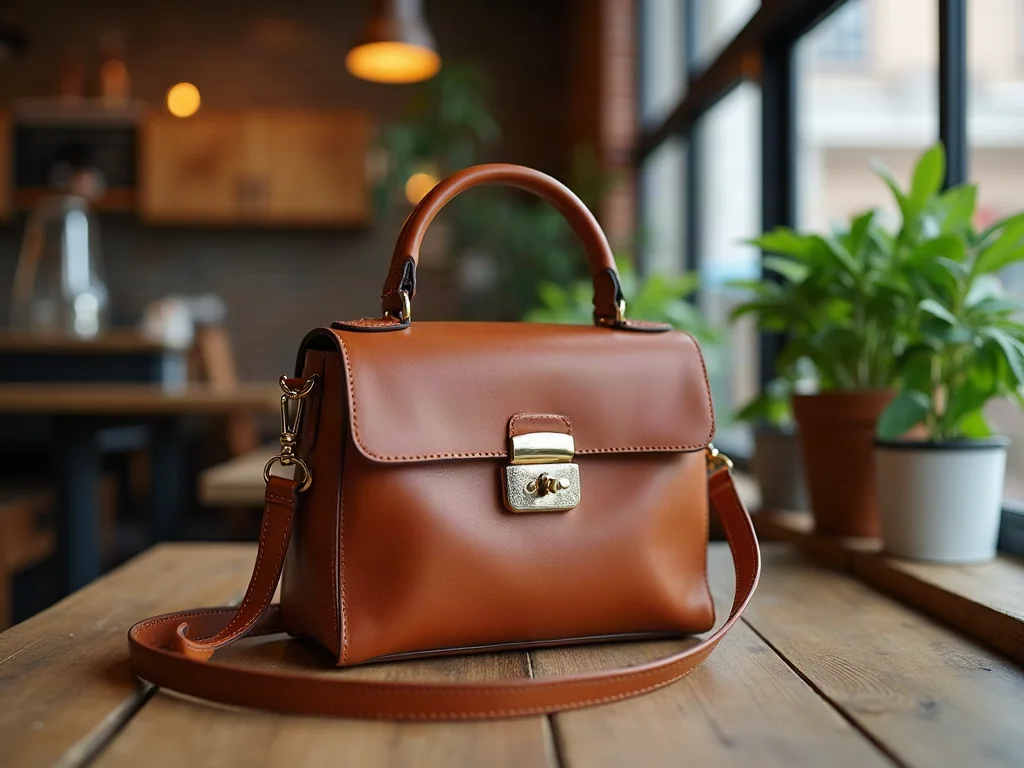
Isolate bags, straps, and metal hardware for marketplace listings
Amazon, Shopify, and Etsy main images require crisp subjects without tabletop clutter. Remove background distractions around curved handles and metallic clasps in a single pass.
- Separates curved straps, interior loops, and brushed brass buckles cleanly
- Eliminates wooden table shadows without chewing into stitched leather edges
- Drops straight onto pure white (#FFFFFF) or custom campaign banners


Clean busy office backdrops without chopping eyeglasses or shoulders
Glass atriums, plants, and overhead lights compete with your subject in candid work photos. Use Remove Background to create clean LinkedIn, speaker bio, and resume portraits fast.
- Preserves thin eyeglass rims, ear contours, and knit sweater texture
- Avoids jagged staircases or leftover gray fringes along dark hair
- Exports full-resolution RGBA alpha transparency ready for any backdrop color
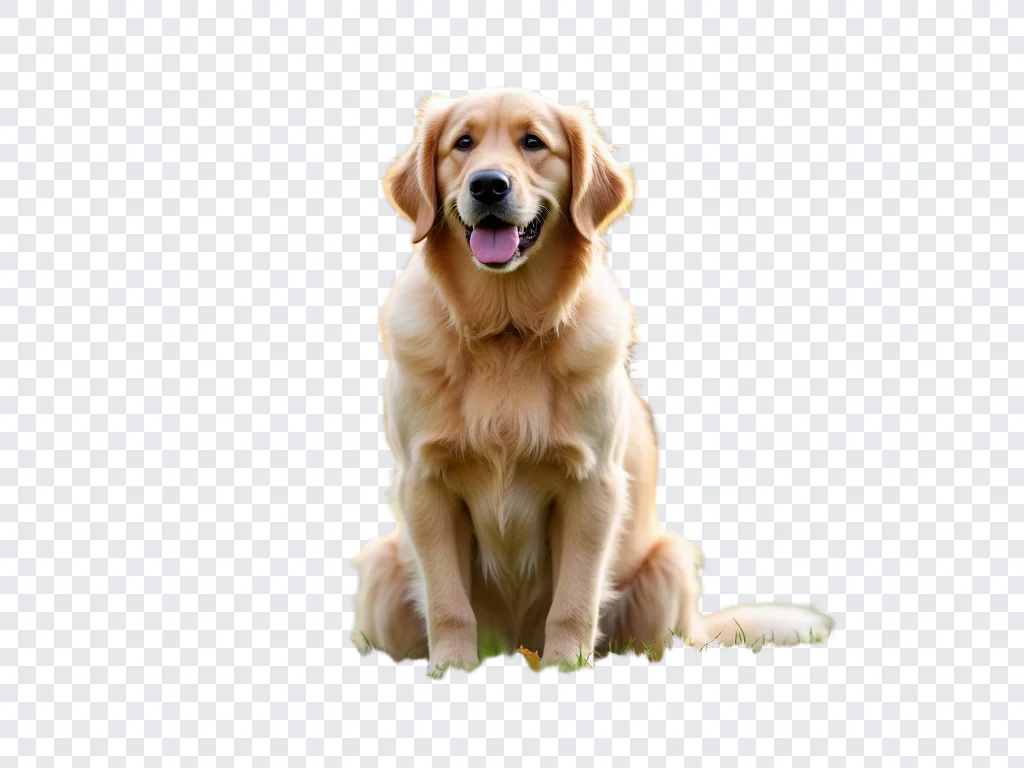
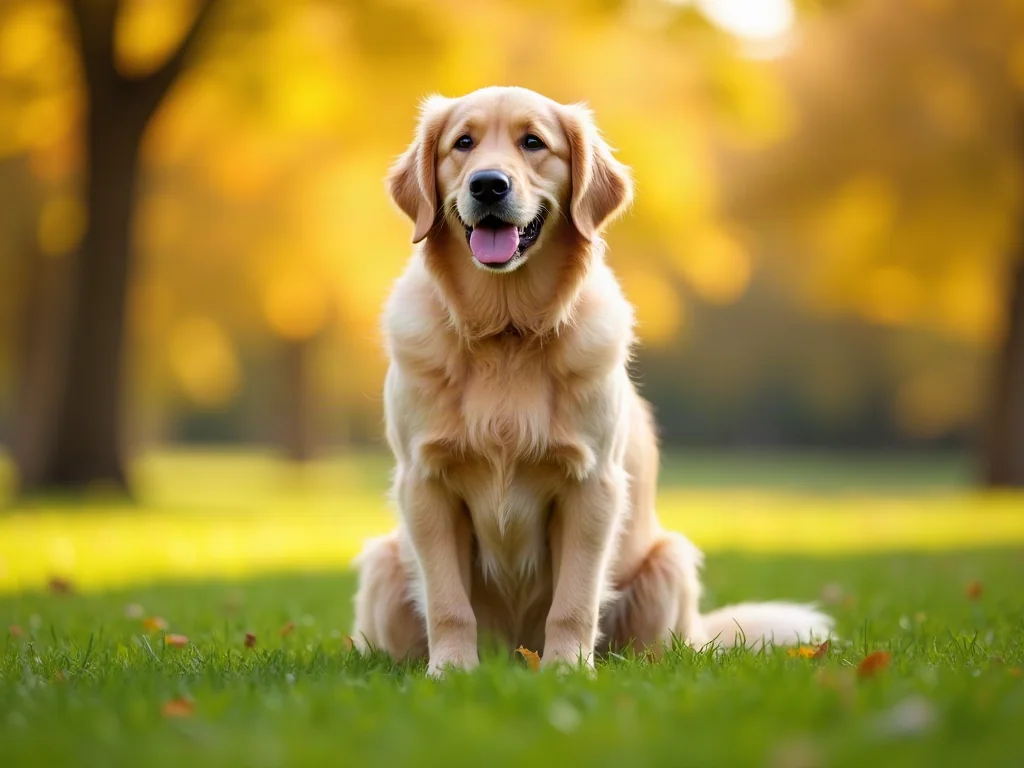
Keep feathered golden fur crisp with zero green lawn halo
Fine animal fur against bright grass is the toughest test for any automated background remover. Foreground alpha refinement preserves wispy ear strands while stripping green spill.
- Separates soft fur tufts cleanly instead of cutting a blunt helmet outline
- Neutralizes green park color spill along bright cheek and ear edges
- Ideal for custom pet stickers, mugs, greeting cards, and memorial prints
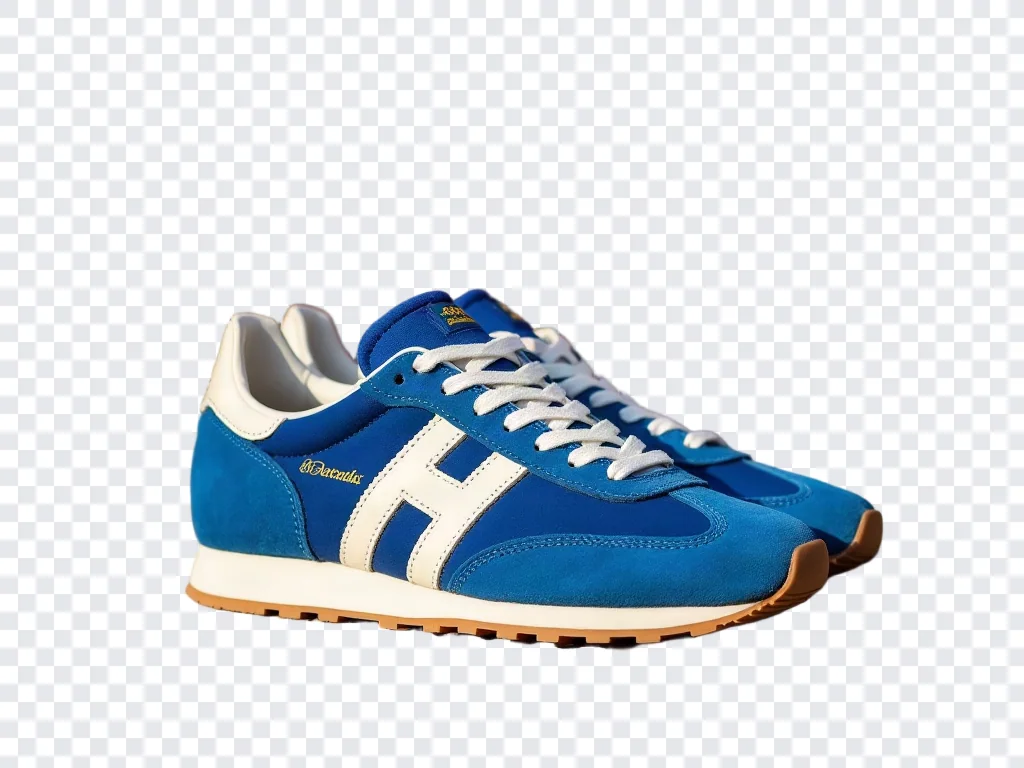
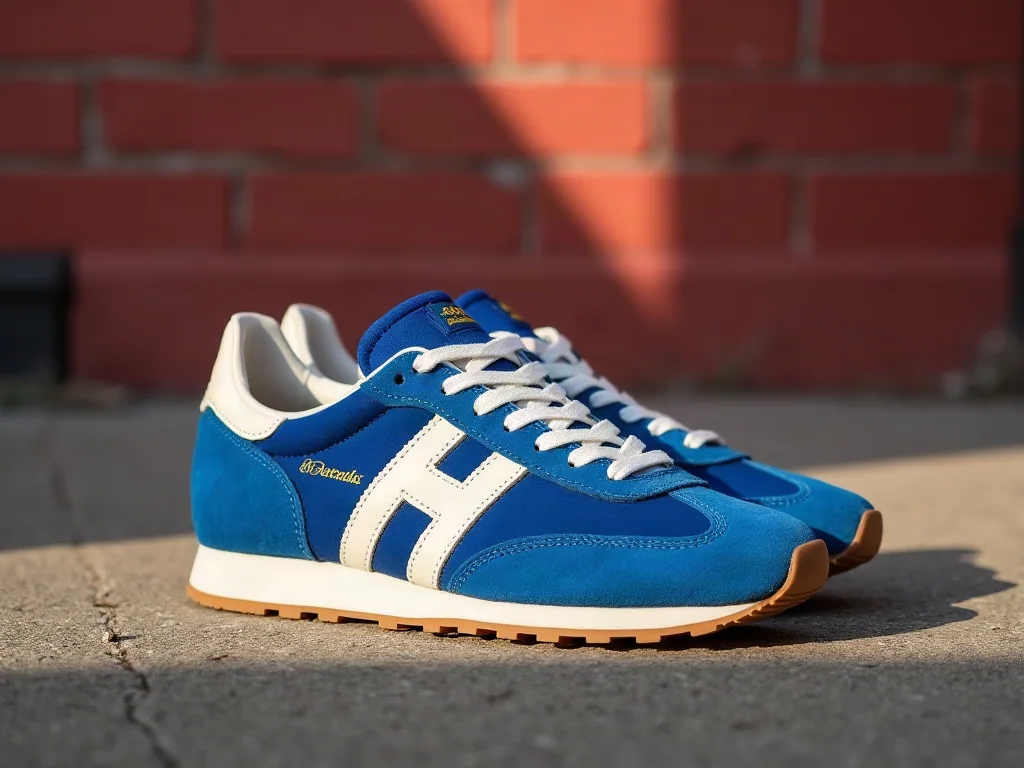
Cut sharp product silhouettes straight from concrete street shots
Lifestyle footwear and packaging shots rarely happen inside a lightbox. Remove background masonry and harsh sidewalk shadows so your design team can place the item directly in Figma or Canva.
- Tracks textured suede, laces, and sculpted midsoles with razor accuracy
- Strips dark cast ground shadows cleanly without flattening sole contrast
- Delivers lossless alpha files ready for hero banners, ads, and pitch decks
Why teams use our AI to remove background clutter
Refined hair & fur matting
BiRefNet v2 with foreground refinement separates wispy hair, pet fur, eyeglasses, and curved handles without harsh scissor edges or color-spill halos.
Native full-res transparent PNG
Keeps your original pixel dimensions intact inside a lossless 32-bit RGBA file — no forced 500 px cap on paid downloads, unlike freemium apps.
4-second browser workflow
Remove background layers on Mac, Windows, iPhone, or Android with zero Photoshop pen-tool paths, software installs, or manual brush touch-ups.
How it works
Upload your image
Drop any JPG, PNG, or WebP file (up to 20 MB) — portraits, e-commerce products, pets, logos, or cars.
Click Remove Background
Our AI isolates the primary subject and refines semi-transparent edges in about 4 seconds for a flat 12 credits.
Download transparent PNG
Inspect the Cutout Ready slider, save your lossless transparent PNG, or send small cutouts straight to our 4× upscaler.
Best inputs and limitations
Best for: e-commerce product photography (Amazon, Shopify, Etsy, eBay), LinkedIn and team headshots, pet cutouts for stickers and print gifts, YouTube thumbnails, Canva/Figma ad creatives, and clean graphic assets.
Honest boundaries: Remove Background processes still images (JPG, PNG, WebP up to 20 MB) into clean transparent RGBA PNG cutouts — it does NOT edit MP4/MOV video clips or hallucinate new AI scenery behind your subject. Extremely transparent clear glass filled with busy patterns or low-contrast subjects matching the exact wall color may still benefit from manual mask refinement in Photoshop.
How AI Removes Backgrounds Without Jagged Edges or Color Halos
Basic magic-wand selections and older threshold tools force every boundary pixel into binary 100% opaque or 100% invisible. That binary cutoff is why cheap cutouts look choppy around curly hair, fluffy pets, and translucent fabric — and why colored fringes from the old backdrop bleed around your subject when placed onto a white or dark slide.
Our Remove Background engine runs high-resolution bilateral segmentation (BiRefNet v2) paired with foreground color refinement. Rather than slicing a hard mask, the network computes fractional alpha values across fine strands and decontaminates background color bleed along the rim. When you remove background clutter from a sunlit street portrait or a grassy pet snapshot, the resulting 32-bit RGBA PNG blends seamlessly onto any solid color, gradient, or layout layer.
Because segmentation executes server-side in roughly 4 seconds, you get desktop-caliber edge fidelity on any phone or laptop browser with zero GPU requirements.
E-Commerce Specs: Amazon, Shopify, and Print Cutout Dimensions
Marketplace algorithms reject sloppy product cutouts or low-pixel uploads. When you remove background clutter for catalog listings, keep these verified platform specs in mind:
- Amazon Main Images: Pure white (#FFFFFF) canvas, product filling at least 85% of the frame, minimum 1000 px on the longest side (2000×2000 px recommended for hover zoom).
- Shopify & WooCommerce Catalogs: 2048×2048 px square canvases keep collection grids aligned and fast on Retina screens; drop your transparent PNG onto a light neutral (#F7F7F5) or white card.
- Stickers, DTF Apparel & 300 DPI Print: Calculate physical size as pixels ÷ 300. A 3-inch die-cut sticker needs at least 900×900 px; a 10-inch T-shirt graphic requires 3000 px wide with crisp alpha edges and zero stray background specks.
If your original product photo is smaller than 1000 px, remove background first or upscale afterward with our 2×/4× AI Image Upscaler (up to 25 MP) so zoom views stay crisp.
How to Get the Cleanest Cutout Before You Remove Background
Even the strongest neural background remover performs noticeably better when you feed it clean subject separation. Follow four quick shooting and prep habits:
- Give clear foreground-to-background contrast: avoid wearing an identical jet-black coat directly against an unlit black curtain.
- Watch motion blur: sharp subject edges produce razor-clean alpha masks; if an old shot is soft or compressed, run our AI Photo Enhancer first.
- Keep the whole subject inside the frame: cropped elbows, ears, or shoe heels remain cropped after extraction — leave a slight margin around the silhouette.
- Choose lossless PNG for editing handoff: after you remove background pixels, keep the file as PNG (never re-save as JPG, which flattens transparency into a solid white box).
Chaining Background Removal with Upscaling and Retouching
In real design workflows, stripping the backdrop is rarely the final step. A tiny supplier photo extracted from a chat thread might isolate cleanly yet still look pixelated on a 4K storefront banner, while a candid headshot may need gentle complexion polish before going live on a company About page.
Because every SuperResolution tool shares a single credit balance, you can remove background clutter in 4 seconds, then immediately route your subject to our 2×/4× AI Image Upscaler (up to 25 MP), 8×–16× Super Resolution (up to 34 MP), or Airbrush AI skin smoother without exporting through three separate subscriptions.
Transparent Credits, Full-Resolution Policy, and Privacy
a 500-credit pack ($6.99 USD during our Holiday Sale, regularly $9.99, through December 30) or Pro (from $9.95/mo billed annually at $119.40 first year, or $19.99/mo monthly) Every Remove Background run costs a flat 12 credits regardless of input megapixels — so your 100 free signup credits (valid 7 days, no credit card needed) let you preview up to 8 full cutouts on your own images. Purchasing any credit pack or Pro plan removes the preview watermark immediately for clean, full-resolution transparent PNG downloads, including cutouts you already generated.
All uploads travel over encrypted HTTPS, stay private to your account for up to 30 days for convenient re-downloads and support, and are automatically deleted afterward. We never publish your images or train AI models on customer uploads.
Cutout Output & Workflow Reference
Compare how our one-click Remove Background workflow pairs with different project types and companion tools.
| Project Type | Recommended Output | Key Edge Advantage | Best Companion Tool |
|---|---|---|---|
| Amazon / Shopify product listings | Full-res transparent PNG (RGBA) | Clean straps, curves & hardware with no table shadow | AI Image Upscaler for 2000+ px zoom |
| LinkedIn & corporate headshots | Full-res transparent PNG (RGBA) | Refined hair strands & thin eyeglass frames | Airbrush AI for glare & blemish polish |
| Pet stickers & custom merch | Full-res transparent PNG (RGBA) | Soft fur tufts preserved with zero green grass halo | AI Image Upscaler for 300 DPI print |
| YouTube thumbnails & Canva ads | Full-res transparent PNG (RGBA) | Instant drag-and-drop onto colored layouts or outlines | AI Photo Enhancer for sharper subjects |
| Blurry or noisy low-light portraits | Enhance first, then extract | Sharper edges yield cleaner alpha boundaries | AI Image Denoiser / Photo Enhancer |
Simple, Transparent Pricing
Choose the plan that fits your needs. New users get 100 free credits on signup.
Black Friday SaleEnds December 30. Discounts apply automatically at checkout.
Pro
Everything, one simple plan
$119.40 for the first year, then $199/year
- Up to 16x upscale
- Instant processing
- Ultra HD output
- Credits never expire
- Priority support
- Commercial license
Credit pack
Top up anytime — credits never expire
- No subscription needed
- Credits never expire
- Works on any account
Frequently Asked Questions
Can I remove background from an image for free online?
Yes. Sign up free with no credit card to get 100 free credits (valid for 7 days). Because each Remove Background run costs a flat 12 credits regardless of image size, you can preview up to 8 full cutouts right in your browser. Yes. Every new account receives 100 free credits on signup (no credit card required) to generate real watermarked previews on your own images. To download clean, watermark-free full-resolution PNGs, pick up a one-time 500-credit pack for $6.99 USD during our Holiday Sale (30% off $9.99 through December 30, never expires) or upgrade to Pro from $9.95/mo billed annually ($119.40 first year, 40% off $199/yr) or $19.99/mo monthly.
Does Remove Background export true transparent PNG files at full resolution?
Yes. The tool outputs a lossless 32-bit RGBA PNG with a genuine transparent alpha channel at your original photo's pixel dimensions (up to 20 MB input), ready to place onto white, colored, or layered designs in Figma, Canva, or Photoshop.
How well does it handle curly hair, pet fur, and eyeglasses?
Our BiRefNet v2 model uses foreground alpha refinement rather than hard binary masks, so delicate flyaway hairs, fluffy pet fur, and thin eyeglass rims stay crisp without choppy edges or leftover backdrop color spill.
Why does my free cutout preview have a watermark?
Free signup credits generate watermarked transparent previews so you can inspect edge accuracy on your exact photo first. Buying any credit pack or Pro subscription instantly unlocks clean, watermark-free full-resolution PNG downloads — including cutouts you already made.
Can this tool remove background from videos or generate a new AI scene?
No. It is purpose-built to isolate still images (JPG, PNG, WebP) onto a clean transparent alpha channel rather than editing video files or inventing synthetic scenery. That gives designers exact control when dropping the cutout into brand templates.
What if my cutout is too small for 300 DPI printing or Amazon zoom?
After you remove background clutter, click straight into our 2×/4× AI Image Upscaler (up to 25 MP) or 8×–16× Super Resolution (up to 34 MP) to enlarge your image cleanly for high-resolution print or marketplace zoom.
Are my uploaded photos kept private?
Yes. Images are transferred over HTTPS, stored privately in your account for up to 30 days for downloads and support, and automatically purged afterward. We never share uploads publicly or use them to train AI models.