WebP PNG
Free WebP PNG Converter Online
Convert WebP files into universal lossless PNGs — or switch modes to compress PNG into compact WebP — right in your browser. Full alpha transparency preserved, zero credits, and your images never leave your device.
- 100% free, 0 credits
- Two-way WebP ↔ PNG
- Alpha transparency intact
- Files stay on your device
Drop WebP files here
or click to browse — paste with Ctrl+V · up to 30 files at once
Supports .webp, .png, .jpg, .bmp · Preserves alpha transparency · 0 credits
Choose WebP Files100% private — converted locally in your browser. Files never leave your device.
Why teams use a two-way WebP/PNG converter every day
Browsers save images as .webp by default while desktop suites demand .png — and web performance teams need the exact reverse. Handle both directions locally without uploading private files.
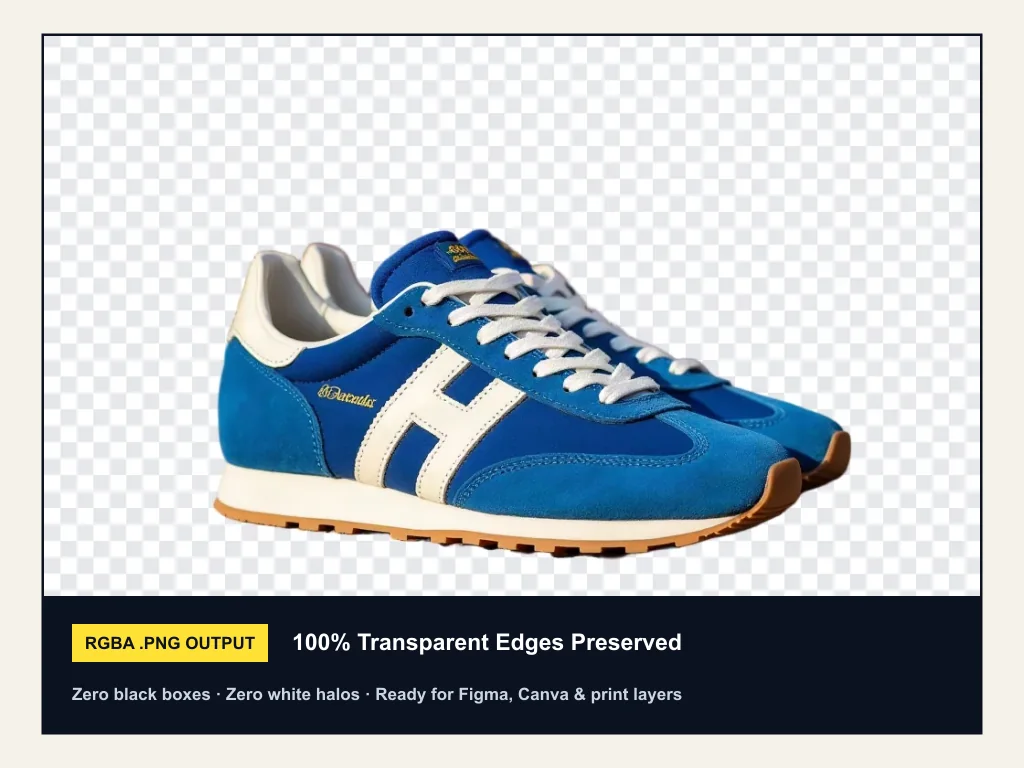
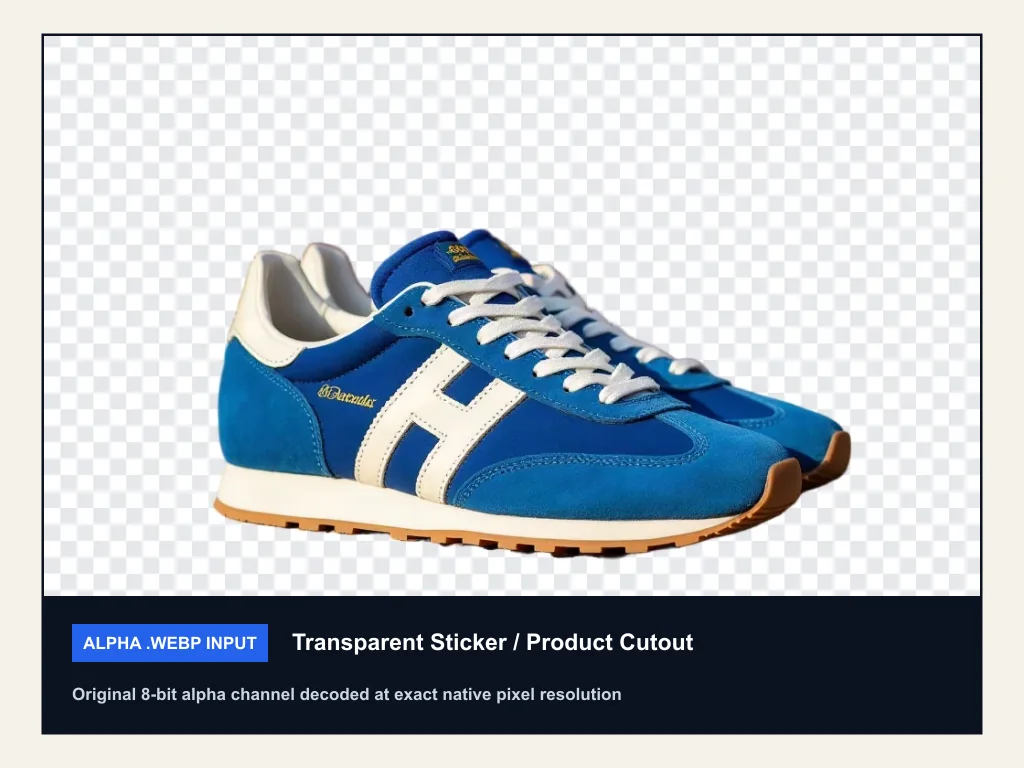
Keep 32-bit transparent backgrounds intact across every export
Unlike JPEG, both WebP and PNG natively support an alpha channel. Moving transparent logos, stickers, and product cutouts between formats preserves every soft shadow and crisp edge.
- Outputs true 32-bit RGBA PNG with zero black or white backdrop fill
- Shows live checkerboard previews so you verify transparency immediately
- Retains exact original pixel dimensions with zero silent resizing
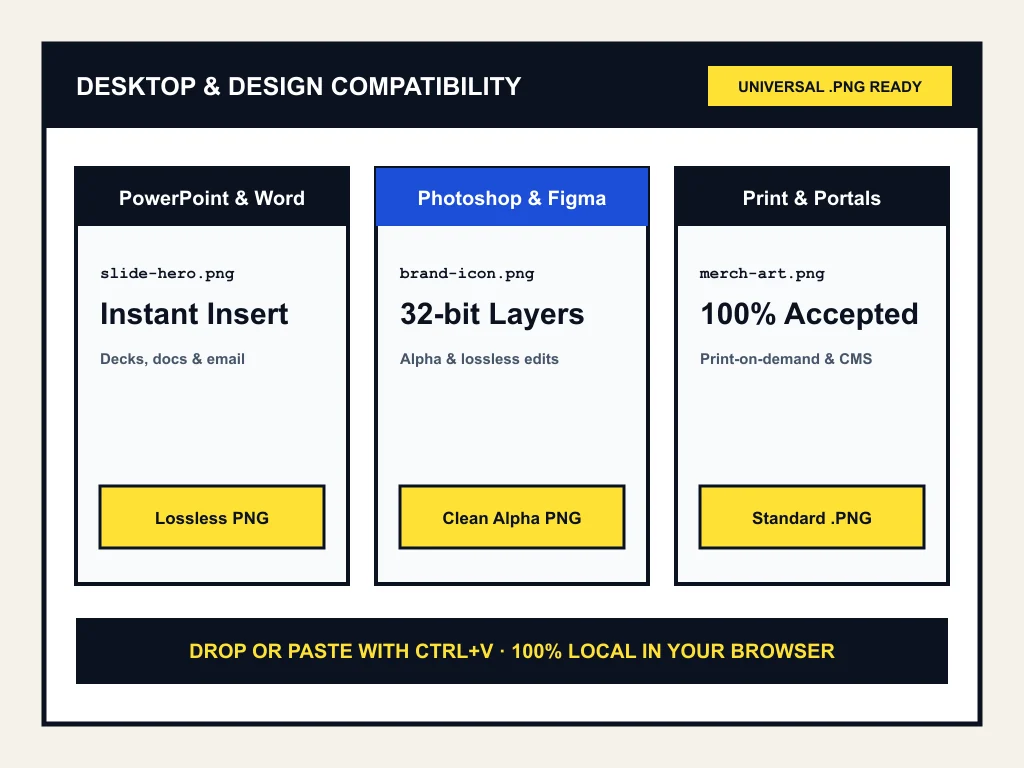
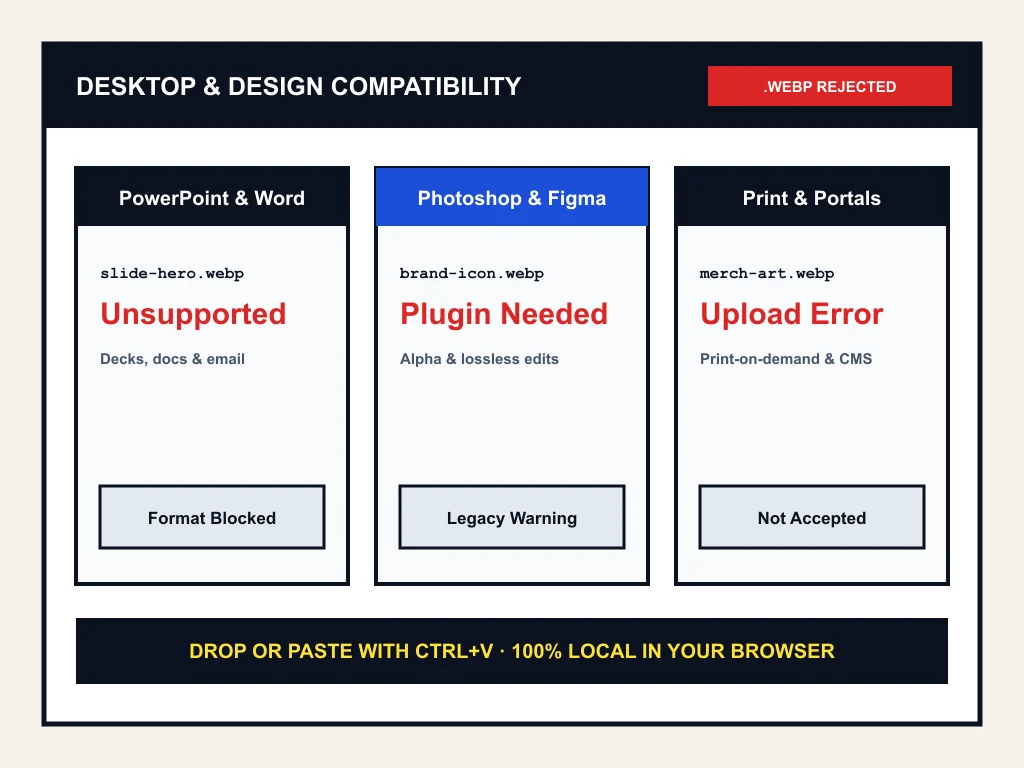
Fix browser-saved .webp downloads rejected by desktop apps
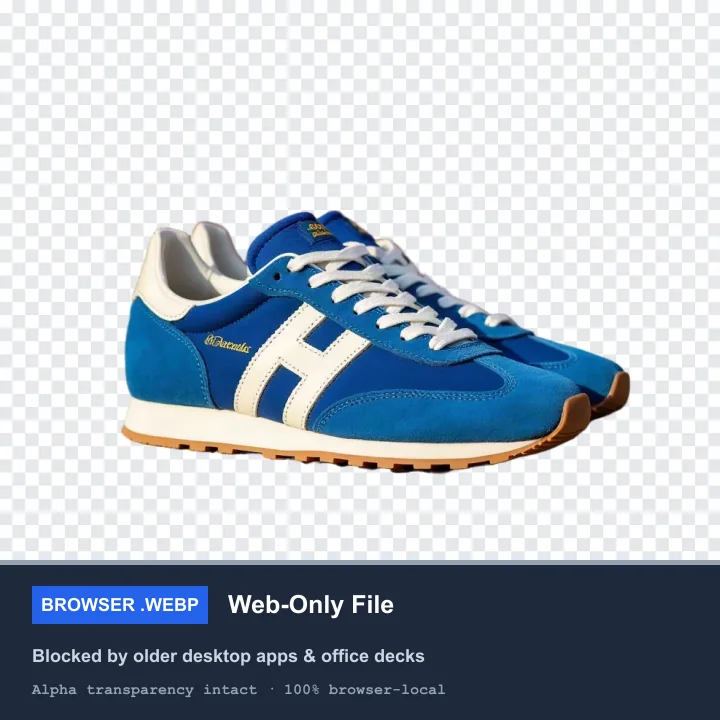
Right-clicking modern websites frequently saves a .webp file that older Photoshop versions, PowerPoint decks, email clients, or print portals refuse to open. Save any WebP as PNG in one second.
- Works cleanly in PowerPoint, Word, Keynote, Figma, and legacy editors
- Paste web images straight from your clipboard with Ctrl+V or Cmd+V
- Zero desktop freeware to install and zero watermarks on downloads
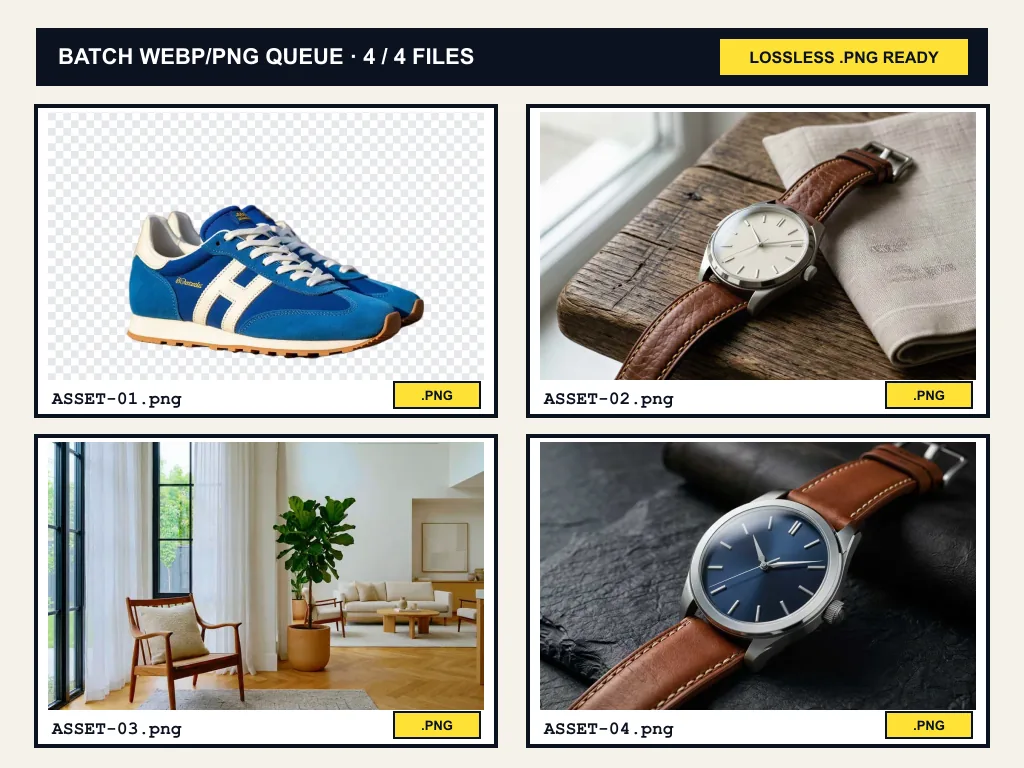
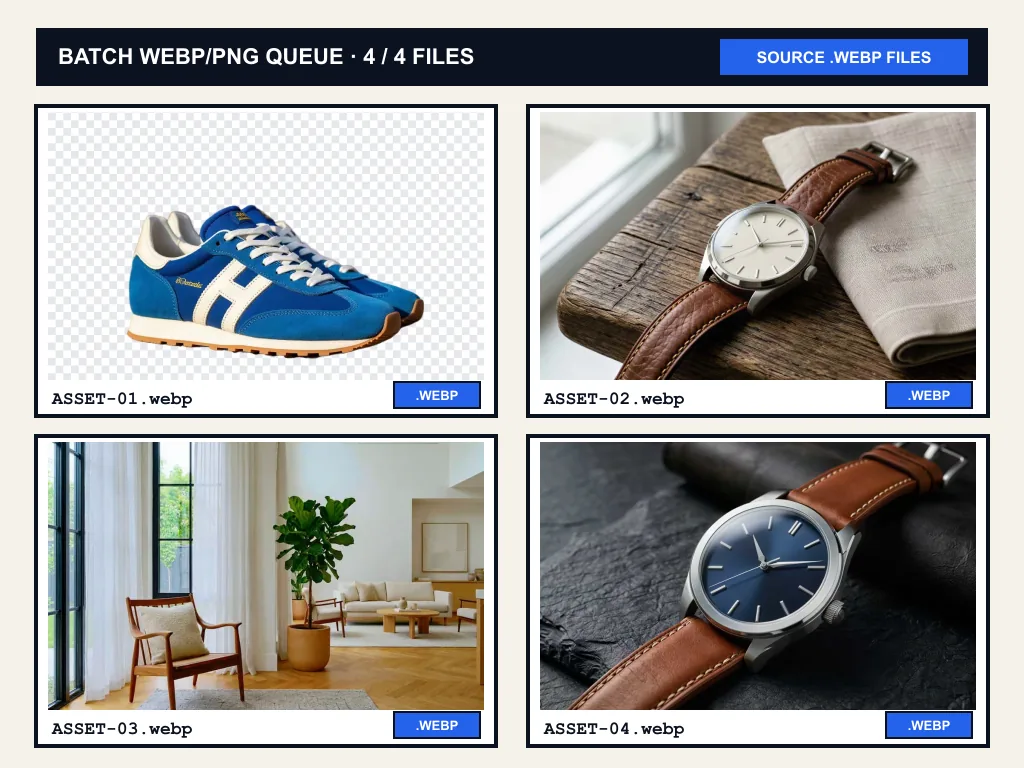
Run bulk WebP/PNG queues without server upload waits
Need to turn an entire folder of .webp files into editable PNGs for a client presentation? Drop up to 30 images at once and process every file locally at native CPU speed.
- Displays pixel dimensions and exact before/after file sizes per item
- Save individual outputs or trigger one-click Download All export
- 100% browser-local execution — files never touch remote cloud storage
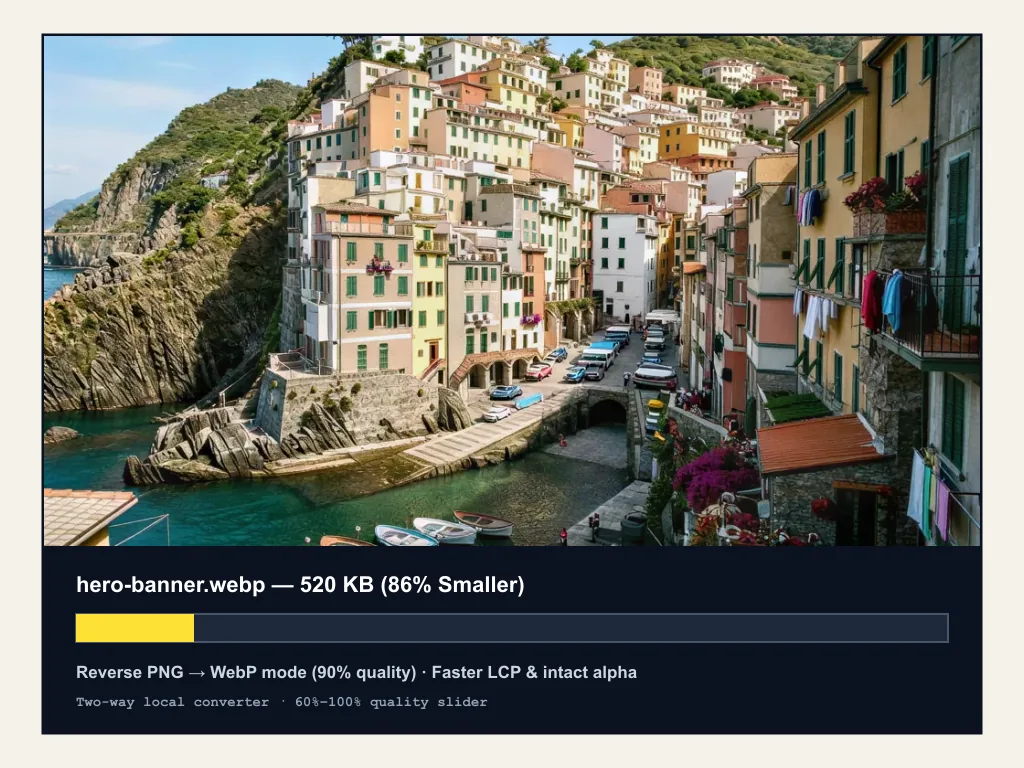
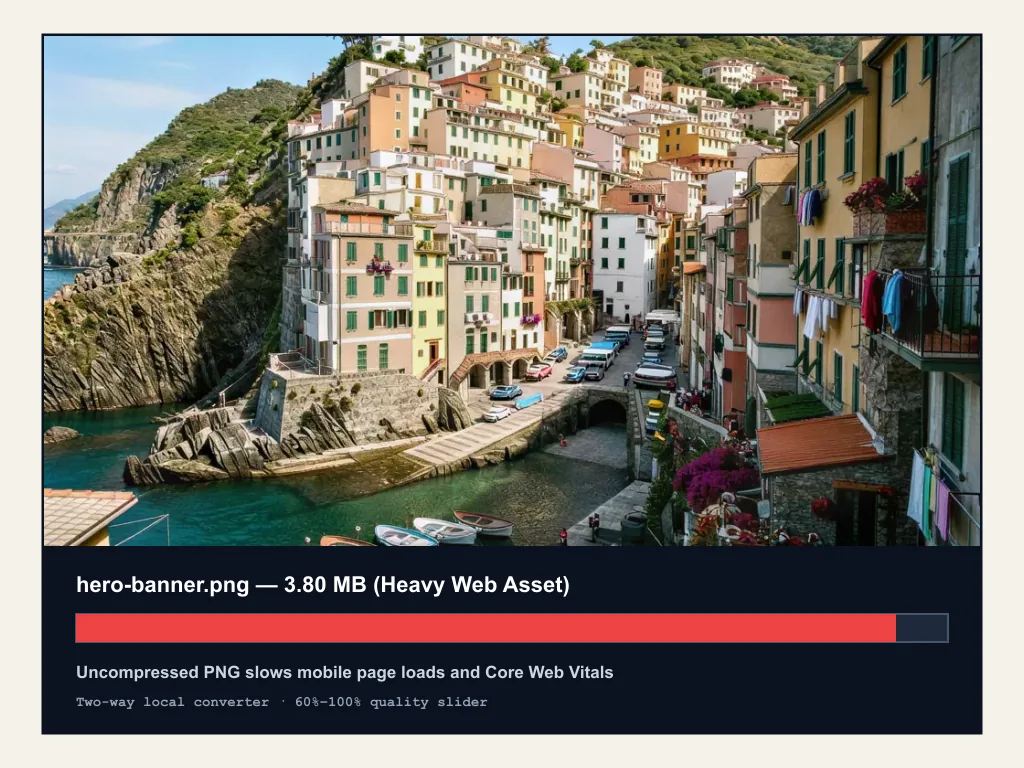
Flip directions to shrink heavy PNGs into fast web-ready WebP
Publishing on a storefront or blog? Toggle our built-in PNG to WebP mode with a 60%–100% quality slider to cut transparent PNG payload size by 60%–85% for faster Core Web Vitals.
- Interactive quality slider with Web 80%, Balanced 90%, and Max 96% presets
- Preserves alpha transparency while slashing multi-megabyte PNG payloads
- Real-time savings percentage badge updates live as you adjust quality
Why choose our free WebP PNG converter?
Two-Way WebP/PNG Support
Switch between WebP to PNG (lossless 32-bit RGBA) and PNG to WebP (adjustable 60%–100% quality) in one click without hunting for two separate tools.
100% Private Browser Processing
Every WebP/PNG conversion runs inside your local HTML5 canvas. Client assets, product mockups, and personal downloads never leave your computer or phone.
Batch 30 Files, Zero Credits
Drop single photos or batches of up to 30 files with instant downloads, zero sign-up prompts, zero daily caps, and zero watermarks.
How it works
Pick your direction (WebP → PNG or PNG → WebP)
Keep the default WebP to PNG mode for universal lossless output, or click PNG → WebP to compress heavy PNGs for the web with an adjustable quality slider.
Drop, browse, or paste up to 30 images
Drag .webp or .png files into the dropzone, choose them from Mac, Windows, or mobile storage, or press Ctrl+V to paste a copied image straight from any webpage.
Verify preview and download instantly
Inspect exact dimensions, transparency checkerboard preview, and file size changes per item, then download individual files or click Download All.
Best inputs and limitations
Works best when you need a fast WebP PNG workflow to unlock browser-saved .webp files for PowerPoint, Photoshop, or print portals, preserve alpha transparency across lossless PNGs, or flip into PNG to WebP mode to speed up website load times.
Keep in mind: static HTML5 canvas encoding exports the first frame of an animated .webp file as a single PNG (not an animated APNG/GIF), and converting a solid-background image will not erase its backdrop. Use AI Background Remover for fresh cutouts or WebP to JPG if you need lightweight JPEG files.
How to Turn a WebP File into a Lossless PNG
Knowing how to turn a WebP into a PNG takes seconds once you understand why websites serve .webp in the first place. Google created WebP to deliver smaller photographic and transparent web assets than legacy formats, so Chrome, Edge, and Safari frequently save downloaded web images with a .webp extension.
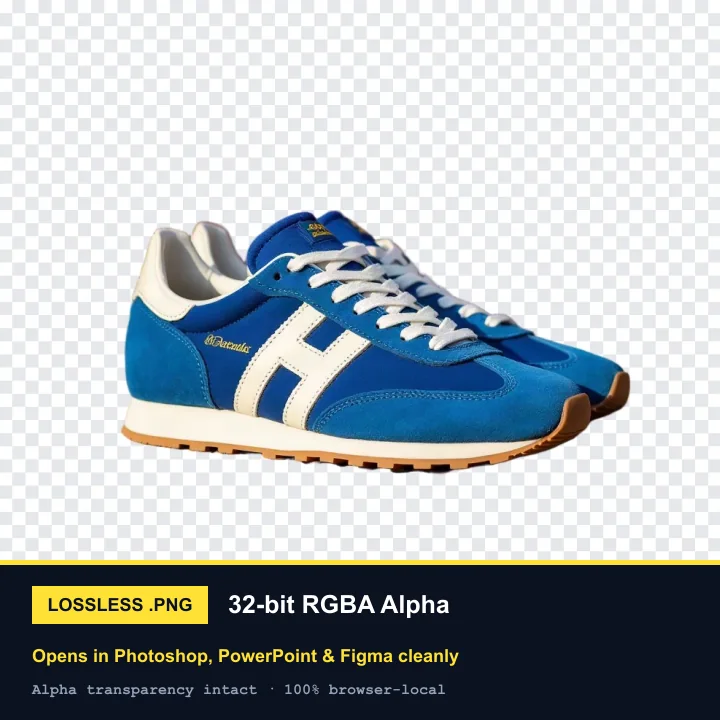
While modern browsers display WebP effortlessly, older desktop software, slide editors, marketplace uploaders, and print workflows still expect universal .png files. When you drop an image into our WebP PNG converter, your browser decodes every pixel and alpha value directly onto an in-memory HTML5 canvas and exports a clean, lossless 32-bit RGBA PNG at the exact original resolution.
- Zero quality loss on re-export: Pixel dimensions stay 100% identical from input to output.
- Alpha channel stays intact: Transparent stickers, UI icons, and studio cutouts keep smooth semi-transparent edges.
- Works with copied web images: Because browsers block direct remote URL fetches for CORS security, simply right-click any web picture, choose Copy Image, and press Ctrl+V right on this page.
WebP/PNG Transparency and Compatibility Explained
A key reason designers prefer a dedicated WebP/PNG workflow over converting to JPEG is full transparency support. JPEG strips away the alpha channel completely and forces a solid background color behind every cutout, whereas both WebP and PNG store full 8-bit alpha per pixel.
- Logos, badges & UI overlays: Moving a transparent .webp image into lossless .png lets you layer it freely in Figma, Illustrator, Canva, or Keynote without halo artifacts.
- Documents & office decks: PowerPoint, Microsoft Word, and older macOS/Windows preview apps accept standard PNG reliably without plugins.
- Editing safety: Archiving assets in PNG prevents extra lossy compression rounds whenever teammates crop or annotate the file later.
Reverse Mode: Convert PNG to WebP for Faster Websites
Many developers and store owners also need the reverse direction: converting heavy PNG graphics into lightweight WebP assets for landing pages, Shopify catalogs, and blog illustrations. Instead of switching sites, click the PNG → WebP toggle right above the dropzone.
Our reverse encoder lets you tune WebP quality from 60% to 100% (with Web 80%, Balanced 90%, and Max 96% presets) and re-encodes your entire queue locally in real time. A 3.5 MB transparent PNG hero banner typically drops to 400–600 KB as WebP while keeping crisp edges and full transparency — directly improving Largest Contentful Paint (LCP) and Core Web Vitals.
Batch WebP/PNG Conversion and Next-Step AI Enhancement
Processing up to 30 WebP/PNG files locally in your browser eliminates server upload queues and protects sensitive drafts. Every row displays original dimensions, before/after byte weight, and a transparency-ready thumbnail before you save one file or trigger Download All.
Remember that format conversion alone never invents missing sharpness or extra megapixels. If a downloaded .webp image is already tiny or visibly compressed, chain a quick AI upgrade after exporting:
- Clean pre-existing compression noise or blur with AI Photo Enhancer.
- Enlarge small web graphics 2×–16× to crisp 4K or print size with AI Image Upscaler.
100% Free Local WebP PNG Tool Plus Optional AI Upgrades
Using this local WebP PNG converter costs zero credits, requires zero registration, and applies zero watermarks — in both WebP → PNG and PNG → WebP directions. Because encoding runs strictly inside your own browser memory, there are no file queues and no cloud retention windows.
Only if you decide to run optional cloud GPU tools afterward — such as AI background removal, JPEG/WebP artifact cleanup, or 4K–16× super-resolution upscaling — do SuperResolution credits apply. a 500-credit pack ($6.99 USD during our Holiday Sale, regularly $9.99, through December 30) or Pro (from $9.95/mo billed annually at $119.40 first year, or $19.99/mo monthly)
WebP vs. PNG vs. JPG: Which Output Format Should You Pick?
Match your file format to whether you need universal desktop editing, alpha transparency, or the smallest web file size.
| Goal | Recommended Mode | Transparency & Compression | Best Use Case |
|---|---|---|---|
| Open browser .webp in any editor | WebP → PNG (this page) | Full 32-bit alpha preserved, lossless PNG, 0 credits | PowerPoint, Photoshop, Figma, Word, and print portals |
| Shrink heavy PNG for fast websites | PNG → WebP (this page) | Full alpha preserved, 60%–100% WebP quality, 0 credits | Core Web Vitals, storefront banners, and blog illustrations |
| Turn WebP into tiny universal photo | WebP to JPG Converter | Opaque JPG with custom quality & white fill, 0 credits | Email attachments, legacy forms, and photo galleries |
| Remove solid backdrop from image | AI Background Remover | Generates new alpha cutout as transparent PNG | E-commerce product cutouts, stickers, and avatars |
| Enlarge small WebP/PNG to 4K | AI Image Upscaler | Scales resolution 2×–16× with AI detail recovery | Posters, hero banners, and high-DPI print masters |
Frequently Asked Questions
Can I convert a WebP file to PNG for free without watermarks?
Yes. Both WebP/PNG directions (WebP → PNG and reverse PNG → WebP) run 100% locally in your browser with zero credits, no account required, no watermark, and no daily limit. Paid plans only apply if you choose optional cloud AI tools like background removal or 4K upscaling afterward. Yes. Every new account receives 100 free credits on signup (no credit card required) to generate real watermarked previews on your own images. To download clean, watermark-free full-resolution PNGs, pick up a one-time 500-credit pack for $6.99 USD during our Holiday Sale (30% off $9.99 through December 30, never expires) or upgrade to Pro from $9.95/mo billed annually ($119.40 first year, 40% off $199/yr) or $19.99/mo monthly.
Does WebP/PNG conversion preserve transparent backgrounds?
Yes. Both WebP and PNG natively support a full 8-bit alpha channel, so transparent cutouts, icons, and logos retain crisp transparent edges in both WebP → PNG and PNG → WebP modes.
Can I also convert PNG to WebP on this page?
Yes. Click the PNG → WebP mode button at the top of the converter to switch directions, adjust WebP compression quality between 60% and 100%, and see live kilobyte savings per file.
Why is my converted PNG file larger than the original WebP?
That is normal. WebP uses modern predictive compression to pack pixels tightly for fast web loading, whereas PNG uses lossless DEFLATE compression so every pixel stays universally compatible and editable without further loss.
How do I convert a WebP image link from a website into PNG?
Modern browsers block web apps from silently fetching arbitrary remote URLs due to CORS security rules. Instead, right-click the WebP image on the webpage, choose Copy Image, come back here, and press Ctrl+V (or Cmd+V on Mac) to convert it immediately.
What happens if I upload an animated WebP file?
Browser canvas decoding captures the first frame of an animated .webp file and exports it as a crisp static PNG. Multi-frame animations cannot be preserved inside a standard static PNG.
Can I batch convert multiple WebP files to PNG at once?
Yes. Drop or select up to 30 .webp (or .png) files in one batch, inspect dimensions and file sizes side by side, and download single outputs or click Download All.
Are my WebP or PNG files uploaded to external servers?
No. Every WebP/PNG conversion executes locally in your browser's memory via the HTML5 Canvas API. Your files never leave your Mac, Windows PC, iPhone, or Android device.