WebP to PNG
Free WebP to PNG Converter Online
Convert WebP to PNG locally in your browser with full 32-bit RGBA transparency preserved. Process single graphics or bulk batches of up to 30 files at 0 credits — zero server uploads and zero watermarks.
- 100% free, 0 credits
- Alpha transparency intact
- Bulk 30 files in browser
- Files stay on your device
Drop WebP files here
or click to browse — paste with Ctrl+V · bulk convert up to 30 files at once
Supports .webp (lossy, lossless & transparent) · 100% local in your browser · 0 credits
Choose WebP Files100% private — decoded and encoded locally in your browser. Files never leave your device.
Built for Transparent Assets, Sharp Graphics, and Friction-Free Editing
Web browsers deliver .webp files to shrink page weight, yet sticker printers, slide decks, and design software still rely on lossless .png masters. Inspect four everyday scenarios solved locally on your device.
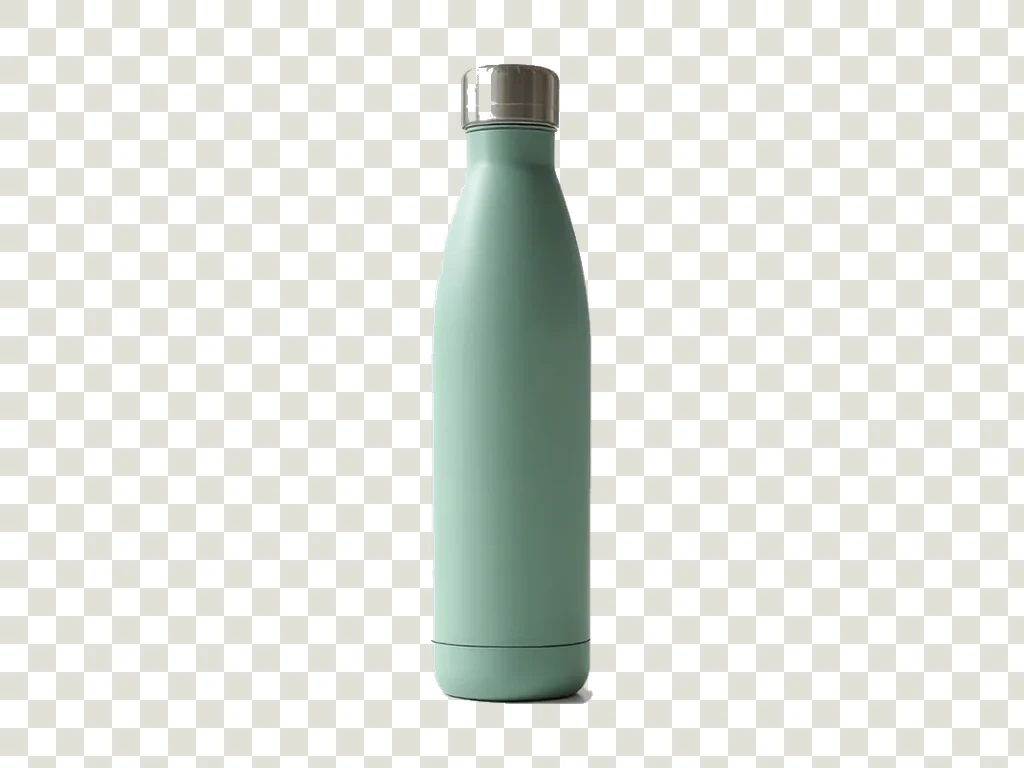
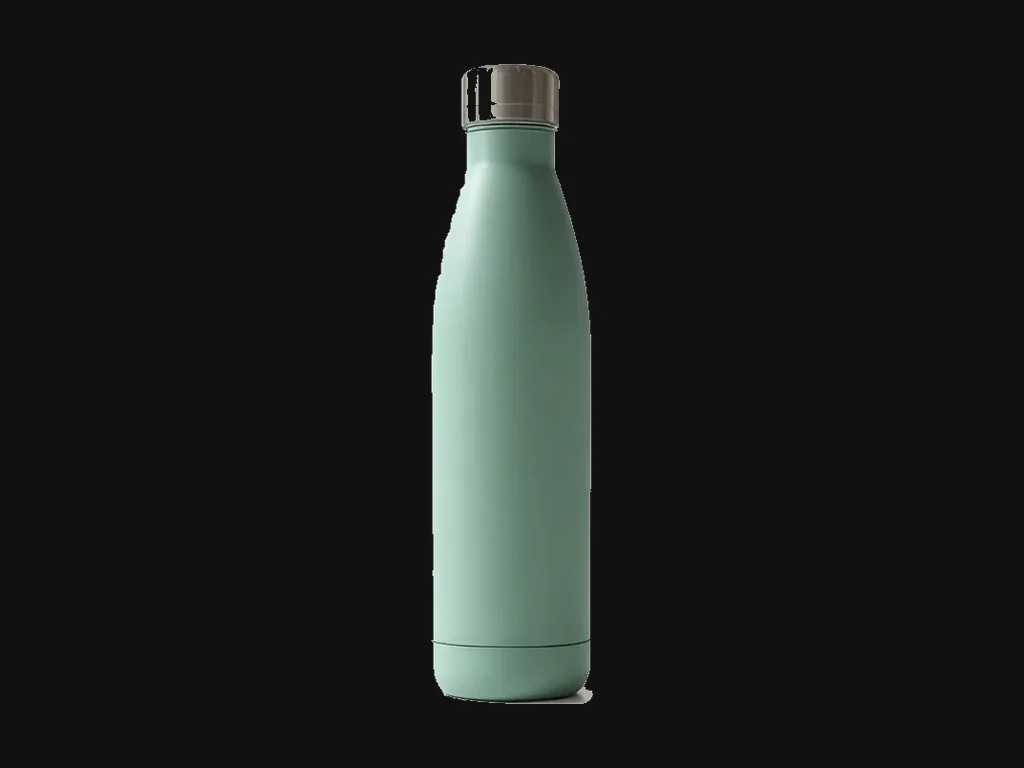
Keep 32-bit RGBA alpha transparency intact on stickers, logos, and cutouts
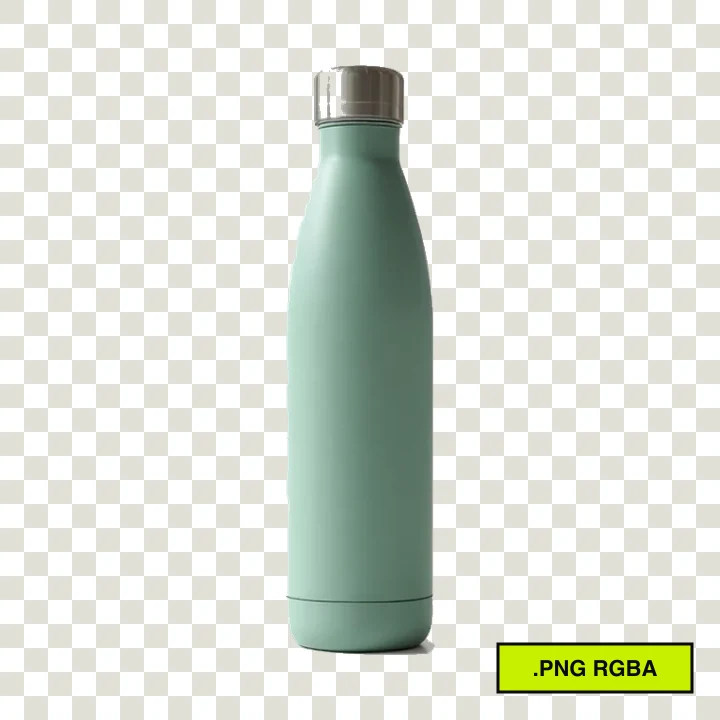
Unlike JPEG, PNG natively stores an 8-bit alpha channel alongside RGB color. Exporting a transparent WebP graphic preserves soft anti-aliased shadows, drop glows, and curved logo edges without ugly black boxes or white fringes.
- Retains all 256 alpha opacity levels from transparent VP8 and VP8L WebP assets
- Zero matte flattening — drop cutouts straight onto dark or colored layouts
- Ready for Cricut stickers, Figma components, merchandise mockups, and overlays
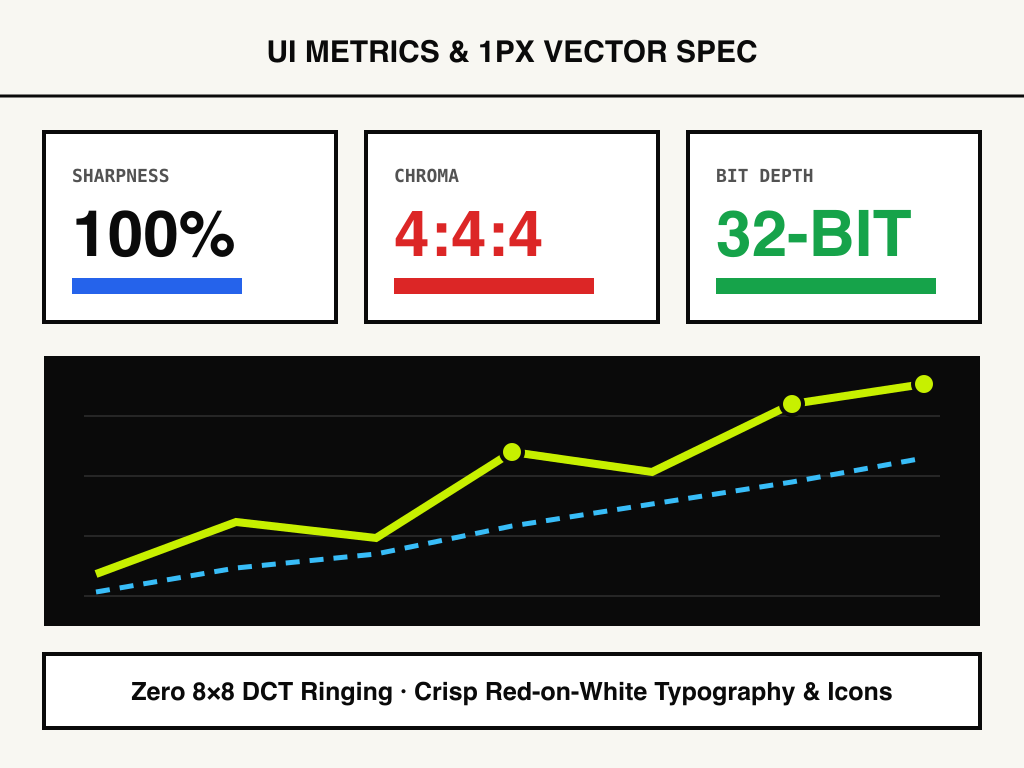
Lock in razor-sharp UI icons, diagrams, and crisp typography
Screenshots, technical charts, and vector exports suffer from fuzzy halos whenever re-saved through lossy codecs. Switching into lossless PNG freezes every horizontal and vertical edge cleanly with zero chroma subsampling.
- Applies lossless DEFLATE compression so repeated edits add zero generation blur
- Preserves exact 1:1 pixel geometry with no automatic resizing or cropping
- Keeps flat brand colors, thin borders, and interface labels crisp across revisions
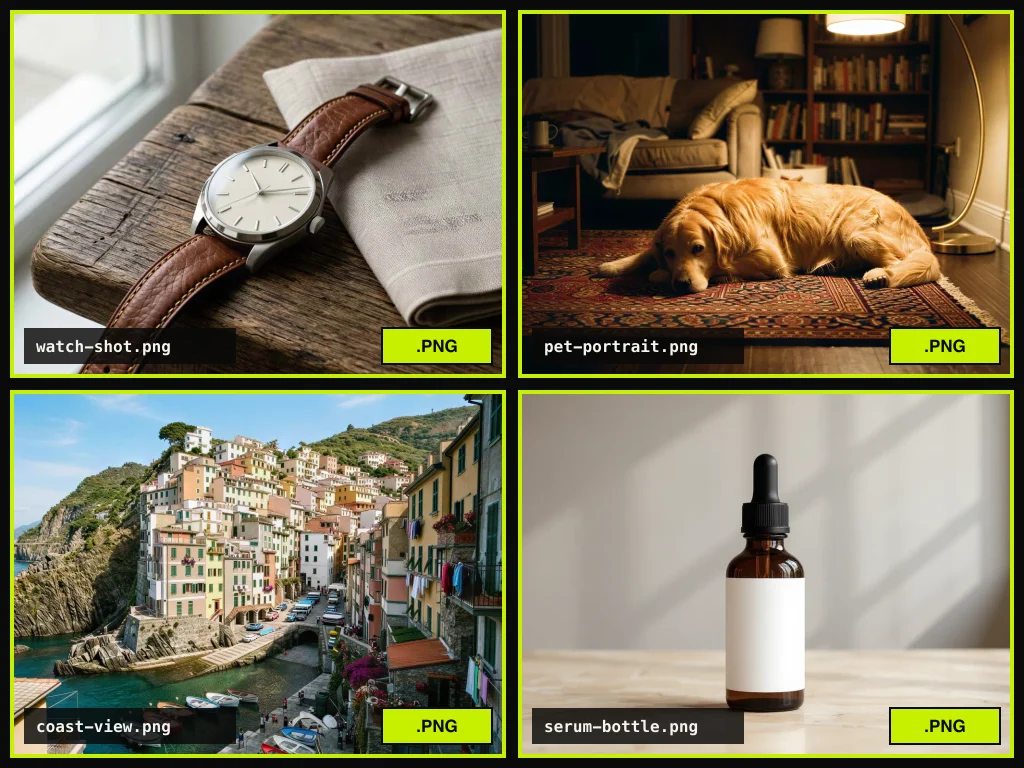
Convert up to 30 WebP downloads locally in one fast batch
Saving icon packs, reference boards, or supplier cutouts one image at a time drags down creative sprints. Queue up to 30 .webp files together via drag-and-drop or clipboard paste and grab every lossless PNG in seconds.
- Local batch queue runs inside device memory with zero upload bottlenecks
- Displays pixel dimensions alongside original and converted byte counts per file
- Save single items selectively or click Download All for the full batch


Unlock Photoshop, Canva, PowerPoint, and print tools without an extension
Older office software, print-shop portals, and legacy creative suites frequently reject .webp imports or strip transparency. A single bookmarked tab turns downloaded web assets into editable PNGs across macOS, Windows, iOS, and Android.
- Opens cleanly in Photoshop, Illustrator, Figma, Canva, Keynote, and PowerPoint
- Zero browser extension permissions required — never reads your browsing tabs
- Works offline-style inside Chrome, Safari, Edge, and Firefox with no sign-in
Why Switch Downloaded WebP Files Locally in Your Browser?
Full 32-Bit Alpha Transparency
Our HTML5 Canvas encoder writes genuine 32-bit RGBA PNG output, keeping transparent backdrops, glass gradients, and feathered cutout edges pixel-accurate.
100% Private Local Batch (Up to 30 Files, 0 Credits)
Every decode and PNG export executes locally in browser RAM. Process up to 30 files at once with 0 credits, zero watermark, no account, and zero server uploads.
Zero-Install Alternative to Browser Extensions
Skip Chrome add-ons that demand access to every webpage you visit. Bookmark one lightweight tool that works across desktop and mobile browsers instantly.
How it works
Drop, select, or paste WebP files
Drag up to 30 .webp images into the workspace above, tap to pick files from your folder or gallery, or press Ctrl+V (Cmd+V on Mac) to paste from your clipboard.
Instant local RGBA PNG decode
Your browser decodes each WebP pixel grid directly into local memory and encodes a lossless 32-bit RGBA PNG at exact original width and height.
Download individual or all PNGs
Review resolution and output size for each item, save individual .png files right away, or click Download All to export your entire converted queue.
Best inputs and limitations
Best suited when you need to turn WebP into PNG while keeping transparent backgrounds intact, lock lossless pixels for Figma, Photoshop, Canva, or PowerPoint, fulfill strict .png upload rules on print or merch portals, or run a private 30-file batch without uploading confidential assets.
Honest boundaries to expect: standard PNG is a still raster format, so animated .webp files export their crisp opening frame rather than a looping animation. Converting a lossy WebP into PNG stops future generation degradation and increases file size slightly, yet cannot invent detail that was already compressed away — use our AI Image Upscaler to enlarge small thumbnails for 4K or print. Likewise, an opaque WebP with a solid backdrop stays opaque after conversion; use AI Background Remover to erase backgrounds into true cutouts.
How to Convert WebP to PNG With Full 32-Bit RGBA Transparency
Understanding how to convert WebP to PNG without breaking transparency starts with how both containers encode alpha data. WebP supports an 8-bit transparency mask inside both lossy VP8 and lossless VP8L bitstreams, which is why modern sites ship stickers, product cutouts, and UI icons as lightweight .webp assets. When older editors or print portals refuse that extension, you need a lossless target that carries the same alpha precision.
This online converter decodes each file onto an in-memory HTML5 canvas using full 32-bit RGBA buffers — 8 bits each for red, green, blue, and alpha opacity (0 fully transparent through 255 fully opaque). That keeps soft drop shadows, semi-transparent glass highlights, and anti-aliased lettering smooth instead of clipping edges into jagged pixels.
- Transparent cutouts stay transparent: Logos, decals, and e-commerce isolates open in Figma, Photoshop, or Canva over clean transparency grids.
- Opaque sources stay opaque: If your original .webp already has a solid white or studio backdrop, a plain format change will not delete it — send it to AI Background Remover when you want a newly cut-out transparent PNG.
- Cross-platform reliability: Whether you convert from WebP to PNG on macOS, Windows, Linux, iPhone, or Android, the browser outputs a spec-compliant .png readable everywhere.
Lossless WebP to PNG Quality, File Size Math, and When to Pick JPG
A frequent question when people change WebP to PNG is why a 180 KB .webp download expands into a 480 KB or 750 KB .png. That jump is completely expected and reflects how lossless PNG compression works. Lossy WebP shrinks images by discarding subtle color variations through block prediction, whereas PNG applies reversible scanline filters plus DEFLATE compression so every pixel survives verbatim.
Choosing a lossless PNG workflow is the smart move whenever an asset enters multi-step editing, contains sharp UI text, or needs archival fidelity:
- Stops future generation loss: Re-saving a graphic ten times in PNG introduces zero fresh artifacts, whereas repeated lossy saves steadily smudge fine lines.
- Preserves exact dimensions: A 1920 × 1080 graphic stays 1920 × 1080 with zero hidden resampling. Keep in mind that changing containers cannot manufacture pixels that were never there — to enlarge a tiny 400 px web thumbnail for 4K (3840 × 2160) screens or 300 DPI printing (2400 × 3000 px for an 8×10 in print), run it through AI Image Upscaler or our flagship AI Super Resolution engine.
- When JPG is better: If your file is a full-bleed photograph with no transparency and tight email or CMS size limits matter most, switch to WebP to JPG Converter instead — or shrink an existing PNG later with PNG to JPG Converter.
Bulk WebP to PNG Workflows for Slides, Print Shops, and Design Kits
Knowing how to turn WebP into PNG for one stray graphic is handy, yet designers, marketers, and store managers usually pull dozens of assets from supplier portals or moodboards at once. Running a WebP to PNG batch converter directly in local RAM removes the slowest part of cloud tools: waiting for gigabits of upstream uploads and remote job queues.
Drop or select up to 30 .webp items in a single pass — or copy an image straight from a webpage and press Ctrl+V (Cmd+V on macOS) to export lossless PNGs in under a second.
- Presentation decks and office docs: Older PowerPoint, Word, and PDF builders often fail to render .webp previews or crash during slide export. Clean .png files embed reliably across enterprise machines.
- Sticker, apparel, and DTG print portals: Services like Cricut Design Space and custom merch printers explicitly request 32-bit transparent .png artwork so cut lines align cleanly.
- Animated WebP handling: Because standard PNG is a single-frame format, dropping an animated .webp cleanly captures its sharp first frame at native pixel dimensions.
- Visual verification: Each row in the local queue displays exact pixel dimensions alongside before-and-after byte sizes before you save single files or trigger Download All.
Why a Browser-Local Tool Beats a WebP to PNG Extension
Many users search for a right-click browser add-on hoping to save web images directly as PNG, only to run into security warnings or broken menus. Most format-saving Chrome and Edge extensions request broad host permissions — often asking to read and modify data across every tab you open — just to intercept image downloads. On top of that, desktop extensions cannot help on iPhone Safari or Android Chrome, and Manifest V3 updates routinely break older add-ons.
Bookmarking this free browser-local tool gives you the speed of a native utility without handing over browsing permissions:
- Strict local privacy: Your images never touch an external server, CDN bucket, or temporary cloud folder. Confidential UI mockups, client logos, and private screenshots remain strictly on your hardware.
- Zero cost, zero friction: Every single or bulk conversion uses 0 credits, requires no account creation, applies no daily quota, and stamps zero watermarks onto your downloads.
- Fast two-keystroke habit: Copy any .webp asset from the web, switch to your bookmarked tab, press Ctrl+V or Cmd+V, and save the lossless .png immediately — no installer, no command-line flags, and no OS-specific quirks.
Only optional cloud GPU steps you choose afterward — such as enlarging small downloads to 4K or running AI background removal — use account credits: a 500-credit pack ($6.99 USD during our Holiday Sale, regularly $9.99, through December 30) or Pro (from $9.95/mo billed annually at $119.40 first year, or $19.99/mo monthly)
Browser-Local Conversion vs. Extensions, Cloud Sites, and Desktop Apps
Compare the four common ways to turn WebP into PNG across privacy, alpha fidelity, batch workflow speed, and device support.
| Conversion Approach | Privacy & Permissions | Alpha & Lossless Fidelity | Batch Speed & Requirements |
|---|---|---|---|
| Browser-Local WebP to PNG (this page) | 100% on-device RAM; zero uploads and zero tab permissions | Full 32-bit RGBA lossless PNG with exact 1:1 dimensions | Up to 30 files per pass, 0 credits, works on desktop & mobile |
| Browser Saver Extensions | Often demands read/modify access across all visited sites | Varies by extension; some re-encode through lossy canvases | Single-image right-click only; desktop Chrome/Edge only |
| Cloud Upload Converters | Uploads files to remote servers with retention windows | Supports PNG, though some free tiers cap resolution or add marks | Throttled by upload bandwidth, queues, and daily file limits |
| Desktop Editors (Photoshop, Preview, GIMP) | Local offline storage once software is installed | High fidelity, though manual export dialogs slow small tasks | Requires install, license or plugin updates, and batch scripts |
Frequently Asked Questions
Is this WebP to PNG converter really free with 0 credits and no watermark?
Yes. Converting images here runs 100% locally inside your browser with 0 credits, no sign-up, no watermark, and no daily cap. Because our servers never process or store your files, we keep both single and 30-file batch conversions completely free. Optional cloud GPU tools (like 4K upscaling or AI background removal) are billed separately via Yes. Every new account receives 100 free credits on signup (no credit card required) to generate real watermarked previews on your own images. To download clean, watermark-free full-resolution PNGs, pick up a one-time 500-credit pack for $6.99 USD during our Holiday Sale (30% off $9.99 through December 30, never expires) or upgrade to Pro from $9.95/mo billed annually ($119.40 first year, 40% off $199/yr) or $19.99/mo monthly.
Does converting WebP to PNG keep transparent backgrounds?
Yes. If your source .webp contains an alpha channel — such as a transparent sticker, icon, or logo cutout — our HTML5 Canvas encoder writes a 32-bit RGBA PNG that preserves every semi-transparent edge intact. If your WebP has a solid opaque background, format conversion keeps that backdrop; use our AI Background Remover to erase it into a transparent cutout.
How to change WebP to PNG in bulk for multiple files at once?
Drag up to 30 .webp files straight into the dropzone above, select multiple images through your device file picker, or paste images with Ctrl+V (Cmd+V on Mac). Every file decodes locally in seconds, showing pixel size and output kilobytes, and you can save files individually or click Download All.
Why is my converted PNG file larger than the original WebP?
WebP uses aggressive VP8 or VP8L web compression designed to minimize download kilobytes, whereas PNG uses lossless DEFLATE encoding that preserves every pixel with zero future generation loss. A larger PNG is normal for lossless editing and transparency. If you have an opaque photo and want a smaller file instead, use our WebP to JPG Converter.
What happens if I upload an animated WebP file?
Standard PNG is a static still-image format, so dropping an animated .webp file extracts and exports its crisp first frame as a lossless static .png at full original pixel dimensions without errors.
Do I need a WebP to PNG Chrome extension or desktop app?
No. Many browser extensions request wide permissions to read every website you visit and still fail on phones. Bookmarking this browser-local tool lets you convert single or batch files instantly on Chrome, Safari, Edge, and Firefox across Windows, macOS, iPhone, and Android with zero installs.