JPG to PNG
Free JPG to PNG Converter Online
Turn single or batch .jpg and .jpeg images into lossless PNG files right in your browser. Zero credits, zero watermark, and your photos never leave your device.
- 100% free, 0 credits
- Batch convert in browser
- Lossless PNG, no watermark
- Files stay on your device
Drop JPG / JPEG files here
or click to browse — paste with Ctrl+V · up to 30 files at once
Supports .jpg, .jpeg, .jfif, .webp · 100% local in your browser · 0 credits
Choose JPG Files100% private — converted locally in your browser. Files never leave your device.
Why teams switch from JPG to PNG before editing
Plain format conversion locks in every existing pixel so future edits, logos, batch uploads, and transparency workflows never suffer another round of lossy compression.
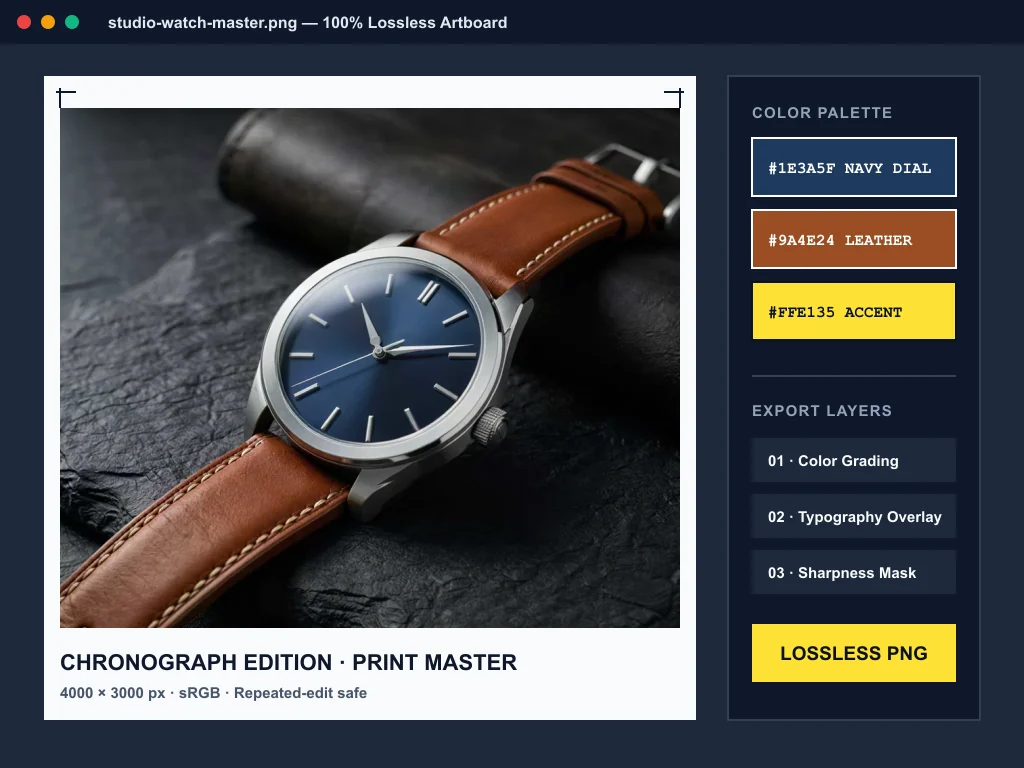
Stop generation loss before repeated design edits
Every time a photo is opened and re-saved as JPEG, lossy quantization throws away subtle color and texture. Moving into lossless PNG freezes your pixels before layout work begins.
- Preserves exact original pixel dimensions with zero downscaling
- Prevents fresh macro-blocking across repeated Photoshop or Figma saves
- Outputs standard 24-bit RGB PNG accepted by every design suite
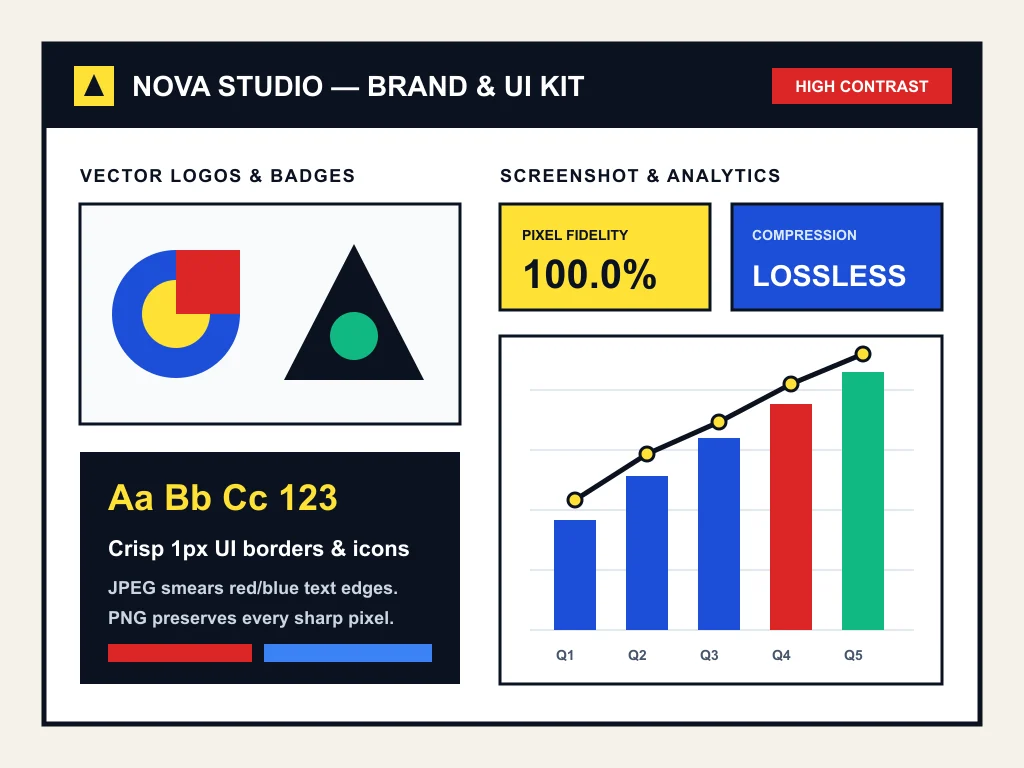
Protect sharp typography, UI screenshots, and brand marks
High-contrast icons, charts, and slides quickly develop mosquito ringing when circulated as JPEG attachments. A quick lossless format switch keeps overlays and exported graphics crisp.
- Eliminates extra chroma subsampling on future text and vector overlays
- Ideal for pitch decks, documentation screenshots, and print labels
- Downloads in under a second with zero watermarks or compression toggles
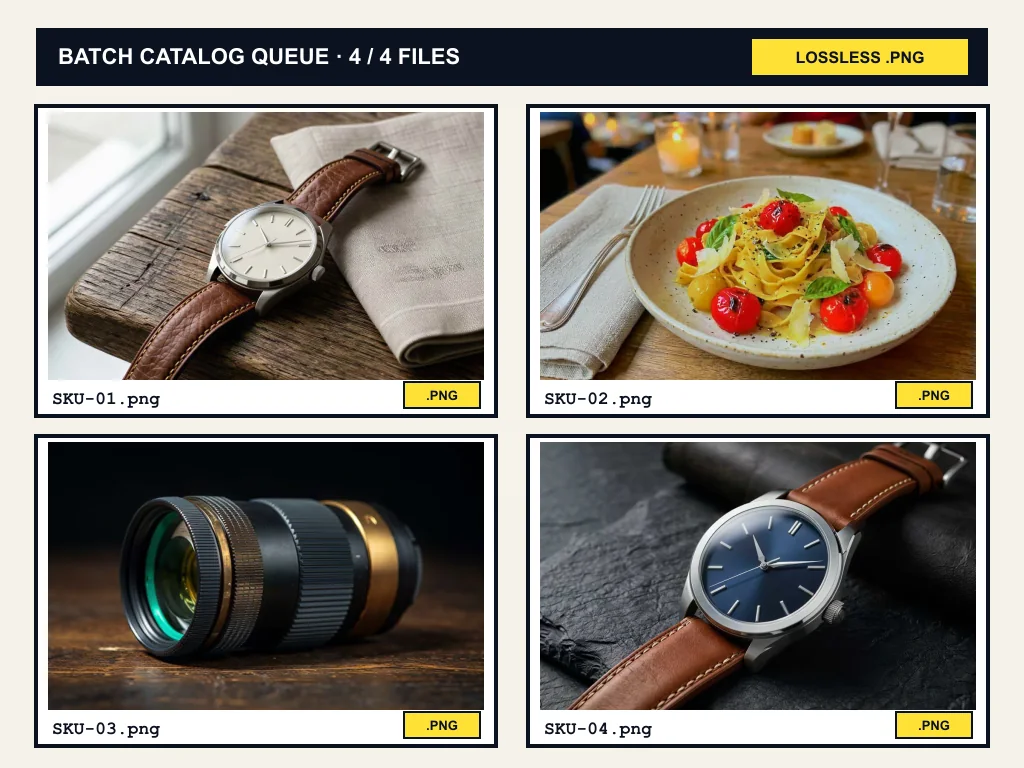
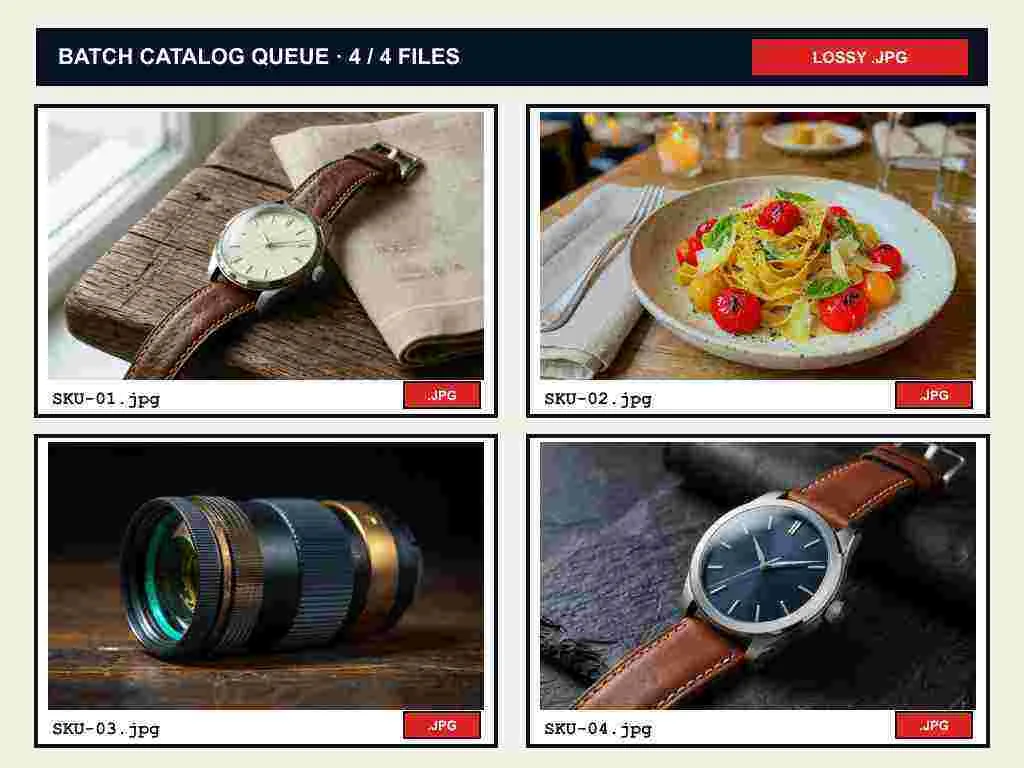
Batch convert dozens of product photos in one drop
Marketplace portals and CMS pipelines frequently reject .jpeg uploads or require PNG assets. Drop up to 30 images at once to run a fast mass conversion locally without upload queues.
- Handles .jpg, .jpeg, .jfif, and .webp inputs in a single queue
- Displays original dimensions and file sizes side by side per image
- Save individual PNGs or trigger one-click batch download immediately
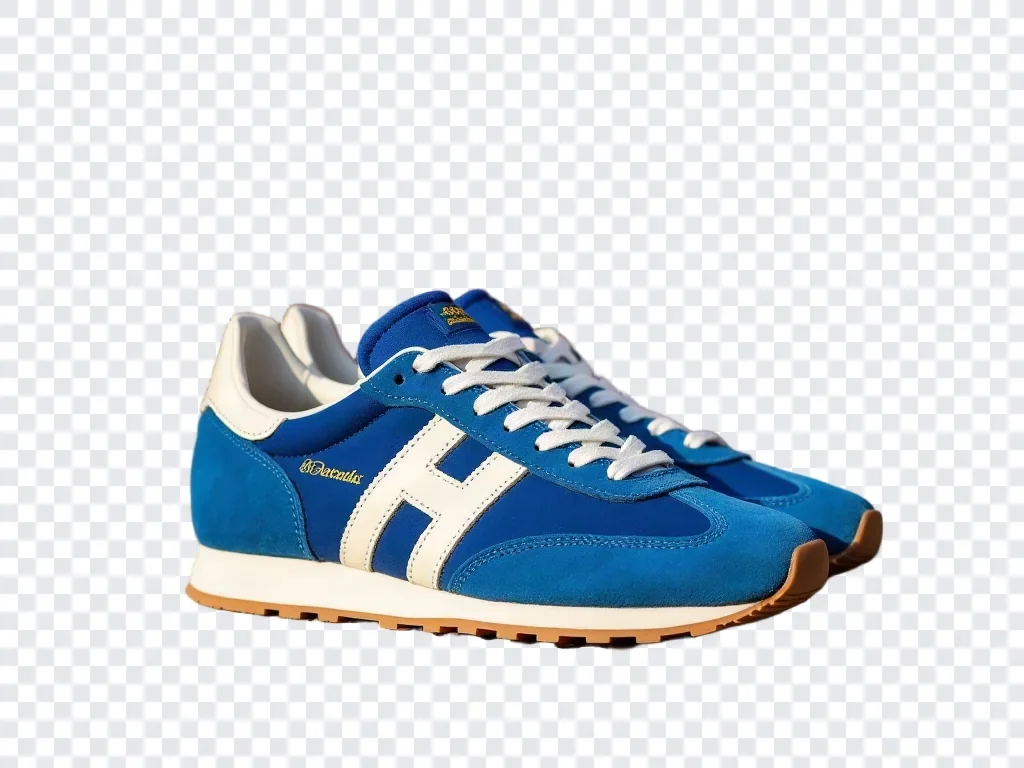
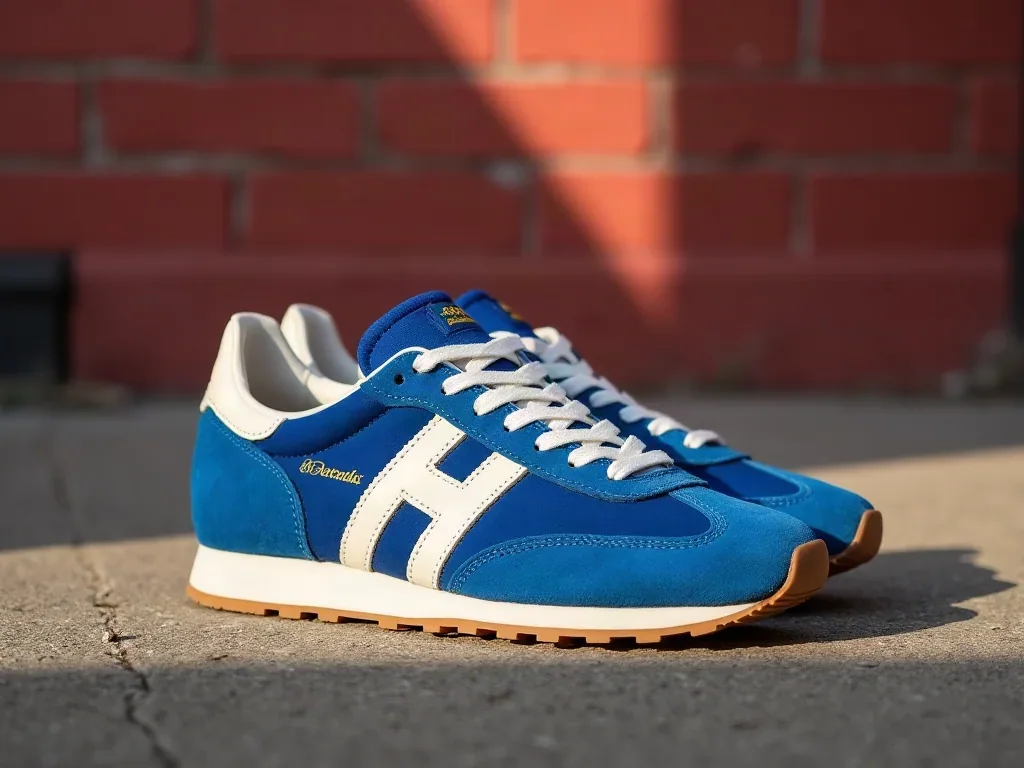
Prepare solid-backdrop photos for alpha transparency
Switching the container to PNG enables an alpha channel, while our one-click AI Background Remover erases the solid backdrop whenever you need a genuine transparent cutout.
- Honest workflow: format conversion alone keeps the original solid background
- Direct handoff button routes converted files to AI Background Remover
- Combine lossless PNG output with crisp edge masking for e-commerce stickers
Why use our free JPG to PNG converter?
100% Private Local Processing
Every image is decoded and encoded directly inside your browser canvas. Your personal portraits, IDs, and client designs are never uploaded to external servers.
Instant Batch Conversion
Drop a single photo or up to 30 files at once — including large camera exports — and download lossless PNG results in seconds with zero waiting queues.
Zero Credits, Zero Watermark
Format conversion is completely free with no account, no daily cap, and no watermark. Keep optional AI credits only for heavy GPU tasks like upscaling or cutouts.
How it works
Drop or paste your JPG files
Drag one or multiple .jpg or .jpeg photos into the converter above, click to browse from your phone or computer, or paste straight from your clipboard.
Automatic local PNG encoding
Your browser immediately encodes each image at full original resolution into a lossless PNG file — no server upload wait and no quality slider guesswork.
Download one or all PNGs
Inspect dimensions and file size for every item, save individual PNG files, or click Download All for batch exports. Chain AI background removal or upscaling if needed.
Best inputs and limitations
Works best when you need to change JPG to PNG for lossless editing in Photoshop or Figma, prepare crisp graphics and screenshots, meet strict .png upload rules on print or e-commerce portals, or batch convert JPEG to PNG privately offline-style inside your browser.
Keep in mind: plain format conversion changes the file container to lossless PNG without removing a solid background or inventing missing detail. If you want a transparent background, use our AI Background Remover; if your original photo already looks blocky or small, use AI Photo Enhancer or AI Image Upscaler.
How to Convert JPG to PNG Without Losing Quality
Understanding how to convert JPG to PNG cleanly starts with knowing what happens inside each file format. JPEG uses lossy discrete cosine transform compression to shrink camera photos into tiny files, discarding subtle high-frequency details every time you re-save. PNG uses lossless DEFLATE compression, preserving every single pixel intact across unlimited edits.
When you drop photos into our online converter, your browser decodes the exact pixel grid of each .jpg or .jpeg image onto an in-memory HTML5 canvas and exports a clean, uncompressed-quality PNG blob. Because nothing is re-sampled or resized, a 4000 × 3000 camera photo stays 4000 × 3000 pixels from start to finish.
- Single or multi-file workflow: Select one image or queue up to 30 photos to mass convert files in a single pass.
- Large files stay fast: Because processing happens in local browser memory instead of over slow upload links, even high-megapixel DSLR exports finish in moments.
- Works on every device: Transfer JPEG files into lossless PNG on Windows, macOS, Linux, iPhone, or Android without installing desktop utilities or extensions.
When You Should Change JPEG to PNG Format
Knowing when to switch JPEG to PNG — and when to keep JPEG — keeps your storage lean while protecting image fidelity where it matters most. Use a JPEG to PNG converter whenever an image enters an active editing pipeline, contains sharp text or UI elements, or must satisfy a platform that requires the .png extension.
- Graphic design & print handoffs: Converting a source photo from JPG into PNG before adding typography, masks, or color grading prevents stacked JPEG artifacts.
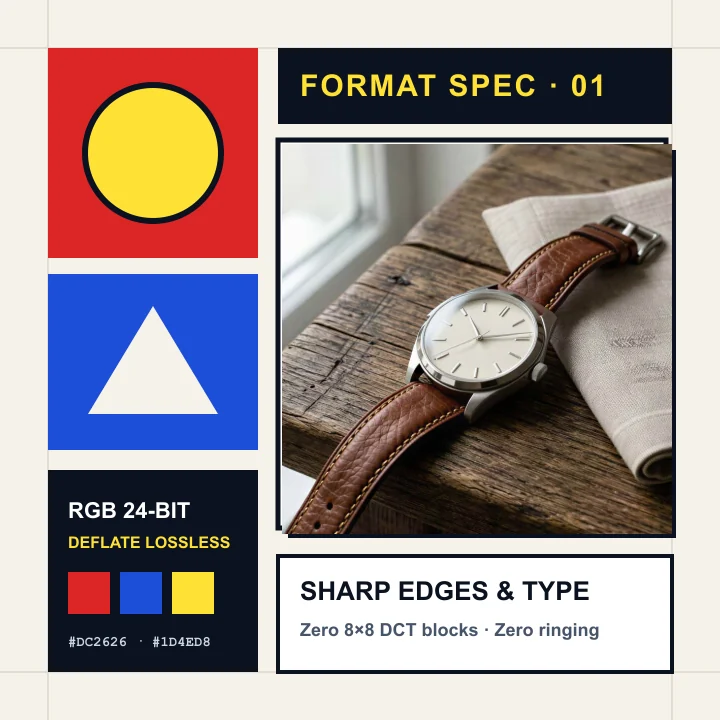
- Brand marks, charts & screenshots: Flat colors and thin lines stay crisp in PNG instead of smearing along 8×8 pixel JPEG blocks.
- Archival masters & client delivery: Delivering final retouched assets in PNG guarantees clients can crop and overlay them without another round of lossy degradation.
On the other hand, if you are publishing large photographic galleries where page speed matters most and no transparency is needed, keeping an optimized JPEG or WebP copy for the web while archiving your master in PNG gives you the best of both worlds.
JPG to PNG Transparent: Format Conversion vs. Background Removal
One of the most common questions people ask is how to make a JPG to PNG transparent file. It helps to separate two distinct technical steps: file format conversion and alpha background removal.
Standard JPG files cannot store an alpha transparency channel, so every pixel is opaque. When you switch formats with a standard converter, the new .png container now supports transparency — so you can erase areas in an editor later — yet the existing white, colored, or studio background remains completely solid.
If your real goal is a transparent PNG with the backdrop erased cleanly around hair, products, or logos, follow a two-step workflow or jump straight into our AI Background Remover. It automatically isolates the subject and exports a ready-to-use transparent cutout without manual lasso tracing.
Fix Existing JPEG Blur or Enlarge Resolution Before Exporting
Another important expectation to keep clear: switching a file from JPG to PNG stops future generation loss, yet it cannot reverse compression damage that already happened years ago. If a downloaded photo already shows heavy blocky halos, soft focus, or tiny dimensions, the converted PNG will faithfully preserve those exact blocks.
When you need cleaner pixels rather than just a lossless wrapper, pair format conversion with dedicated AI restoration:
- Remove JPEG artifacts and softness: Run the image through AI Photo Enhancer to clean compression noise, sharpen fine textures, and export directly in lossless PNG.
- Enlarge small images for print or 4K: Use AI Image Upscaler to multiply pixel dimensions by 2×, 4×, or 16× while reconstructing crisp edges.
- Full flagship restoration: Visit our main AI Super Resolution upscaler when working with ultra-detailed portraits, artwork, or archival prints.
100% Free Local Converter Plus Optional AI Upgrades
Using this JPG to PNG batch converter costs zero credits, requires zero sign-up, and adds zero watermarks — whether you convert one screenshot or batch process a whole product shoot. Because every file is encoded inside your own browser, there is no server queue and no file retention window.
Only if you decide to chain cloud GPU tools afterward — such as AI background removal, JPEG artifact cleanup, or 4K–16× super-resolution upscaling — do SuperResolution credits apply. a 500-credit pack ($6.99 USD during our Holiday Sale, regularly $9.99, through December 30) or Pro (from $9.95/mo billed annually at $119.40 first year, or $19.99/mo monthly)
JPG vs. PNG vs. AI Workflows: Which Tool Fits Your Goal?
Choose the right path based on whether you only need a lossless file format switch, true alpha transparency, or real AI resolution enhancement.
| Goal | Recommended Tool | What Changes | Best Next Step |
|---|---|---|---|
| Switch .jpg/.jpeg to lossless .png | JPG to PNG (this page) | Re-encodes full-res pixels into lossless PNG locally in browser (0 credits) | Edit freely in Photoshop, Figma, or upload to PNG-only portals |
| Convert multiple JPGs at once | JPG to PNG batch queue | Processes up to 30 local files simultaneously with 1-click Download All | Archive clean PNG masters or deliver batch catalog assets |
| Make a JPG have a transparent background | AI Background Remover | Removes solid backdrop and generates real alpha-channel transparent PNG | Place product cutouts on banners, slides, or store listings |
| Erase existing JPEG blocks or blur | AI Photo Enhancer | Reconstructs clean detail, removes compression noise, saves lossless PNG | Download sharper photos without visible JPEG artifacts |
| Enlarge small JPG for 4K or print | AI Image Upscaler | Scales resolution 2×–16× with AI detail reconstruction into crisp PNG | Print posters, hero banners, and crisp high-DPI assets |
Frequently Asked Questions
Is this JPG to PNG converter really free and unlimited?
Yes. Converting your photos runs 100% locally in your browser with zero credits, no account required, no watermark, and no daily limit. Paid plans only apply if you choose optional cloud AI tools like background removal or 4K upscaling afterward. Yes. Every new account receives 100 free credits on signup (no credit card required) to generate real watermarked previews on your own images. To download clean, watermark-free full-resolution PNGs, pick up a one-time 500-credit pack for $6.99 USD during our Holiday Sale (30% off $9.99 through December 30, never expires) or upgrade to Pro from $9.95/mo billed annually ($119.40 first year, 40% off $199/yr) or $19.99/mo monthly.
Does converting JPG to PNG automatically make the background transparent?
No. Converting a JPG into PNG switches the file to a format that supports transparency, so you can edit or mask it later, but it keeps the original solid background intact. To automatically erase the background and export a transparent PNG cutout, click through to our AI Background Remover.
Will my PNG file be larger than the original JPG?
Usually yes, and that is completely normal. JPEG aggressively discards subtle pixel data to keep files tiny, whereas PNG uses lossless compression to preserve every single pixel without degradation. The larger file size is the tradeoff for clean, repeatable editing.
Can I batch convert multiple JPG files to PNG at once?
Yes. You can drop or select up to 30 .jpg or .jpeg images in one batch, see each image's dimensions and converted PNG size instantly, and either download individual files or click Download All to save every PNG.
Are my photos uploaded to your servers during conversion?
No. This free JPG to PNG converter processes images completely inside your browser's local memory using the HTML5 Canvas API. Your files never leave your computer or phone, making it safe for sensitive documents, private portraits, and unreleased designs.
What is the difference between .jpg and .jpeg when converting to PNG?
There is zero technical difference between .jpg and .jpeg — both are the exact same JPEG image format, with .jpg dating back to older three-letter file extension limits. Our converter accepts both .jpg and .jpeg files interchangeably and outputs standard lossless .png files.
Does converting JPG to PNG improve photo sharpness or remove blur?
No. A format converter preserves the exact pixels already inside your JPEG so no additional quality is lost on future saves, but it cannot recover lost sharpness or enlarge tiny images. To fix blur or upscale resolution, run your image through our AI Photo Enhancer or AI Image Upscaler.
Can I convert large JPG files to PNG on mobile or desktop?
Yes. Because conversion happens locally without network upload bottlenecks, large high-megapixel JPGs convert quickly on modern desktop and mobile browsers (Chrome, Safari, Edge, and Firefox), limited only by your device's available browser memory.