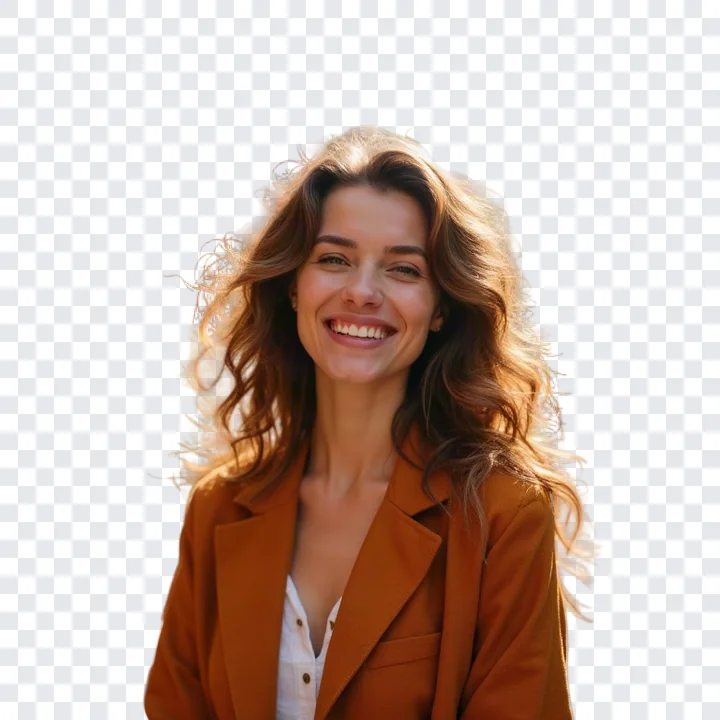
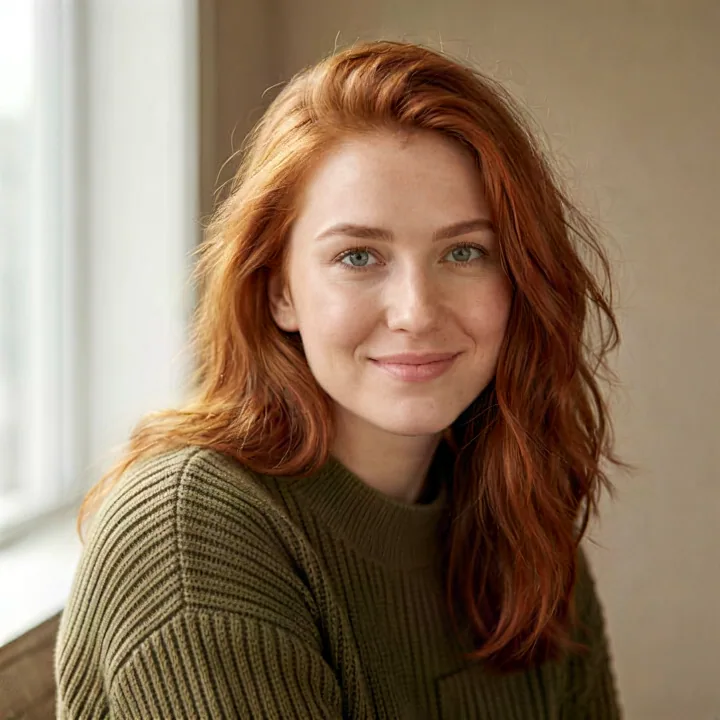
Change Background of Photo
Change Background of Photo Free Online
One-click AI tool to change background of photo files in about 10 seconds — pick from six studio presets or describe a custom scene while preserving facial identity, crisp hair strands, and matched lighting.
- Lossless PNG output
- 100 free credits, no card
- No app to install
- Deleted after 30 days
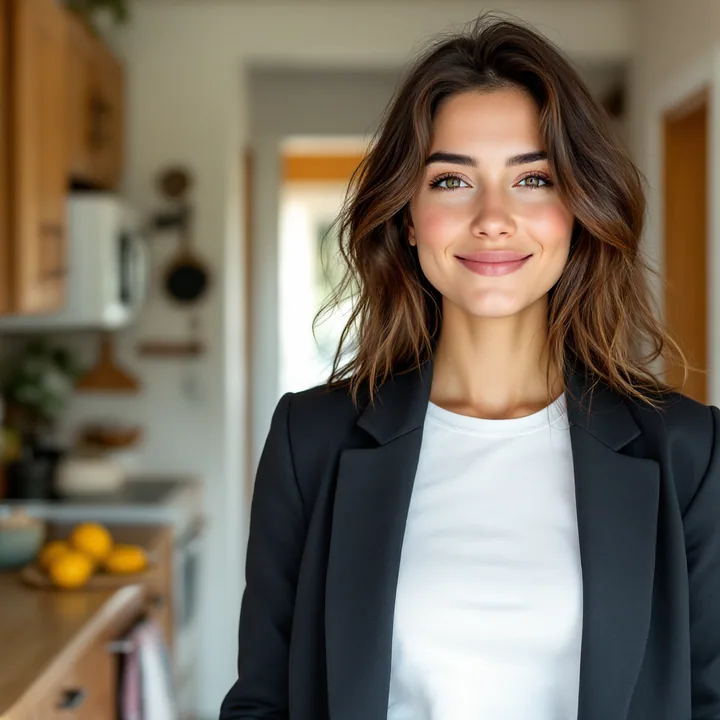

Drag & drop your image here
or click to browse. Supports JPG, PNG, WebP (max 20 MB)
JPG · PNG · WebP up to 20 MB · Deleted after 30 days
See how naturally AI can change background of photo lighting and edges
Drag each slider to compare everyday originals against live FLUX Pro Kontext edits. Every change photo background run locks subject identity while matching rim light and shadows to the new scene.
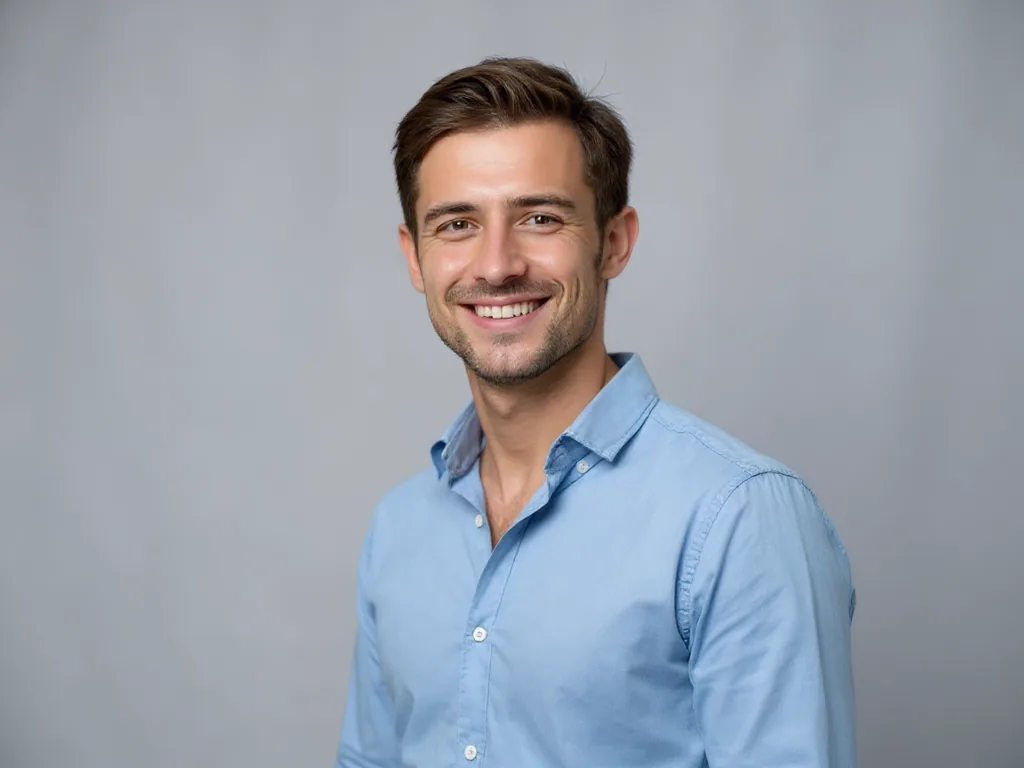
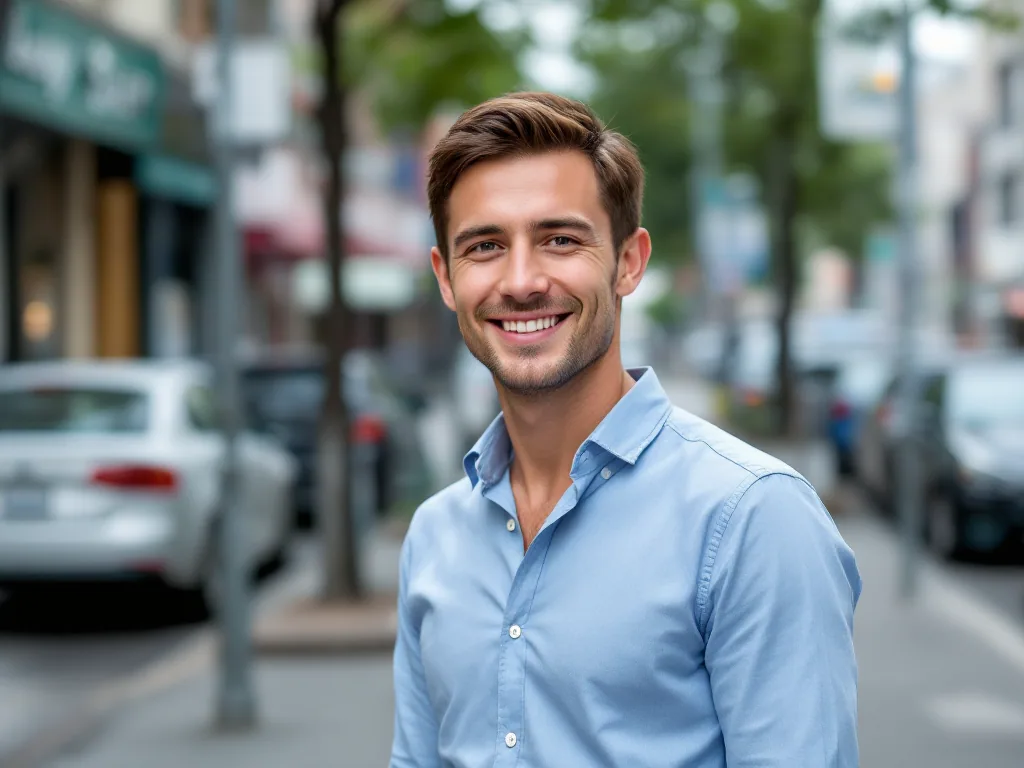
Turn street portraits into studio-lit executive headshots
Parked cars and sidewalk clutter pull attention away from your face. Let AI change background of photo portraits into a balanced studio gray headshot in one click.
- Keeps facial identity, skin texture, and light-blue shirt creases intact
- Preserves fine hair strands and shoulders with zero sticker-like halo
- Balances directional key light like a real studio portrait strobe
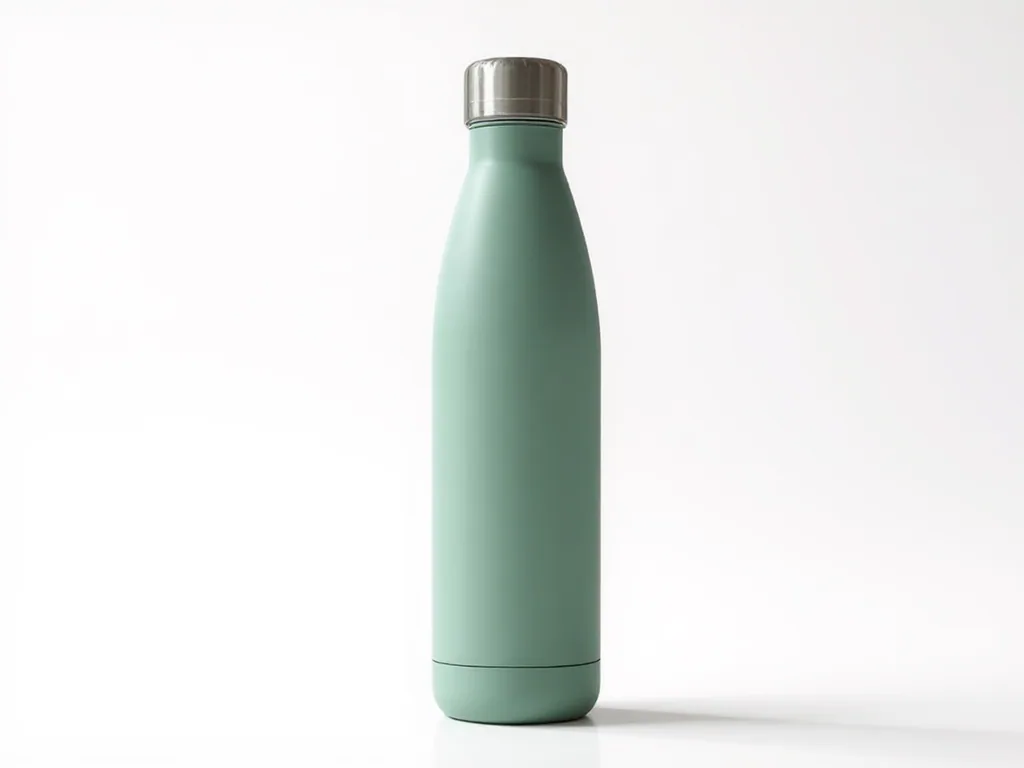
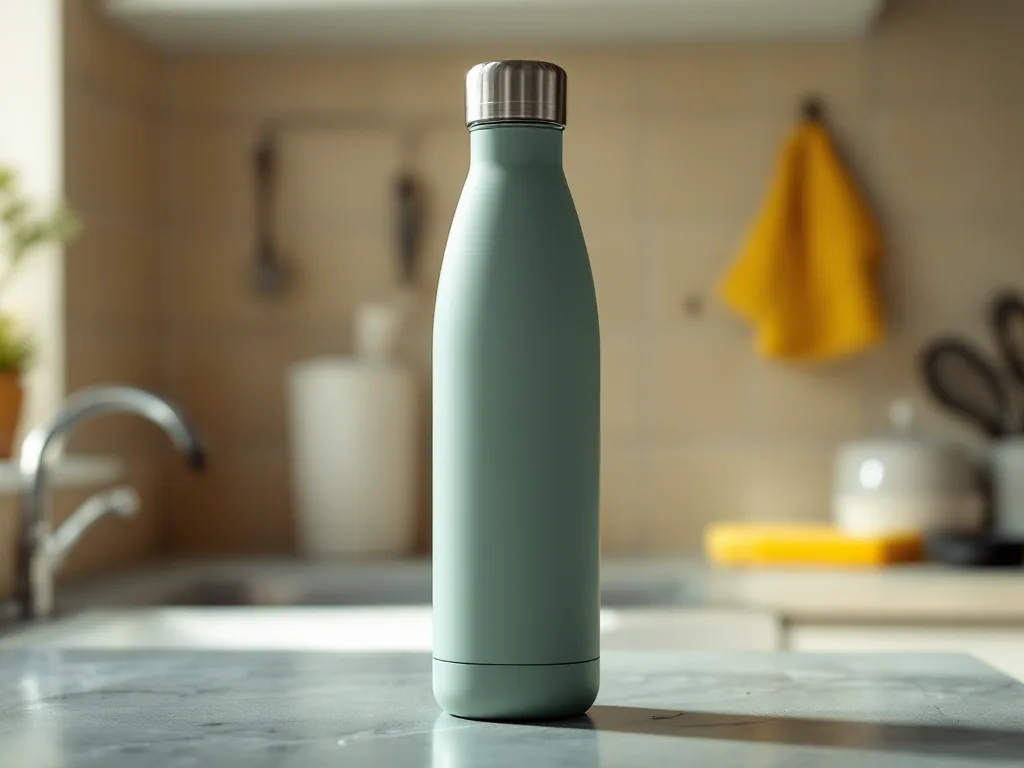
Place countertop products on a pure white studio sweep
Marketplace listings need a spotless white background for product photos without renting a lightbox. Change photo background clutter like kitchen tiles and dish racks into an Amazon-ready #FFFFFF canvas.
- Builds a clean #FFFFFF studio sweep suited for Amazon's 85% frame-fill rule
- Retains matte sage-green bottle finish, bevels, and a grounded contact shadow
- Chain with AI Image Upscaler afterward to reach 2000×2000 px hover zoom
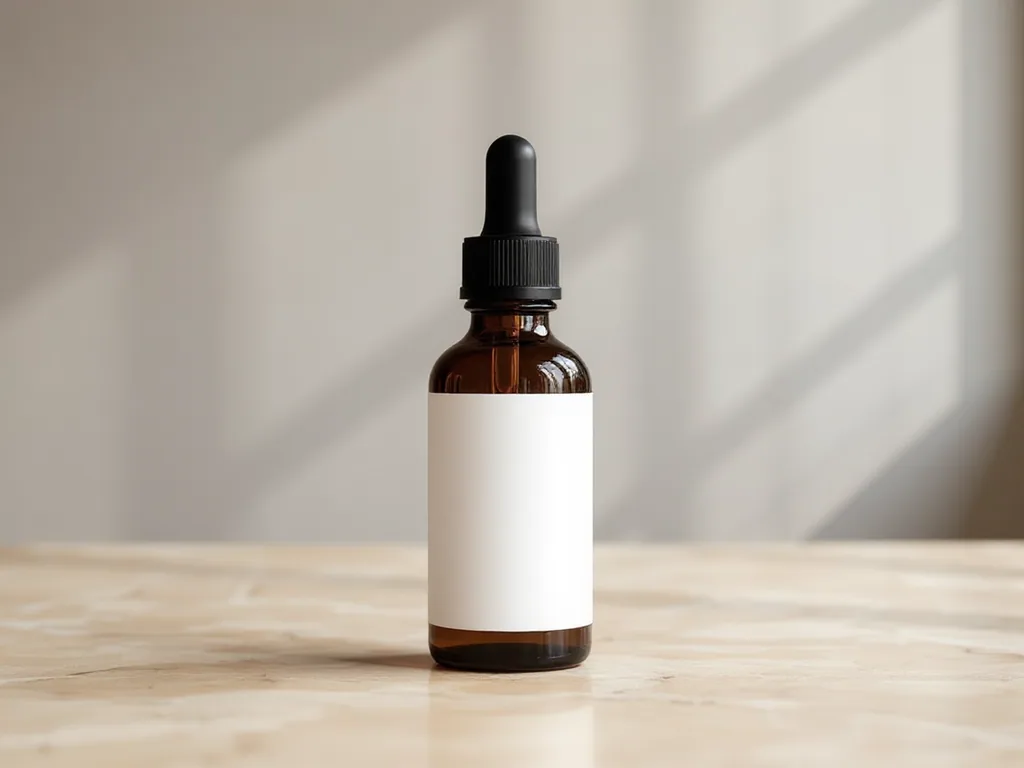
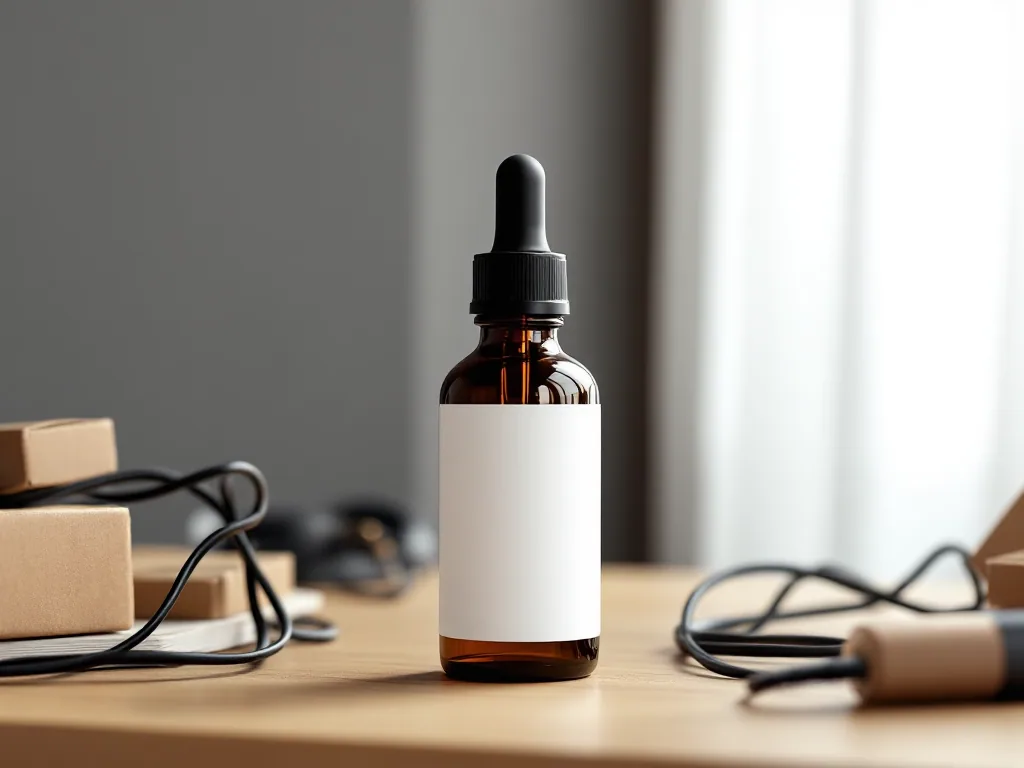
Stage skincare bottles on warm marble without props
An amber glass dropper serum bottle shot on a messy desk rarely converts on Shopify or social ads. Swap cardboard flaps and gray office walls for a warm marble stage with realistic glass reflections.
- Preserves amber glass clarity, matte black cap shape, and clean label edges
- Renders soft marble veining, natural highlights, and grounded base shadows
- Pick Warm Marble Stage, Golden Hour Park, or a typed custom scene prompt


Turn living room snapshots into uniform ID and team portraits
Bookshelves and patterned curtains trigger rejections on visa portals and staff directories. Replace photo background clutter with Soft Studio Blue or Pure White Studio in seconds.
- Creates shadow-free tones built for passport photo background guidelines
- Supports US 2×2 in (600×600 px at 300 DPI) and EU 35×45 mm (413×531 px at 300 DPI) crops
- Keeps natural eye contact, navy collar detail, and consistent team framing
Why creators use our AI to change background of photo scenes
Identity-locked relighting
FLUX Pro Kontext preserves exact facial features, eyeglasses, hair strands, and clothing while blending matched directional light, rim light, and grounded shadows.
6 presets + custom prompt
Select Pure White Studio (#FFFFFF), Modern Office, Studio Neutral Gray, Warm Marble Stage, Golden Hour Park, or Soft Studio Blue — or type a custom photo backdrop in plain English.
10-second lossless PNG output
Upload on Mac, Windows, iPhone, or Android and export an aspect-preserved ~1 MP lossless PNG in about 10 seconds with zero Photoshop masking.
How it works
Upload your photo
Drop any JPG, PNG, or WebP still image up to 20 MB — headshots, products, skincare bottles, or ID portraits.
Pick a preset or prompt
Choose one of six studio presets or write a custom scene, then click Change Background to process in ~10 seconds for a flat 12 credits.
Download lossless PNG
Inspect the New Background slider, save your ~1 MP PNG, or chain straight into our upscaler for 4K or 300 DPI print.
Best inputs and limitations
Best for: LinkedIn and resume headshots, Amazon and Shopify white-background catalogs, skincare lifestyle staging, passport and team badge portraits, and rapid ad tests with a browser photo background changer.
Honest boundaries: This tool processes still images (JPG, PNG, and WebP up to 20 MB) into aspect-preserved ~1 MP (~1024 px class) lossless PNGs — it does NOT edit MP4/MOV video files or run live webcam virtual backgrounds. For an empty transparent PNG cutout only, use Remove Background; for 4K or 300 DPI print sizes, chain into AI Image Upscaler.
Context-Aware Relighting vs. Flat Cut-and-Paste Composites
Basic background editors slice a hard mask and paste your subject over stock wallpaper. Even with clean borders, the edit looks artificial because kitchen lighting clashes with a sunset scene, hair retains color spill, and bottles float without shadows.
When you change background of photo uploads here, FLUX Pro Kontext treats the frame as one unified optical scene. It locks exact identity, pose, eyeglasses, wardrobe, and fine hair strands while generating the new backdrop behind them. This photo background changer also adapts directional rim light, subtle glass reflections, and grounded shadows so the subject belongs in the room.
Server-side inference finishes in ~10 seconds on desktop or mobile browsers with zero layer masking. If your source image is soft or noisy before you change photo background lighting, sharpen it first with AI Photo Enhancer.
Verified Specs for Amazon Listings, Passport Photos, and Headshots
Marketplace algorithms and government portals reject sloppy framing. Whether you need a spotless white background for product photos or need to change background of photo portraits for IDs and staff pages, follow these verified specs:
- Amazon & E-Commerce Main Images: Pick Pure White Studio (#FFFFFF) with your item filling roughly 85% of the frame and zero extra props. Amazon requires at least 1000 px on the longest side and recommends 2000×2000 px for hover zoom — enlarge our ~1 MP PNG afterward with our 2×/4× AI Image Upscaler.
- US & EU Passport / Visa Portraits: Choose Pure White Studio or Soft Studio Blue with even, shadow-free lighting. Standard print sizes are US 2×2 in (600×600 px at 300 DPI) and EU 35×45 mm (413×531 px at 300 DPI); confirm your authority's current passport photo background rules before printing.
- LinkedIn & Team Directories: Studio Neutral Gray and Modern Office keep attention on facial expression across profile avatars and company About cards.
How to Write Custom Scene Prompts and Prep Source Photos
Six interactive presets cover everyday shoots — Pure White Studio (#FFFFFF), Modern Office, Studio Neutral Gray, Warm Marble Stage, Golden Hour Park, and Soft Studio Blue — while Custom Scene Prompt builds tailored environments. Four quick habits improve realism whenever you change background of photo originals or write a custom photo backdrop:
- Match camera angle: Straight-on bottles sit naturally on marble or studio sweeps; top-down flat-lays should request a flat tabletop.
- Specify material and lighting mood: Short prompts like "warm travertine pedestal with soft window light and blurred cream wall" beat vague labels when you replace photo background scenes.
- Leave framing margin: Keep hair, shoulders, and product caps clear of the frame edge.
- Start with sharp subject contrast: Clear edges help track glasses and hair wisps. For subtle portrait skin polish before or after you change photo background colors, pair with Airbrush AI.
Scaling ~1 MP Edits to 4K Print and Transparent Workflows
Each run delivers an aspect-preserved ~1 MP (~1024 px class) lossless PNG — immediately ready for LinkedIn profiles, Shopify cards, social ads, and digital IDs. For 300 DPI brochures, 2000+ px Amazon zoom, or 4K hero banners, our tools share one credit balance so you can chain steps seamlessly.
Once you change background of photo assets and verify the lighting, send your PNG straight to our 2×/4× AI Image Upscaler (up to 25 MP) or our 8×–16× AI Super Resolution engine on the homepage (up to 8K / 34 MP). If you only need an empty transparent PNG layer for Figma or Photoshop instead of a rendered scene, use our dedicated Remove Background tool.
Transparent Credits, Free Daily Previews, and Account Privacy
a 500-credit pack ($6.99 USD during our Holiday Sale, regularly $9.99, through December 30) or Pro (from $9.95/mo billed annually at $119.40 first year, or $19.99/mo monthly) Every run costs a flat 12 credits regardless of input size — so your 100 free signup credits (valid 7 days, no credit card required) give you up to 8 watermarked previews on your own photos. After signup credits expire or run out, unpaid accounts still get 1 free watermarked preview per day (up to 3 total, up to 16 MP) to test this photo background changer risk-free. Purchasing any credit pack (starting at 500 credits, never expires) or a Pro plan immediately unlocks clean, watermark-free lossless PNG downloads — including images you already generated.
Uploads transfer over HTTPS and stay privately stored in your account (no public link) for up to 30 days for re-downloads and support, then are automatically deleted. We never publish uploads or train AI models on customer photos.
Backdrop Presets & Workflow Comparison
Match each preset in our photo background changer with the best companion tool for your goal.
| Scenario & Preset | Lighting & Edge Result | Output | Best Next Step |
|---|---|---|---|
| LinkedIn headshots — Studio Neutral Gray / Modern Office | Soft directional strobe feel, crisp hair & collar edges | ~1 MP lossless PNG | Airbrush AI for skin & glare polish |
| Amazon & Shopify — Pure White Studio (#FFFFFF) | Clean #FFFFFF sweep with grounded contact shadow | ~1 MP lossless PNG | AI Image Upscaler for 2000×2000 px zoom |
| Skincare & ads — Warm Marble Stage / Custom Prompt | Matched glass reflections, warm stone & depth | ~1 MP lossless PNG | AI Image Upscaler for 4K or 300 DPI print |
| Passport & team IDs — Soft Studio Blue / Pure White | Shadow-free uniform backdrop, accurate skin tones | ~1 MP lossless PNG | Crop to US 2×2 in or EU 35×45 mm |
| Outdoor lifestyle — Golden Hour Park | Warm afternoon rim light & natural bokeh depth | ~1 MP lossless PNG | AI Photo Enhancer first for blurry shots |
| Figma / Photoshop layers — Transparent alpha only | Empty 32-bit RGBA cutout with no new backdrop | Full-res transparent PNG | Use Remove Background tool instead |
Simple, Transparent Pricing
Choose the plan that fits your needs. New users get 100 free credits on signup.
Black Friday SaleEnds December 30. Discounts apply automatically at checkout.
Pro
Everything, one simple plan
$119.40 for the first year, then $199/year
- Up to 16x upscale
- Instant processing
- Ultra HD output
- Credits never expire
- Priority support
- Commercial license
Credit pack
Top up anytime — credits never expire
- No subscription needed
- Credits never expire
- Works on any account
Frequently Asked Questions
Can I change background of photo files for free online?
Yes. Sign up free with no credit card required for 100 free credits valid for 7 days. At a flat 12 credits per photo regardless of input size, you get up to 8 watermarked previews on your own images — plus 1 free watermarked preview per day (up to 3 total, up to 16 MP) on unpaid accounts afterward. Yes. Every new account receives 100 free credits on signup (no credit card required) to generate real watermarked previews on your own images. To download clean, watermark-free full-resolution PNGs, pick up a one-time 500-credit pack for $6.99 USD during our Holiday Sale (30% off $9.99 through December 30, never expires) or upgrade to Pro from $9.95/mo billed annually ($119.40 first year, 40% off $199/yr) or $19.99/mo monthly.
Which background presets and custom scene options are included?
Choose from six built-in presets right in your browser — Pure White Studio (#FFFFFF), Modern Office, Studio Neutral Gray, Warm Marble Stage, Golden Hour Park, and Soft Studio Blue — or use Custom Scene Prompt to replace photo background environments with any scene described in plain English.
How does AI change photo background lighting without altering my face or product?
We run FLUX Pro Kontext, a context-aware editing model that preserves exact facial features, hair strands, eyeglasses, clothing, and product geometry while synthesizing the new scene with natural directional light, rim light, and grounded shadows.
What output resolution do I get, and how do I enlarge for 4K or 300 DPI print?
Every edit renders an aspect-preserved ~1 MP (~1024 px class) lossless PNG in ~10 seconds. For 2000+ px Amazon zoom, 300 DPI print sizes, or 4K–8K banners, chain your PNG into our 2×/4× AI Image Upscaler (up to 25 MP) or 8×–16× Super Resolution (up to 34 MP).
Why does my free preview have a watermark, and how do I unlock clean PNGs?
Free signup credits and daily previews include a light watermark so you can verify edges and relighting on your exact image first. Buying any credit pack (starting at 500 credits, never expires) or a Pro plan immediately unlocks watermark-free lossless PNG downloads — including edits you already created.
Can I change photo background on MP4 videos, live webcams, or get a transparent PNG?
No on video — this tool edits still images only (JPG, PNG, WebP up to 20 MB), not MP4/MOV video clips or live webcam streams. If you only need a transparent PNG cutout with no replacement backdrop, use our dedicated Remove Background tool.
Are my uploaded photos kept private?
Yes. Uploads travel over encrypted HTTPS and remain privately stored in your account (with no public link) for up to 30 days for re-downloads and support, then are automatically deleted. We never share customer images or train AI models on them.